
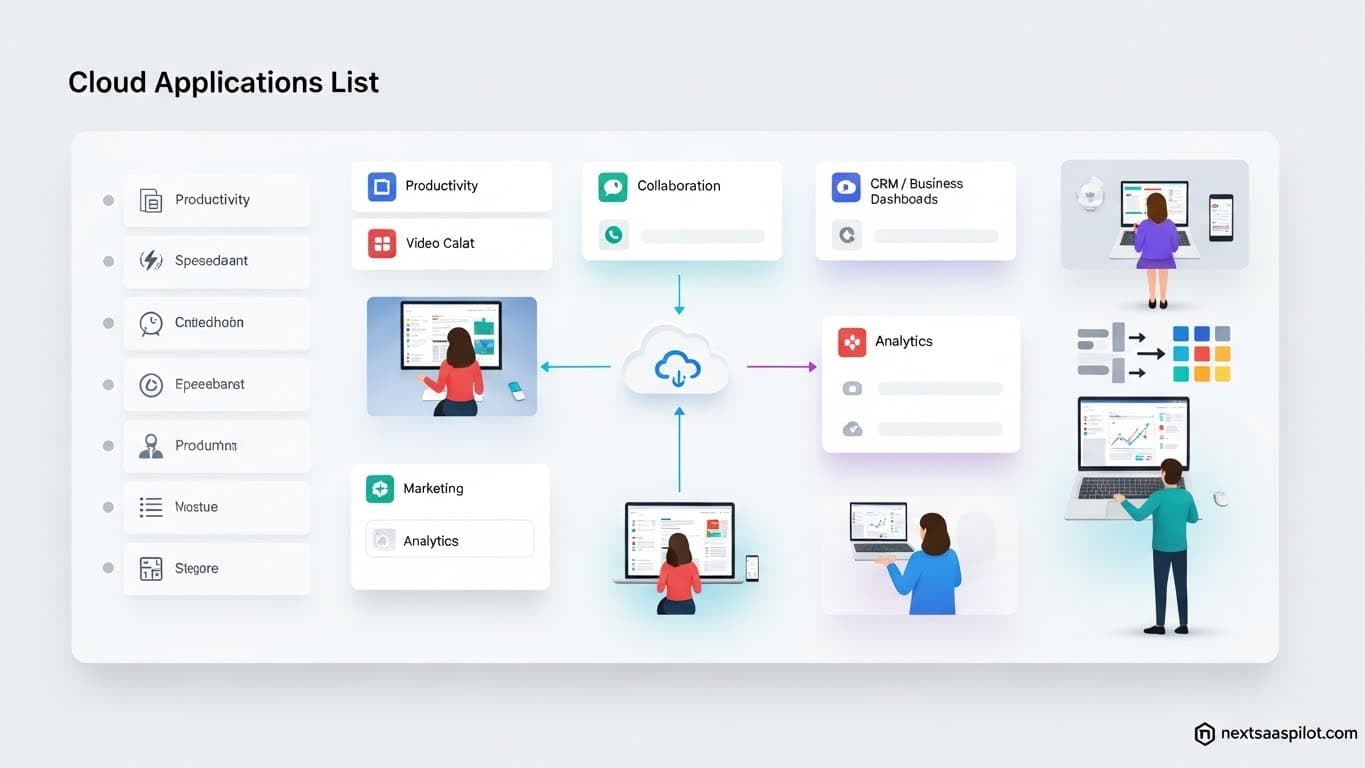
Navigating the sprawling ecosystem of the cloud applications list is the most critical task for any IT leader or founder building a modern tech stack. We have moved past the era of “cloud adoption” into the era of “cloud saturation.” The average enterprise now uses over 130 different SaaS applications, creating a complex web of dependencies and data silos.
I have spent the last decade auditing software infrastructures for companies ranging from lean startups to Fortune 500 conglomerates. The difference between a high-performing organization and a stagnant one often comes down to their tool selection. A curated, integrated stack acts as a force multiplier. A bloated, disjointed stack acts as an anchor. This guide categorizes the essential cloud software dominating the market, analyzing why they win and how they fit into your architecture.
What Defines a Modern Cloud Application?
A modern cloud application (SaaS) is software hosted on remote servers, accessed via the internet, and managed by a third-party provider, characterized by multi-tenant architecture, automatic updates, and subscription-based pricing.
Gone are the days of buying a CD-ROM and installing software on a single machine. Cloud applications live in the browser. They allow data to flow seamlessly between devices and users.
When we talk about a “Cloud App,” we are generally referring to saas examples (Software as a Service). These tools abstract away the hardware constraints. You don’t manage the server; you manage the access. This shift from ownership to access is the fundamental economic driver of the digital economy.
Top Cloud Storage and File Sharing Applications
Dropbox, Google Drive, and Box are the leaders in cloud storage, providing secure file synchronization, real-time collaboration, and enterprise-grade permission controls that replace traditional on-premise file servers.
Storage was the first major industry to move to the cloud. It proved that data could be secure off-site.
1. Google Drive / Google Workspace
Google Drive is the default operating system for most startups. It isn’t just storage; it is a collaborative layer.
- Best For: Real-time collaboration (Docs, Sheets).
- Key Feature: Live co-authoring that eliminates version control issues.
2. Dropbox
Dropbox won the market by focusing on file synchronization reliability. It just works.
- Best For: Creative agencies and handling large media files.
- Key Feature: “Smart Sync” which allows you to see files on your desktop without taking up hard drive space.
3. Box
Box focused on security and compliance from day one, making it the choice for regulated industries.
- Best For: Enterprise, Healthcare, and Legal sectors.
- Key Feature: Deep integration with secure cloud provider protocols for data sovereignty.
Best CRM and Sales Cloud Applications
Salesforce, HubSpot, and Pipedrive dominate the CRM landscape, evolving from simple contact databases into complex automation engines that track customer interactions from lead acquisition to revenue recognition.
Your CRM is your source of truth. If it isn’t in the CRM, it didn’t happen.

1. Salesforce Sales Cloud
The undisputed king of saas enterprise software. It is infinitely customizable.
- Pros: Massive ecosystem, robust API, handles complex B2B sales cycles.
- Cons: High learning curve and cost.
2. HubSpot CRM
The leader in Inbound Marketing. HubSpot connects marketing data directly to sales data.
- Pros: User-friendly, excellent for mid-market companies.
- Cons: Pricing scales steeply as your contact list grows.
3. Pipedrive
Built by salespeople, for salespeople. It focuses entirely on the visual pipeline.
- Pros: extremely intuitive, enforces sales discipline.
- Cons: Lacks the marketing automation depth of HubSpot.
These tools are the backbone of b2b saas products, ensuring that no lead falls through the cracks.
Leading Communication and Collaboration Tools
Slack, Microsoft Teams, and Zoom have fundamentally replaced internal email and legacy phone systems, creating a “Digital HQ” where synchronous and asynchronous communication happens in real-time channels.
This category represents horizontal saas—tools used by every industry regardless of niche.
| Tool | Primary Function | Best For |
| Slack | Channel-based Chat | Agile teams, Devs, Startups |
| Microsoft Teams | Unified Chat/Video | Enterprises on Office 365 |
| Zoom | Video Conferencing | External meetings, Webinars |
| Loom | Async Video | Reducing meeting fatigue |
Slack is particularly powerful because of its integrations. It acts as the notification center for your entire stack. When a deployment fails or a deal closes, Slack tells you.
Essential Project Management Cloud Apps
Asana, Jira, and Monday.com serve as the “operating system” for work, allowing teams to visualize tasks, automate dependencies, and track progress against deadlines without constant status meetings.
Project management tools have split into two camps: tools for software developers and tools for everyone else.
1. Jira (Atlassian)
The standard for software engineering. It handles Agile, Scrum, and Kanban workflows.
- Why it wins: Deep integration with GitHub/Bitbucket.
2. Asana
Focuses on clarity and accountability for general business teams.
- Why it wins: The “Work Graph” data model links tasks to high-level company goals.
3. Monday.com
A visual database that lets you build your own workflows.
- Why it wins: Flexibility. You can use it for HR, CRM, or Creative workflows.
Using these tools effectively prevents the chaos that often plagues scaling organizations.
Cloud Applications for Developers and IT
GitHub, Vercel, and Datadog are the essential infrastructure tools for modern engineering teams, enabling version control, continuous deployment, and observability across distributed cloud environments.
This sector often overlaps with iaas cloud service providers, but the application layer is distinct.
- GitHub: The home of open source. It is where code lives.
- Vercel: The best way to deploy frontend applications (Next.js). It handles the global CDN and edge caching automatically.
- Datadog: Observability. It tells you why your application is slow by monitoring servers, databases, and services.
Creative and Design Cloud Software
Adobe Creative Cloud, Canva, and Figma have transitioned design from desktop-bound processes to collaborative, multiplayer browser experiences, democratizing high-end design capabilities.
The shift here is massive. Ten years ago, a design file was locked on one designer’s hard drive.
1. Figma
Figma killed the “final_v3.psd” file. It allows designers and developers to work in the same file simultaneously.
- Impact: It bridged the gap between design and engineering.
2. Canva
Canva empowered non-designers. Marketing teams use it to generate assets without bottling up the design team.
- Impact: It is a staple for saas agencies delivering rapid social content.
3. Adobe Creative Cloud
While heavier, Adobe remains the standard for high-end video and photo editing, now fully integrated with cloud storage for asset sharing.
Finance and Accounting Cloud Apps
QuickBooks Online, Xero, and Stripe have digitized the financial back-office, allowing for real-time cash flow visibility, automated invoicing, and seamless tax compliance across international borders.
Finance used to be a lagging indicator (you waited for the monthly report). Now, it is a leading indicator.
- Stripe: It is not just a payment processor; it is a financial platform. It handles subscriptions, revenue recognition, and fraud detection.
- QuickBooks Online: The standard for SMB accounting in the US.
- Expensify: Automates expense reporting, removing the need for paper receipts.
Human Resources (HR) and Payroll SaaS
Workday, Rippling, and Gusto manage the employee lifecycle from hiring to retiring, automating complex payroll taxes, benefits administration, and device provisioning in a single dashboard.
- Rippling: Uniquely connects HR to IT. When you hire someone, Rippling can ship them a laptop and create their email account automatically.
- Gusto: The most user-friendly option for small businesses.
- Workday: The enterprise ERP for human capital management.
Comparing Cloud Apps vs. On-Premise Legacy
Cloud applications offer lower upfront costs, automatic updates, and remote accessibility, whereas on-premise software requires significant hardware investment, manual maintenance, and is often restricted to the office network.
The debate is largely over, but for legacy industries, the transition is ongoing.
| Feature | Cloud App (SaaS) | On-Premise Legacy |
| Cost Model | OpEx (Subscription) | CapEx (License + Hardware) |
| Updates | Instant / Continuous | Annual / Manual Patching |
| Security | Vendor Managed (Shared Model) | Internal IT Managed |
| Accessibility | Anywhere with Internet | VPN / Office LAN |
For a detailed breakdown of the total cost of ownership, review our analysis on saas vs on premise.
Understanding the Technical Backbone
To fully appreciate how these applications function, one must understand the underlying layers. SaaS sits on top of PaaS (Platform as a Service) and IaaS (Infrastructure as a Service). These applications rely on the massive data centers operated by AWS, Azure, and Google Cloud. Cloud Computing covers the virtualization technology that makes this possible.
Conclusion
The cloud applications list is endless, but your stack should be lean. The goal is not to use every tool, but to use the right tools that talk to each other.
- Start with the Core: Google Workspace or Microsoft 365.
- Add a System of Record: Salesforce or HubSpot.
- Layer on Communication: Slack and Zoom.
- Empower Specific Teams: Jira for devs, Figma for designers, Xero for finance.
In 2025, the competitive advantage does not go to the company with the most software; it goes to the company with the most integrated data. Choose wisely.