
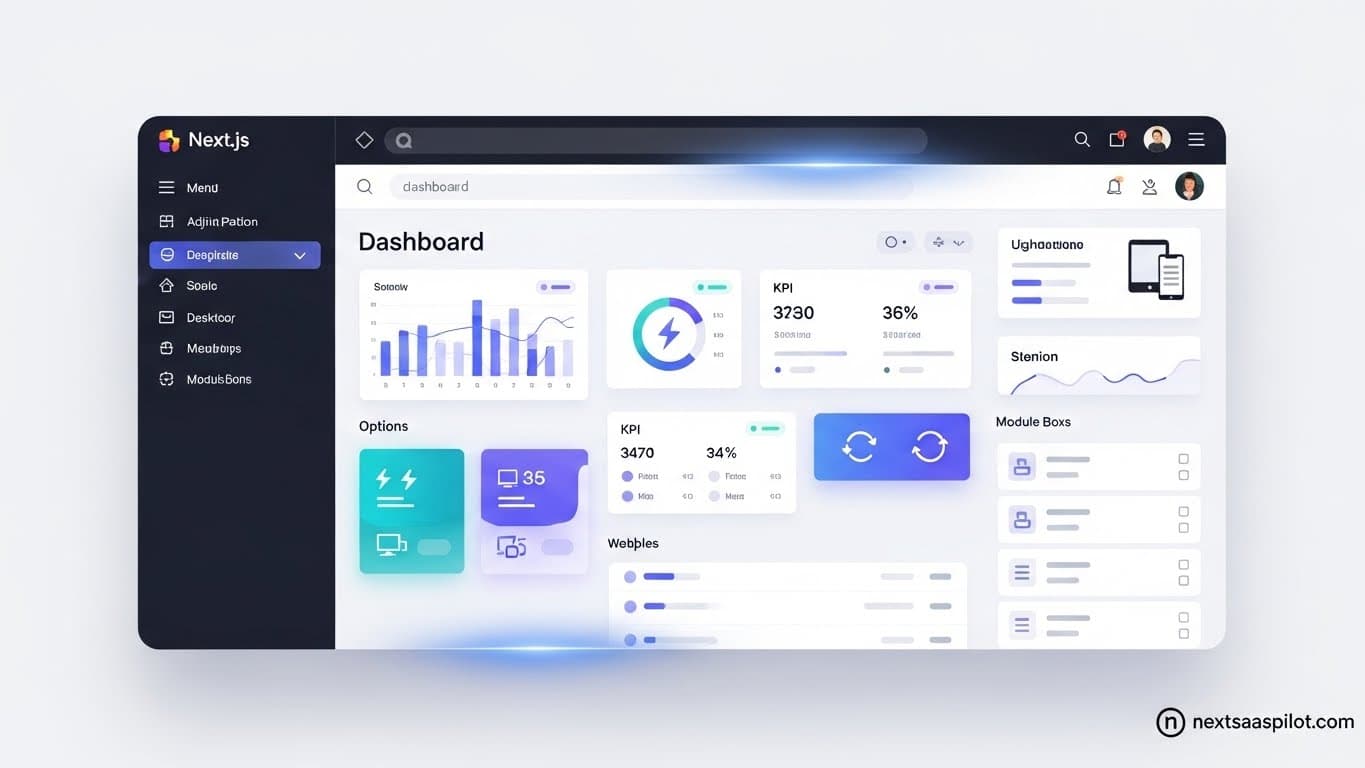
Finding the right dashboard Next JS template is the single most effective way to accelerate your software launch. When building a SaaS application, the administrative panel is often the most complex component, requiring intricate state management, data visualization, and secure authentication.
Most developers waste weeks building these internal tools from scratch. They spend valuable time configuring sidebars, wrestling with mobile responsiveness, and debugging data tables. A high-quality template eliminates this friction. It provides a production-ready foundation, allowing you to focus on the unique business logic that drives revenue rather than the repetitive setup code.
Whether you are building a fintech platform, a project management tool, or a simple admin panel, understanding the architecture of these templates is crucial. This guide explores the essential features, integration strategies, and architectural decisions you must make when selecting a dashboard foundation.
What Is a Dashboard Next JS Template?
A dashboard Next JS template is a pre-built code structure containing the user interface components, layouts, and logic required for a SaaS admin panel. It typically includes responsive navigation, charts, tables, and authentication screens, allowing developers to focus on backend logic rather than frontend design.
These templates are more than just visual themes. In the modern React ecosystem, they often come as full-stack starter kits. A robust template will include the create next app CLI setup, configured ESLint rules, and directory structures optimized for scaling.
When you download a template, you usually get a set of pre-made pages. These include a login screen, a main analytics dashboard, a settings page, and a user management table. This infrastructure acts as the skeleton of your application. Instead of coding a sidebar that collapses on mobile devices yourself, you simply import the component that already handles that logic.
Why Should You Use a Template Instead of Building from Scratch?
Using a template reduces development time by roughly half by providing ready-made UI components and architectural decisions. It ensures consistency, enforces best practices for responsiveness and accessibility, and allows teams to launch an MVP significantly faster than custom coding every interface element.
The primary argument for using a Next.js SaaS Template is opportunity cost. Every hour you spend styling a dropdown menu is an hour you are not spending on your core product features.
Startups often fail because they take too long to ship. By utilizing a template, you bypass the initial inertia. You get a professional look immediately, which helps in establishing trust with early adopters and investors. Furthermore, high-quality templates are often maintained by experienced Next.js development company teams who keep the dependencies updated, saving you from future maintenance headaches.
What Key Features Define the Best Next.js Dashboard Templates?
The best templates feature server-side rendering support via the App Router, integrated authentication through Auth.js or Clerk, and robust data visualization libraries. Look for responsive layouts, dark mode support, and highly customizable UI components that adhere to modern accessibility standards like WCAG.
When evaluating a template, look beyond the screenshots. The code quality matters. You need to ensure the template uses modern Next.js features.
Essential Feature Checklist:
- App Router Support: Ensure it uses the app directory for better performance and layouts.
- Data Tables: Look for advanced tables that support sorting, filtering, and pagination.
- Authentication: It should have pre-built pages for login, signup, and password reset.
- Role-Based Access: The ability to hide certain menu items based on user permissions.
- Theming: Easy switching between light and dark modes.
If a template lacks these core elements, you will end up writing just as much code as if you started from zero.
Should You Use the App Router or Pages Router for Dashboards?
You should use the App Router for modern dashboards to leverage React Server Components, which reduce client-side JavaScript bundles and improve load times. The App Router also simplifies layout management for nested dashboard navigation, making state preservation between page transitions much smoother.
The architecture of your dashboard depends heavily on this choice. In the older Pages Router, maintaining the state of a sidebar while navigating between pages was difficult. It often required a custom App wrapper.
With the App Router, layouts are nested by default. You can define a root layout that contains your sidebar and header. When a user navigates from the Overview page to the Settings page, only the main content area re-renders. The sidebar remains static, preserving its state. This feels much faster to the user.
Furthermore, Server Components allow you to fetch data directly in your dashboard components. You can connect to your Next.js Backend securely without exposing API keys to the client.
How Do You Integrate Backend Logic into a Next.js Dashboard?
You integrate backend logic by using Next.js API routes or Server Actions to fetch data directly from your database. Connect these endpoints to your dashboard components using fetching libraries like TanStack Query or SWR to handle caching, loading states, and real-time updates efficiently.
A template usually provides mock data. Your job is to replace that mock data with real information.
If you are using Prisma with Next.js, you can query your database directly inside a Server Component. For client-side components, like a live analytics chart, you might use an internal API.
You should also consider how your dashboard handles data mutations. When a user updates their profile, you need to send that data back to the server. Modern templates often use Server Actions for this, which allow you to call a server-side function directly from a form submit button, simplifying the data flow significantly.
What Are the Best UI Libraries for Next.js Dashboards?
Top UI libraries include Shadcn/UI for copy-paste accessibility, MUI for enterprise-grade density, and Tailwind CSS for utility-first styling. These libraries integrate seamlessly with Next.js, providing pre-built components like data tables, modals, and forms that are essential for functional admin panels.
Choosing a Next.js UI Library is a commitment. Once you build your dashboard with one system, it is hard to switch.
Shadcn/UI has become the standard for modern Next.js apps. It is not a component library you install as a dependency; rather, it is a set of components you copy into your project. This gives you total control over the code.
MUI (Material UI) is excellent for dense, data-heavy applications that need to look like traditional enterprise software.
NextUI is another strong contender, offering beautiful, accessible components that work well with Tailwind. If you need a premium look, exploring NextUI Pro might yield good results for a polished aesthetic.
How Do You Handle Authentication and Role-Based Access?
Handle authentication by implementing middleware that checks for a valid session token before rendering any dashboard route. Use libraries like NextAuth to manage providers, and store user roles in your database to conditionally render UI elements based on whether the user is an admin or a regular member.
Security is paramount in a dashboard. You do not want unauthorized users accessing sensitive Next.js Ecommerce data or changing settings.
Implementing Next Authentication usually involves wrapping your application in a Session Provider. In the App Router, you can use a layout file to check if the user is logged in. If not, you redirect them to the login page.
For granular control, you can check permissions inside specific components. For example, you might render a “Delete User” button only if the current user’s role includes admin privileges.
Can You Use a Dashboard Template for E-commerce Management?
Yes, many dashboard templates are specifically designed for e-commerce management, featuring pre-built inventory tables, order tracking interfaces, and revenue analytics charts. These templates often include specific layouts for product details and customer relationship management, speeding up the development of custom storefront backends.
If you are building a custom shop, you need a place to manage orders. A generic dashboard template can be adapted, but an e-commerce specific one is better.
These templates will often handle the complex logic of data presentation. They might have a “Kanban” view for order status or a complex filter system for product inventory. Connecting this to a Next.js HTTPS secured backend ensures that customer data remains safe while your support team manages orders.
Mobile Responsiveness: Do These Templates Work on Phones?
Most modern templates are mobile-responsive by default, utilizing CSS grids and flexbox to stack content vertically on smaller screens. They typically feature collapsible sidebars, touch-friendly navigation menus, and adaptive data tables that transform into card layouts to remain readable on mobile devices.
SaaS founders often overlook mobile experience for admin panels, assuming users will be on desktops. However, founders need to check metrics on the go.
A good template handles the difficult CSS for you. It ensures that large data tables do not break the layout on an iPhone. It might hide less important columns or provide a horizontal scroll. If you are planning a native experience later, starting with a responsive web dashboard is a good bridge before investing in a dedicated Next.js Mobile App.
Free vs. Paid Templates: Is the Investment Worth It?
Paid templates are generally worth the investment for serious projects because they offer higher code quality, regular updates, and premium support. While free templates are excellent for learning or prototypes, they often lack the depth of features, accessibility compliance, and documentation required for a commercial SaaS application.
Free templates often look good on the surface but fall apart when you try to scale. They might have messy code, outdated dependencies, or lack TypeScript support.
Paid templates, or a comprehensive Next.js Starter, are products in themselves. The creators are incentivized to keep them bug-free. They often include complex implementations like multi-tenancy, billing portals, and team management that would take you weeks to build.
Summary and Next Steps
Choosing the right dashboard Next JS template is a strategic decision. It defines the velocity of your development team. By selecting a template that uses the App Router, TypeScript, and a modern UI library, you set a foundation for success.
Remember that the template is just the start. You still need to connect your Next API Routes, set up your Prisma Next.js database, and deploy your application.
Do not let the abundance of choices paralyze you. Pick a template that aligns with your design vision and start building. The market rewards shipping, not configuring.
Checklist for Selection
- Verify App Router compatibility.
- Check the last update date on the repository.
- Ensure TypeScript support is included.
- Test the live demo on a mobile device.
- Review the documentation for authentication setup.