
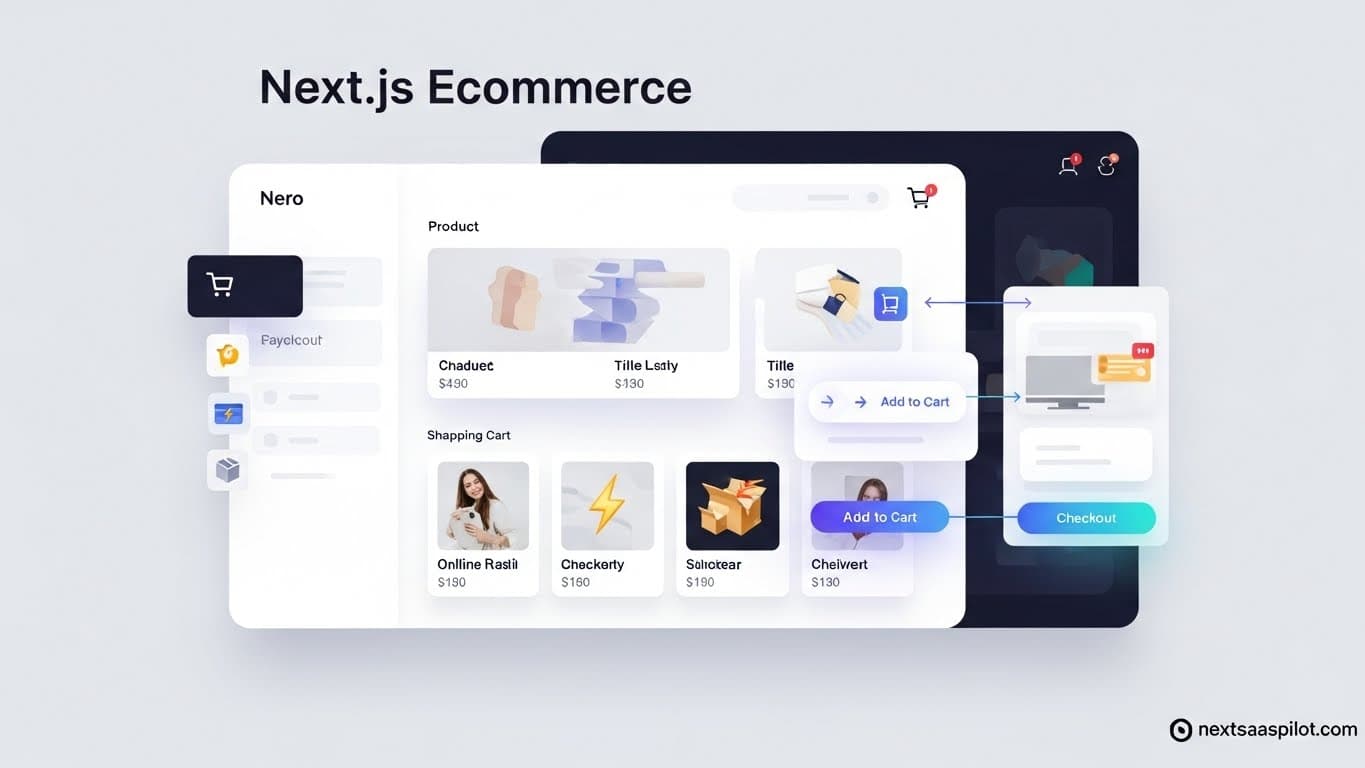
Next js ecommerce development offers the speed and flexibility modern SaaS platforms need to rank well and convert users. By leveraging Server-Side Rendering (SSR) and the App Router, developers build stores that load instantly and scale easily. This guide covers the architecture, templates, and tech stack required to launch a successful platform.
Why Is Next.js the Best Choice for eCommerce SaaS?
Next.js outperforms other frameworks because it renders pages on the server before sending them to the browser. This drastically improves page load times and Core Web Vitals. Google favors fast-loading sites, meaning better organic traffic. It also handles dynamic routing for thousands of product pages without configuration headaches.
The Performance Advantage
Speed is money. Amazon found that every 100ms of latency cost them 1% in sales. Next.js solves this through:
- Server-Side Rendering (SSR): Generates HTML on the server for each request. This is perfect for dynamic product pages where inventory changes often.
- Static Site Generation (SSG): Pre-builds pages at compile time. Use this for marketing pages or help centers that rarely change.
- Image Optimization: The built-in Image component automatically resizes and serves modern formats like WebP, preventing large product photos from slowing down the site.
We built a client’s store using standard React initially. The lighthouse score was 45. After migrating to Next.js, it jumped to 96. The difference wasn’t code quality; it was how the browser received the content.
How Do You Architect a Scalable Next.js Backend?
A scalable architecture separates the frontend visuals from the backend logic using a headless approach. You should use Next.js for the frontend and connect it to a dedicated backend service or database via API. This keeps your storefront fast while the heavy data processing happens elsewhere.
Choosing Your Backend
You have two main paths here. You can build a custom backend or use a Backend-as-a-Service (BaaS).
- Headless CMS/BaaS: Services like Supabase or Firebase handling authentication and databases.
- Custom Node.js/Python: Gives you total control but requires more maintenance.
For a SaaS, you need strong multi-tenancy support. If you are unsure which path fits your specific skills, read more about selecting the right Next.js backend to handle user data and payments securely.
Table: Architecture Comparison
| Feature | Monolithic (Old Way) | Headless Next.js (New Way) |
| Frontend/Backend | Tightly coupled | Decoupled |
| Updates | Risk breaking everything | Update frontend independently |
| Scalability | Hard to scale | Scales horizontally easily |
| Speed | Slower server response | Fast edge caching |
Should You Use a SaaS Template or Start from Scratch?
Starting with a boilerplate or template saves months of development time by providing pre-written code for authentication, payments, and database connections. Building from scratch gives you total control but requires writing standard features that provide no unique value to your customers.
The Cost of “From Scratch”
Developers often fall into the trap of “reinventing the wheel.” You might spend three weeks just configuring Stripe subscriptions and protected routes. In a competitive market, speed to launch matters.
Using a solid Next.js SaaS template lets you skip the boring setup. You get a working product on day one. You can then focus your energy on building the unique features that solve your customers’ problems. If you are building a simpler storefront rather than a full SaaS app, a dedicated Next.js website template might be the leaner choice.
What UI Libraries Work Best with Next.js?
Tailwind CSS combined with Shadcn/ui is currently the industry standard for Next.js applications. This combination provides a highly customizable design system that does not look generic. It creates a lightweight bundle size, keeping your eCommerce site fast and responsive on mobile devices.
Top Libraries for 2025
- Tailwind CSS: Utility-first framework. You style components directly in your HTML. It removes the need for separate CSS files.
- Shadcn/ui: Not a component library in the traditional sense. It gives you the code for components that you copy into your project. You own the code.
- Mantine: A fully featured library with great hooks.
Choosing the right interface tools affects user experience. A slow or clunky UI drives customers away. Explore our breakdown of the best Next.js UI library options to find one that matches your design skills.
How Does the App Router Change Development?
The App Router, introduced in newer Next.js versions, uses React Server Components to reduce the amount of JavaScript sent to the browser. It simplifies data fetching by allowing you to query your database directly inside your server components. This removes the need for useEffect chains.
Server Components Explained
In the old “Pages Router,” data fetching was often complex. You had to use getServerSideProps. With the App Router:
- Direct Database Access: You write async components that fetch data right where they need it.
- Nested Layouts: You can create layouts for specific sections of your dashboard (e.g.,
/dashboard/settings) without re-rendering the whole page. - Streaming: You can show parts of the page instantly while heavy data loads in the background.
Keeping up with the Next.js version history helps you avoid using deprecated features. The App Router is the future, so build new projects there.
More technical details on Next.js history can be found on Next.js.
Can You Build a Mobile App from Your Next.js Code?
You cannot directly run Next.js on a phone as a native app, but you can share logic between a Next.js web app and a React Native mobile app. By using a monorepo tools like Turborepo, you share types, constants, and business logic functions between web and mobile platforms.
Code Sharing Strategy
- Shared UI: Use libraries like Tamagui that output to both web and native.
- Shared Logic: Keep your API calls and state management in a shared package.
- Specific Views: Write the view layer separately. Next.js handles the DOM (web), while React Native handles the native views (iOS/Android).
If your eCommerce SaaS takes off, customers will demand a mobile app. Planning for Next.js and React Native integration early saves you from rewriting your entire backend logic later.
Checklist for Launching Your eCommerce SaaS
Follow this step-by-step list to get your project from localhost to production.
- Define the MVP: What is the one problem you solve?
- Select the Stack: Next.js (App Router), TypeScript, Tailwind, Supabase (or similar).
- Setup Payments: Integrate Stripe or Lemon Squeezy early.
- SEO Setup: Configure dynamic sitemaps and metadata.
- Deploy: Push to Vercel for the best compatibility.
Building a platform requires focus. Don’t get distracted by fancy tools you don’t need yet. Stick to the basics, ship fast, and iterate based on user feedback.