
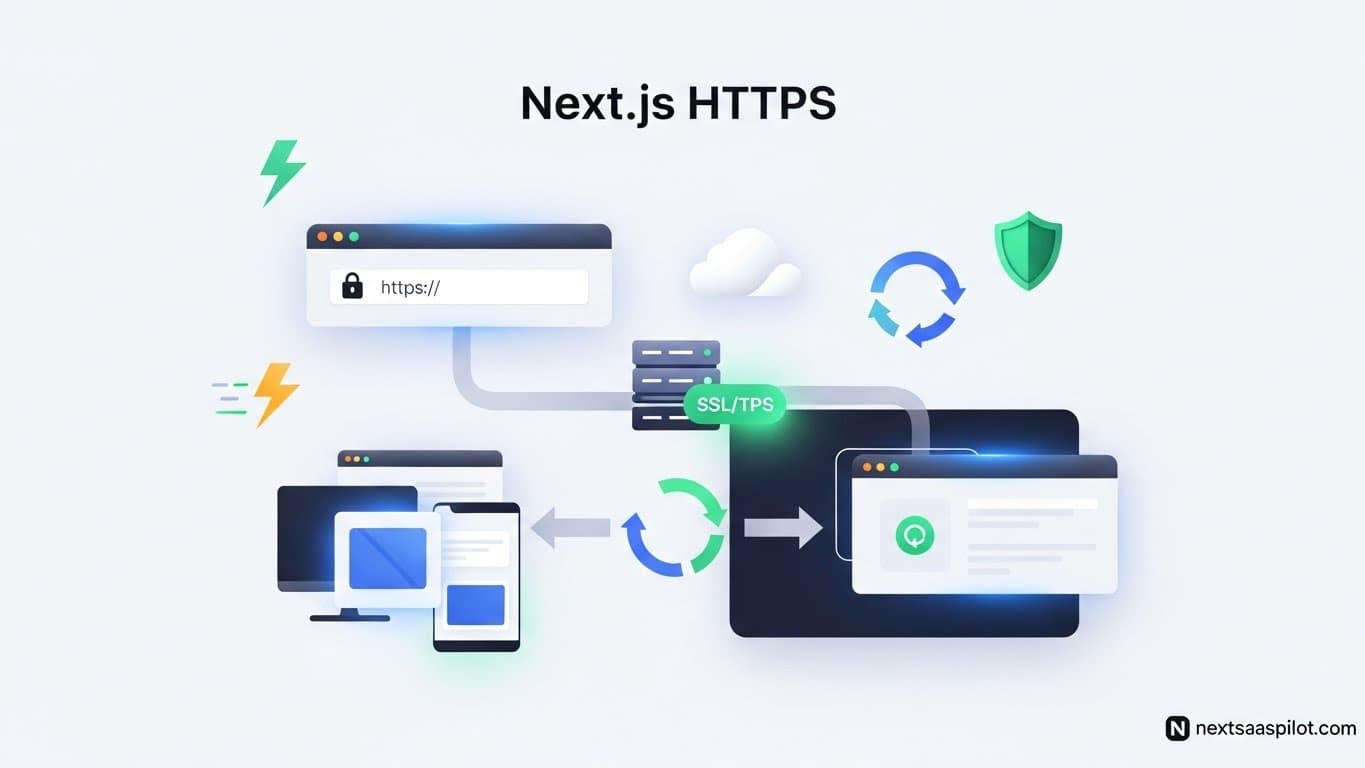
Setting up next js https effectively is the single most important step for application security. Browsers now block features like geolocation and microphone access on insecure origins, and search engines punish sites that lack that padlock icon. If you are building a Next.js application, SSL is not an upgrade; it is a requirement.
You need a setup that works locally to mirror production environments and a strategy for deploying secure apps to the public. This guide covers the exact steps to force HTTPS, manage certificates, and secure your user data without relying on third-party proxies during development.
Why is SSL/HTTPS critical for Next.js SaaS applications?
SSL encrypts the data tunnel between a user’s browser and your server, making it impossible for attackers to intercept sensitive information like passwords or payment tokens. For Next.js specifically, HTTPS is mandatory for using modern performance features like HTTP/2 and for setting secure, HTTP-only cookies used in authentication flows.
When you run a SaaS platform, trust is your currency. A “Not Secure” warning in the URL bar kills conversion rates instantly. Beyond user perception, technical functionality relies on it. Next.js authentication libraries often fail locally if you try to set cookies without a secure context. By enabling HTTPS, you ensure your local environment behaves exactly like your production build, preventing those frustrating “it worked on localhost” deployment bugs.
Search engines also use HTTPS as a confirmed ranking signal. Google prioritizes secure sites. If you want your Next.js SaaS template to rank, you must serve it over a secure connection.
How do I enable HTTPS in Next.js for local development?
The most reliable method for local SSL is mkcert, a simple tool that creates a locally trusted Certificate Authority on your machine. While Next.js 13.5+ offers an --experimental-https flag for quick setups, creating your own certificates with mkcert gives you full control over the keys and allows you to test complex custom server configurations.
Many developers ignore local SSL, but this causes issues when integrating third-party APIs that require secure callbacks. Here is how to fix that using mkcert:
1. Install the Tool
- macOS:
brew install mkcert - Windows:
choco install mkcert
2. Create a Local Certificate Authority
Run this command once to let your computer trust the certificates you generate:
mkcert -install
3. Generate the Keys
Navigate to your project root and run:
mkcert localhost
This command produces two files: localhost.pem (the certificate) and localhost-key.pem (the private key). You will use these files to tell your local server to encrypt traffic. This setup allows you to test API routes securely.
Can I use a custom server for SSL handling?
Yes, you can create a custom Node.js server file to explicitly handle HTTPS requests using the https and fs modules. This approach bypasses the default next dev server logic, allowing you to inject your generated SSL certificates directly into the server instance before passing the request to the Next.js handler.
This is often necessary when you need granular control over request processing or are running a Next.js build in a specific containerized environment.
Step 1: Create server.js
Place this file in your project root. It reads the keys we generated earlier.
JavaScript
const { createServer } = require('https');
const { parse } = require('url');
const next = require('next');
const fs = require('fs');

const dev = process.env.NODE_ENV !== 'production';
const app = next({ dev });
const handle = app.getRequestHandler();

const httpsOptions = {
  key: fs.readFileSync('./localhost-key.pem'),
  cert: fs.readFileSync('./localhost.pem'),
};

app.prepare().then(() => {
  createServer(httpsOptions, (req, res) => {
    const parsedUrl = parse(req.url, true);
    handle(req, res, parsedUrl);
  }).listen(3000, (err) => {
    if (err) throw err;
    console.log('> Ready on https://localhost:3000');
  });
});
Step 2: Update Scripts
Change your package.json to launch this server instead of the default.
“dev”: “node server.js”
Now, when you visit https://localhost:3000, you will see a valid padlock icon.
How does production SSL differ from local setups?
Production environments almost never use self-signed certificates; they rely on valid certificates from authorities like Let’s Encrypt, often managed automatically by platforms like Vercel or via a reverse proxy like Nginx. While local setups focus on bypassing browser warnings, production setups focus on automated renewal and strict security headers.
If you host on a platform managed by a Next.js development company, SSL is usually “zero-config.” You connect your domain, and they handle the handshake.
For self-hosted architectures (like a VPS), you should not expose Node.js directly to port 443. Instead, you set up a reverse proxy.
Comparison of Hosting Strategies:
| Feature | Managed (Vercel/Netlify) | Self-Hosted (Nginx/Docker) |
| Certificate Source | Platform (Auto-generated) | Let’s Encrypt (Certbot) |
| Configuration | Automatic | Manual (Nginx Config) |
| Maintenance | Zero | Requires periodic updates |
| Cost | Included in pricing | Free (Open Source) |
When self-hosting, Nginx acts as the traffic cop. It accepts the HTTPS connection, decrypts it, and passes the plain HTTP request to your Next.js app running on an internal port. Read more about the architecture on Next.js page.
How do I force HTTP to HTTPS redirects in Next.js?
The best way to enforce HTTPS is by using Next.js Middleware or next.config.js headers to inspect the protocol and redirect insecure traffic immediately. While cloud providers often handle this at the infrastructure level, adding application-level checks ensures security regardless of where the code is deployed.
Method 1: Middleware (Recommended)
Create a middleware.ts file. This code runs before the request hits your page.
TypeScript
import { NextResponse } from 'next/server';
import type { NextRequest } from 'next/server';

export function middleware(req: NextRequest) {
  if (process.env.NODE_ENV === 'production' &&
      req.headers.get('x-forwarded-proto') !== 'https') {
    return NextResponse.redirect(
      `https://${req.headers.get('host')}${req.nextUrl.pathname}`,
      301
    );
  }
}
Method 2: HSTS Headers
HTTP Strict Transport Security (HSTS) tells the browser, “Never load this site using HTTP again.” Add this to next.config.js:
JavaScript
module.exports = {
  async headers() {
    return [
      {
        source: '/:path*',
        headers: [
          {
            key: 'Strict-Transport-Security',
            value: 'max-age=63072000; includeSubDomains; preload'
          }
        ],
      },
    ];
  },
};
This simple addition protects users even if they manually type http:// into the address bar.
What are common mixed content errors?
Mixed content errors happen when a secure HTTPS page tries to load insecure resources like images, scripts, or stylesheets via HTTP, causing the browser to block the content or mark the page as insecure. This usually occurs when you hardcode URLs in your code or database instead of using relative paths or protocol-agnostic links.
If your JS development workflow involves copying assets from older projects, you might accidentally carry over http:// links.
How to fix this:
- Relative Paths: Use
/images/logo.pnginstead ofhttp://site.com/images/logo.png. - Upgrade Insecure Requests: Add a meta tag or header that forces the browser to upgrade links automatically:
- Database Migration: If your content comes from a CMS, run a script to replace all instances of
http://withhttps://.
What are some Next.js Alternatives for SSL handling?
While Next.js provides excellent tools for headers and middleware, other frameworks like Nuxt (Vue) or Remix also offer strong SSL support, often delegating the heavy lifting to the server adapter or deployment target. If you are looking for Next.js alternatives, note that the requirement for SSL remains constant across the web.
In a standard Express application, you might use a package like helmet to set HSTS headers. In static site generators, you rely entirely on the CDN (like Cloudflare) to handle the encryption. Next.js sits in the middle, giving you both infrastructure options and application-level control.
Final Thoughts
Security is not a feature you add at the end of a project; it is the foundation. By configuring next js https correctly in your local environment, you remove a massive category of potential bugs and deployment issues. Whether you use the experimental flag or a custom server with mkcert, the goal is consistency. Secure your cookies, protect your users, and build with confidence knowing your application meets modern web standards.