
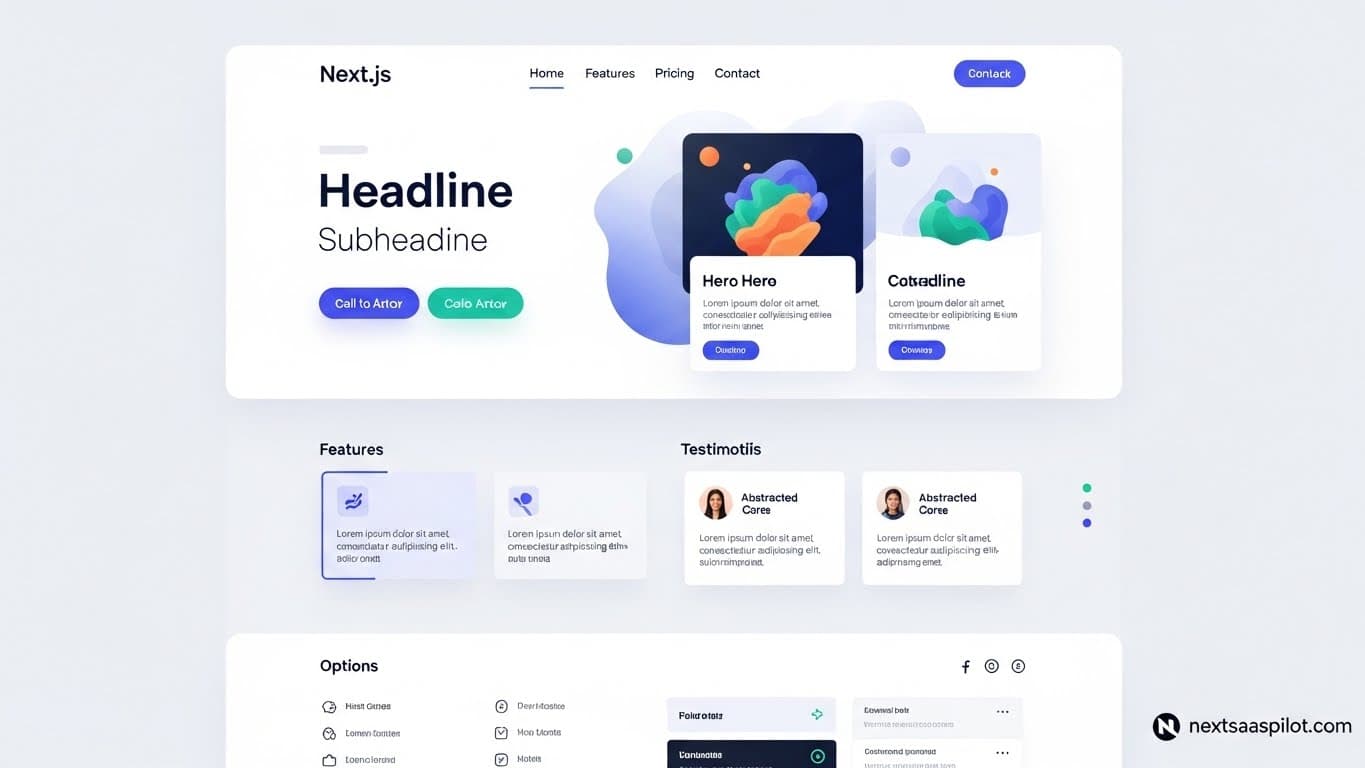
Building a next js landing page gives your SaaS the speed and SEO foundation it needs to convert visitors into users. Speed matters more than ever. A delay of one second can drop conversions by 7%. Next.js solves this by offering server-side rendering and static generation out of the box. This guide shows you exactly how to code, style, and deploy a landing page that ranks high and loads instantly.
Why Choose Next.js for Your SaaS Landing Page?
Next.js provides Server-Side Rendering (SSR) and Static Site Generation (SSG), offering superior page load speeds and SEO advantages compared to standard React apps. It handles routing, image optimization, and API endpoints efficiently, making it the ideal choice for scalable SaaS projects.
If you use standard React (Create React App), you often end up with a blank white screen while JavaScript loads. Search engines struggle with that. Next.js pre-renders HTML, meaning Google sees your content immediately.
Here is why developers pick Next.js over competitors:
- Performance First: Automatic code splitting means users only load the code they need for that specific page.
- Built-in Routing: No need for external libraries like React Router. The file system acts as the router.
- Full-Stack Capabilities: You can build your frontend and API routes in the same project. This tight Node.js and Next.js integration simplifies your stack significantly.
While tools like Vite are great for single-page apps, Next.js remains the better choice when organic search traffic and initial load time are your top priorities.
How Do I Set Up the Next.js Project Environment?
Run npx create-next-app@latest my-saas-page in your terminal to initialize the project. Select TypeScript, Tailwind CSS, and the App Router when prompted. This setup ensures type safety and provides a modern utility-first styling framework immediately.
Let’s get technical. Open your terminal and run the command above. You will see prompts asking about your preferences. Here is the recommended configuration for a modern SaaS:
- TypeScript: Yes (Catch bugs early).
- ESLint: Yes (Keep code clean).
- Tailwind CSS: Yes (Speed up styling).
- App Router: Yes (The modern standard for Next.js).
Once installed, navigate to your folder:
Bash
cd my-saas-page
npm run dev
Your local server is now running on localhost:3000. You now have a clean slate to build your Next.js SaaS template from scratch, or you can integrate existing libraries to move faster.
What Are the Essential Components of a SaaS Landing Page?
A high-performing SaaS landing page requires a clear Hero section with a primary CTA, a Social Proof bar, a Benefits/Features breakdown, a Pricing table, and a Footer. Each component should function independently to maintain code modularity and easier maintenance.
Don’t dump all your code into page.tsx. Break it down. Here is a standard directory structure for a Next.js project:
Plaintext
/src
  /components
    Hero.tsx
    Features.tsx
    Pricing.tsx
    Navbar.tsx
    Footer.tsx
  /app
    page.tsx
    layout.tsx
1. The Hero Section
This is your main conversion point. It needs a headline, subheadline, and two buttons (Primary and Secondary).
2. The Feature Grid
Show, don’t just tell. Use a grid layout to display your product’s core value props.
3. Pricing Tables
Clarity wins here. Use clear monthly/yearly toggles. If you need inspiration on how to structure these visually, looking at established Next.js themes can save you hours of design guesswork.
How Can I Style My Landing Page Quickly?
Use Tailwind CSS for utility classes or integrate a component library like NextUI for pre-built, accessible elements. These tools speed up development by reducing the need to write custom CSS files while ensuring responsive design across devices.
Writing raw CSS is slow. Tailwind allows you to style directly in your JSX.
For example, a responsive button looks like this:
TypeScript
If you want components that look professional immediately, consider using a library. NextUI Pro is a popular choice because it sits on top of Tailwind but gives you accessible components like modals and dropdowns without building them from zero.
Comparison of Styling Options
| Method | Pros | Cons |
| CSS Modules | Scoped CSS, no conflicts | Slower to write, more files |
| Tailwind CSS | Fast, no context switching | HTML can look messy |
| Component Libraries | Instant polish, accessible | Harder to customize fully |
How Do I Handle Data and Database Connections?
Utilize Next.js API Routes to handle form submissions, newsletter signups, or authentication without a separate backend server. Connect these routes to a database using an ORM like Prisma for type-safe database queries.
Your landing page likely needs to collect emails or allow users to sign up. You don’t need a separate Express server for this.
Inside app/api/subscribe/route.ts, you can write backend logic:
TypeScript
import { NextResponse } from 'next/server';

export async function POST(request: Request) {
  const body = await request.json();
  // Save email to database logic here
  return NextResponse.json({ message: 'Success' });
}
For the database connection, Prisma with Next.js is the industry standard. It allows you to talk to your database using TypeScript instead of raw SQL. It works with Postgres, MySQL, and MongoDB smoothly.
How Can I Optimize My Next.js Site for SEO?
Implement the Metadata API in the layout file for dynamic SEO tags. Use the Next.js
Next.js makes SEO easier, but you still have to do the work.
1. The Metadata API
In your layout.tsx or page.tsx, export a metadata object. This replaces the old tag.
TypeScript
export const metadata = {
  title: 'Best SaaS Tool for 2025',
  description: 'Increase productivity with our AI-powered tool.',
};
2. Image Optimization
Never use a standard
3. Global Authority
Remember to link out to authoritative sources where relevant. For deeper technical definitions of the framework history, you can refer to Next.js.
Final Thoughts
Building a SaaS landing page with Next.js gives you a significant advantage in speed and scalability. By combining the power of React with server-side rendering and a strong ecosystem of tools like Tailwind and Prisma, you create a foundation that can handle growth.
Focus on getting your structure right, optimizing your images, and keeping your code modular. If you follow the steps outlined here, you will have a high-performance site ready to welcome your first users.