
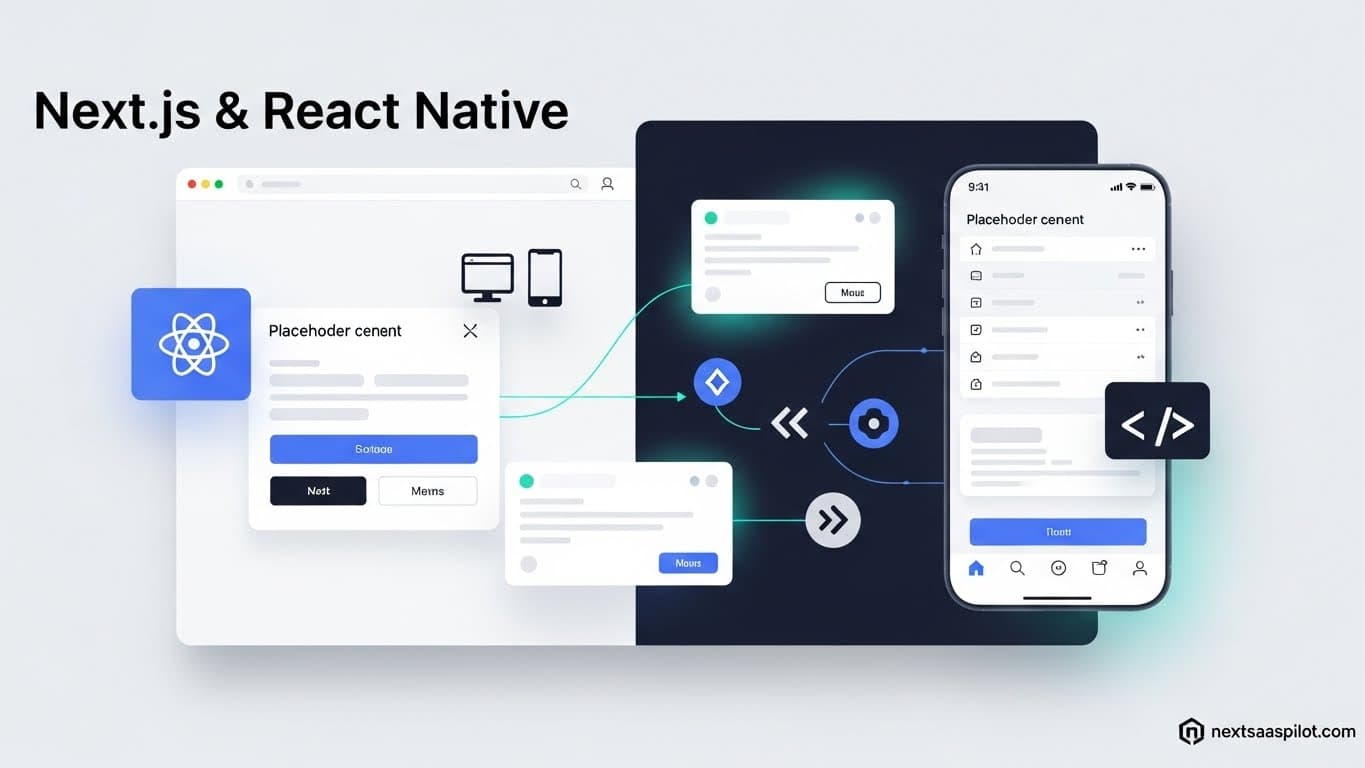
Building a next js react native architecture allows engineering teams to maintain a single codebase that powers both a high-performance website and a native mobile application. For years, companies maintained two separate teams: one for the React web app and one for the mobile app. Today, modern tooling has bridged that gap, allowing for up to 90% code reusability.
If you are a startup founder or a lead engineer, this unification is the Holy Grail of efficiency. It drastically reduces the time to market and ensures feature parity across platforms. This guide explores the architecture, tools, and strategies required to merge these two powerful technologies into one cohesive workspace.
Can Next.js and React Native Work Together in One Repo?
Yes, Next.js and React Native can share a single repository (Monorepo) where business logic, hooks, and even UI components are written once and imported into both the web and mobile applications. This is typically achieved using workspace tools like Turborepo or Nx to manage dependencies between the platforms.
In this setup, you do not “run” Next.js on the phone. Instead, you have three distinct folders:
- Web: The Next.js app (handling SEO and browser rendering).
- Mobile: The React Native/Expo app (handling iOS and Android).
- Shared: A package containing components, state, and utilities used by both.
This architecture prevents the common nightmare of fixing a bug on the web but forgetting to fix it on mobile.
What Is the “Universal App” Architecture?
A Universal App is an application design where the codebase is platform-agnostic, meaning the code does not care if it is running in a Chrome browser or on an iPhone. By abstracting the platform-specific differences into a shared layer, you write feature code that works everywhere.
The key to this is abstraction. On the web, you use a This approach is gaining massive traction because it leverages the specific nextjs benefits—like Server-Side Rendering (SSR) and SEO—while keeping the fluid, 60fps performance of a truly native mobile app. To successfully integrate Next.js with React Native, you need a specific stack of tools designed for monorepo management and cross-platform navigation. The industry standard currently involves Turborepo for build management, Solito for navigation, and Expo for the mobile runtime. Here is your essential toolkit: Using a pre-configured nextjs saas template that already includes these monorepo settings can save you weeks of configuration hell. Solito provides a unified Navigation is usually the hardest part of unifying code. Web navigation relies on URLs ( Solito solves this by “wrapping” the native navigation logic. When you write: Profile Without Solito or a similar bridge, you would have to write separate navigation logic for every single button in your app. Understanding how these two technologies render content is critical for debugging. Next.js focuses on the DOM, while React Native focuses on Native APIs. The table below outlines these fundamental differences. You must use a “Universal UI Library” or a compiler that transforms your styles into the correct format for each platform. Libraries like Tamagui or NativeWind allow you to write styles once using a Tailwind-like syntax that works perfectly on both web and mobile. If you try to use standard CSS Modules or SASS in React Native, the app will crash. React Native does not understand CSS files. If you are migrating an existing next-js-website-template, switching to a universal styling system is usually the most time-consuming task, but it pays off by reducing tech debt. While you cannot run Next.js API routes directly inside the mobile app, you can host the API routes on Vercel or a similar provider and have the React Native app fetch data from those endpoints just like any other client. Your Next.js app acts as the backend. The nextjs backend folder ( To make this cleaner, you can create a shared “API Client” package in your monorepo using tools like TanStack Query (React Query). This shared package contains all the hooks ( Next.js and React Native often rely on different versions of React, which can cause dependency conflicts in a monorepo; you must ensure that the version of React used by Next.js is compatible with the version required by the React Native renderer. React Native tends to lag slightly behind the latest React release. For example, when React 18 came out, Next.js adopted it immediately, but React Native took a few months to stabilize support. When upgrading to a new next version, check the Expo SDK compatibility guide. You might need to use “resolutions” in your To set up the integration, you should start with a specialized monorepo starter rather than building from scratch. The “create-solito-app” command sets up the workspace, configuring the shared packages and separate entry points for web and mobile automatically. A typical structure looks like this: In this setup, apps/next/pages/index.js simply imports the HomeScreen from packages/app. Similarly, apps/expo/app/index.js imports the same HomeScreen. This is the essence of code reuse. The apps are just empty shells; the logic lives in the If the complexity of a monorepo seems too high, you might consider alternatives like purely web-based wrappers (Capacitor) or maintaining completely separate repositories if the apps have drastically different feature sets. However, for React developers, the next-js-alternatives usually involve leaving the React ecosystem entirely, which increases hiring difficulty. Staying within the React/Next.js/React Native triangle preserves your team’s expertise. Integrating Next.js with React Native is not just a technical decision; it is a strategic business move. It allows a small team to dominate both the web and mobile markets simultaneously. The learning curve of setting up a monorepo is steep in the first week. Dealing with Metro bundlers, Webpack configs, and symlinks can be frustrating. However, once the foundation is laid, the velocity is unmatched. You build a feature once, style it once, and deploy it to the Web, iOS, and Android instantly. As mobile devices become more powerful and web engines become faster, the line between “web” and “native” will continue to blur. By adopting this architecture now, you position your product on the cutting edge of frontend development.What Tools Are Required for This Integration?
next/router and react-navigation.How Does Solito Bridge the Navigation Gap?
Link component and useRouter hook that automatically detects the environment; on the web, it uses Next.js routing for SEO-friendly URLs, and on mobile, it uses React Navigation for native screen transitions./user/profile). Mobile navigation relies on a stack of screens.
tag. Google can crawl it.navigation.navigate('profile') event. The screen slides in with native animation.Comparison: Next.js vs. React Native Rendering
Feature Next.js (Web) React Native (Mobile) Primitive HTML ( div, span, img)Native Components ( View, Text, Image)Styling CSS / Tailwind / CSS-in-JS StyleSheet API (Flexbox only) Navigation URL-based (History API) Stack/Tab-based (Memory) Execution Browser JS Engine Hermes / JavaScriptCore Server Access Direct (Server Components) Network Request Only How Do You Handle Styling Across Platforms?
StyleSheet.create objects for React Native.Can You Share API Routes and Backend Logic?
app/api or pages/api) contains your server logic.
/api/data (relative path).https://your-site.com/api/data (absolute path).useGetUser, usePostData). Both the web and mobile apps import these hooks. This ensures that data fetching logic is identical across platforms.What Are the Challenges of Version Compatibility?
package.json to force a specific React version across the entire monorepo to prevent “Duplicate React” errors.Step-by-Step: Creating the Monorepo Structure
apps/
next/ (The website)expo/ (The mobile app)packages/
app/ (Screens, Navigation, Business Logic)ui/ (Buttons, Inputs, Cards)packages.Are There Alternatives to This Integration?
Conclusion