
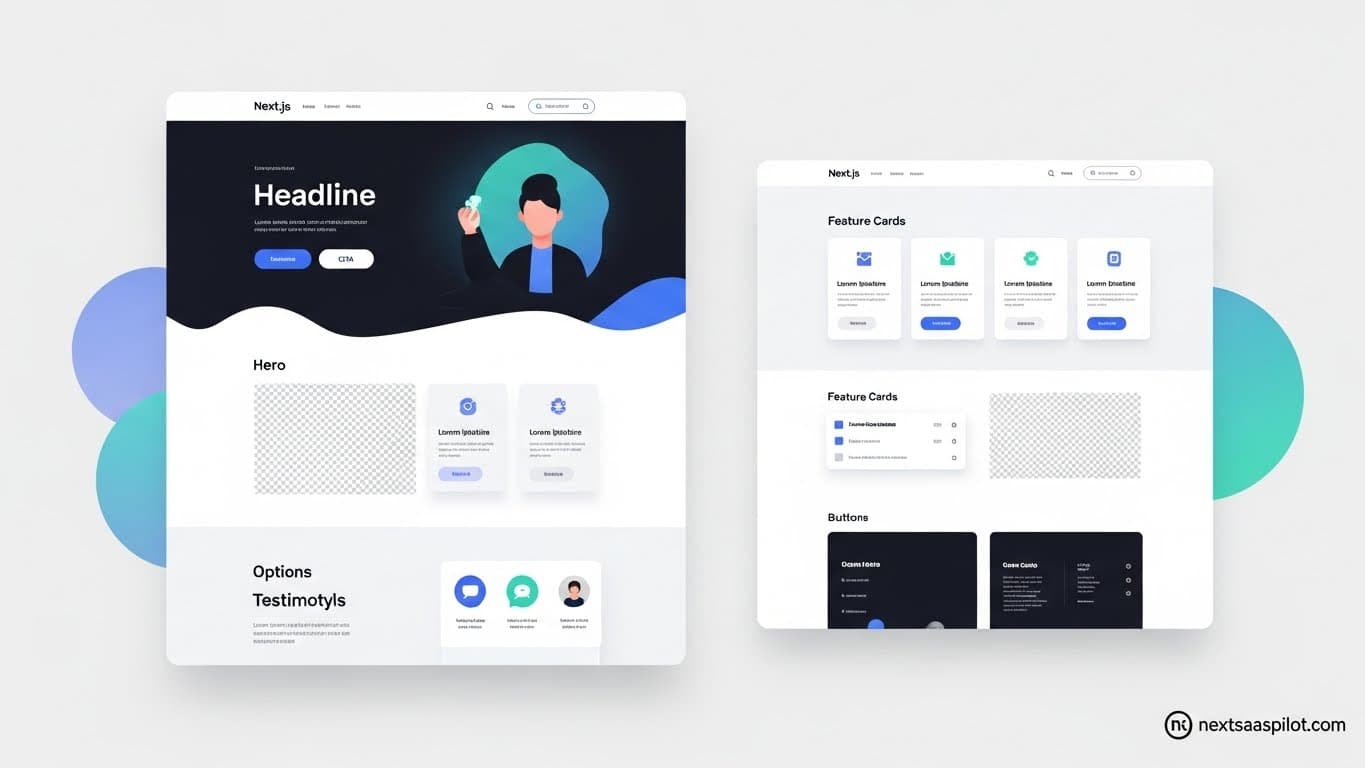
Choosing the right next js website template serves as the launchpad for your entire SaaS business. Speed of execution defines success in the software world. Starting from scratch often leads to weeks of wasted development time. A high-quality template provides a pre-configured foundation, allowing you to focus on your unique value proposition rather than configuring Webpack or ESLint.
This guide explores the best templates, customization strategies, and essential features for 2025/26.
Why Should You Start with a Next.js Template?
Using a pre-built template accelerates your time-to-market by approximately 40-60%, eliminating repetitive setup tasks like authentication, database connection, and UI configuration. It ensures you start with best practices for performance and SEO already implemented, allowing developers to focus immediately on business logic rather than boilerplate code.
I have seen countless startups fail because they spent three months building a “perfect” login system before acquiring a single user. A template solves this.
When you download a Next.js SaaS template, you aren’t just getting HTML and CSS. You are acquiring an architecture. You get:
- Pre-configured Tooling: TypeScript, ESLint, and Prettier are ready to go.
- SEO Optimization: Meta tags, sitemaps, and open graph settings are often pre-wired.
- Performance: Server-side rendering strategies are already in place.
If you are new to the framework, starting with a template is also an excellent way to learn JS development patterns by dissecting professional code.
What Essential Features Must a SaaS Template Have?
A production-ready SaaS template must include robust authentication (NextAuth or Clerk), database integration (Prisma/Supabase), payment processing (Stripe), and a responsive UI component library. It should also feature a dedicated dashboard layout and API routes for handling server-side logic securely.
Not all templates are created equal. Some are just pretty skins; others are functional applications.
When evaluating a template, check for these specific integrations:
- Authentication: Does it handle protected routes? Look for Next.js authentication pre-built into the layout.
- Database ORM: Raw SQL is rare in modern Next.js. Ensure it uses Prisma or Drizzle.
- API Structure: The template should demonstrate how to organize Next.js API routes effectively.
Feature Checklist
| Feature | Necessity | Why? |
| Auth & User Profiles | Critical | Users need to log in to use SaaS. |
| Stripe Integration | Critical | You need to get paid. |
| Admin Dashboard | High | Users need a place to manage data. |
| Blog/CMS Support | Medium | Critical for long-term SEO growth. |
Free vs. Paid Templates: Which Is Better for Business?
Paid templates generally offer superior code quality, ongoing support, and regular updates to keep pace with Next.js versions, whereas free templates often lack advanced features like payments and authentication. For a serious business, the one-time cost of a premium template is negligible compared to the engineering hours saved.
Free templates are fantastic for hobby projects or simple portfolios. However, for a SaaS, you need reliability.
I once used a free template for a client project to save budget. We ended up spending 20 hours fixing accessibility issues and mobile responsiveness bugs. A $50 premium template would have solved that instantly.
Premium templates typically include:
- Documentation: Clear guides on how to create a Next.js app using their structure.
- Support: A Discord channel or email support if you get stuck.
- Design Systems: A consistent look using tools like Tailwind CSS or Chakra UI.
How Do I Customize a Next.js Template Efficiently?
Begin by setting up your environment variables and connecting your database before modifying the UI. Use the component architecture to override global styles and layout files first, then systematically replace the boilerplate content with your own branding and copy.
Don’t dive in and start changing text colors immediately.
Step 1: The Engine Room
Get the app running. Run npm install and ensure the Next.js build process passes without errors. Connect your database string in the .env file.
Step 2: Global Styling
Most templates use a globals.css or a Tailwind config file. Change your primary brand colors here. This instantly applies your branding to buttons, links, and headers across the entire Next.js application.
Step 3: Component Replacement
Swap out the logo and footer links. Because Next.js uses reusable components, changing the component updates it on every page.
Are There Templates Specifically for Dashboards?
Yes, specific dashboard templates exist that focus on data visualization, tables, and user management layouts rather than marketing landing pages. These templates prioritize efficient data fetching and state management to handle complex administrative tasks.
A marketing site and a web app are different beasts.
If your SaaS is data-heavy, look specifically for a dashboard Next.js template. These come with:
- Charts: Integrations with Recharts or Chart.js.
- Data Tables: Sortable, filterable tables for user data.
- Sidebar Navigation: Collapsible menus essential for deep linking.
Final Thoughts
Selecting the right next js website template is a strategic business decision. It is about buying time. By choosing a template that aligns with your technical requirements—whether that is a complex dashboard or a simple marketing site—you significantly de-risk your launch.
Focus on the backend integration and code quality over just the visual aesthetics. Pretty CSS is easy to change; a broken authentication flow is a nightmare to fix. For a broader understanding of the framework’s evolution, you can check Next.js.