
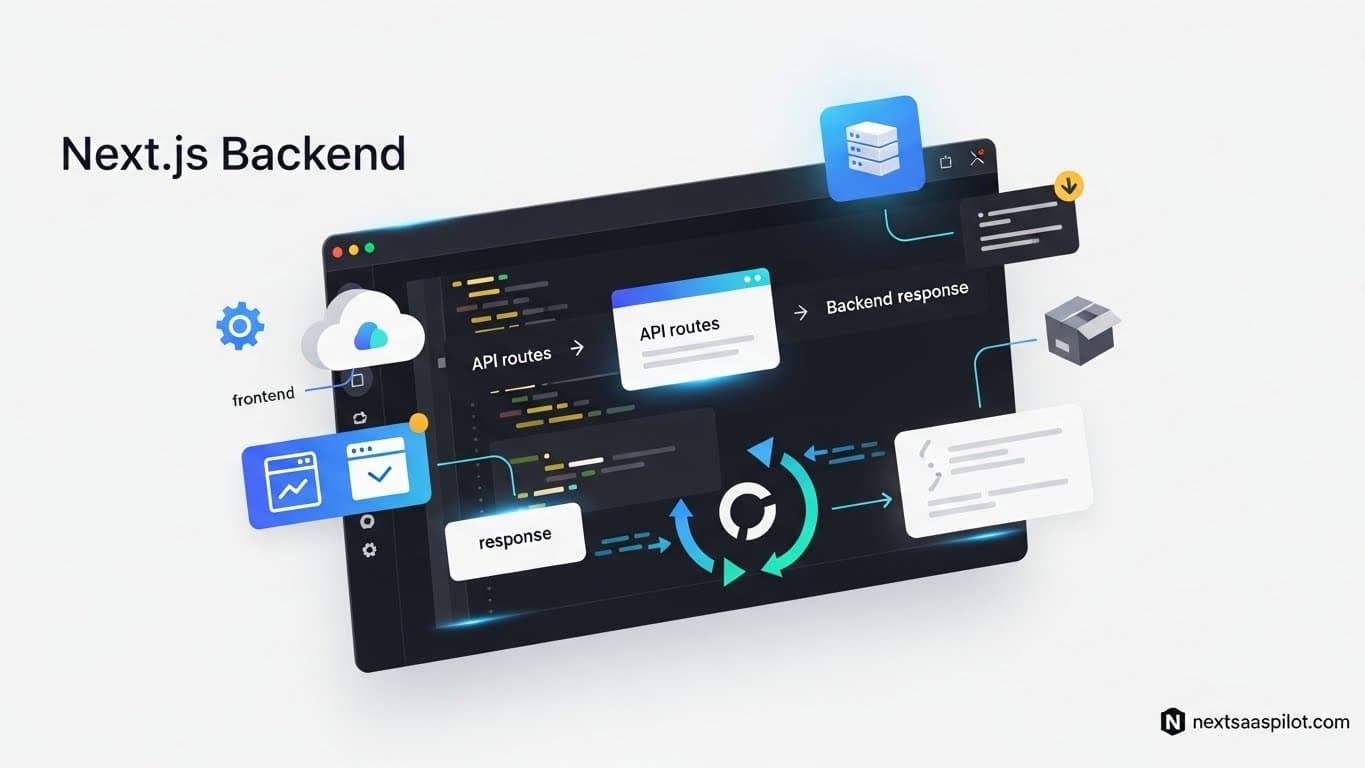
Building a robust nextjs backend requires a shift in mindset from traditional server architectures to serverless patterns. In the past, you needed a separate Node.js or Python server running alongside your frontend. Today, Next.js allows you to build a complete, full-stack application within a single codebase using API Routes and Server Actions.
If you are launching a SaaS product, speed and scalability are your top priorities. You do not want to manage intricate Docker containers or load balancers on day one. You want code that runs when a user clicks a button. This guide details exactly how to architect, secure, and scale the server-side logic of your Next.js application.
Do You Need a Separate Backend Server with Next.js?
You generally do not need a separate backend server like Express or Django because Next.js provides a full-stack environment capable of handling API requests, database connections, and authentication natively. Unless you have a legacy codebase or highly specialized heavy-computing needs, keeping everything in Next.js reduces complexity and latency.
I have consulted for startups that spent months building a separate microservices architecture they didn’t need. They had to manage CORS issues, dual deployments, and type safety synchronization.
When they consolidated into a Next.js monolith, their development velocity doubled. You can treat Next.js as your backend. It runs on node next environments effectively, giving you access to the entire Node.js ecosystem directly from your API routes.
What Are Next.js Server Actions and Why Use Them?
Server Actions are asynchronous functions that execute on the server but can be called directly from Client Components like standard JavaScript functions. They eliminate the need to manually create API endpoints and fetch requests for handling form submissions and data mutations.
This is the biggest shift in the App Router era. Previously, to save a user’s profile, you had to:
- Create
pages/api/save-user.ts. - Write a
fetch('/api/save-user')in your component. - Handle loading and error states manually.
With Server Actions, you simply define a function saveUser() in a file marked 'use server' and import it into your form. Next.js handles the communication protocol (RPC) behind the scenes. It feels like magic, but it is just highly optimized server-side logic.
How Do You Connect a Database to a Serverless Backend?
To connect a database in a serverless Next.js environment, you must use an ORM like Prisma or Drizzle combined with a connection pooler to prevent exhausting database connections during traffic spikes. Traditional persistent connections do not work well because serverless functions spin up and shut down rapidly.
If you connect directly to Postgres from a standard Next.js API route without pooling, your database will crash when you hit 100 concurrent users. Each user opens a new connection, and the database runs out of “slots.”
Using prisma nextjs with a connection pooler (like Supabase Transaction Mode or Neon’s serverless driver) solves this. The pooler manages the heavy lifting, allowing your ephemeral Next.js functions to query data instantly without overhead.
Should You Use Next.js API Routes or an External Express Server?
Stick to Next.js API routes for 95% of SaaS use cases, as they share types and deployment pipelines with your frontend; use an external Express server only if you need WebSockets, long-running background jobs, or a custom non-standard server environment.
The table below breaks down when to use which architecture.
| Feature | Next.js Internal Backend | External Express/Go/Python |
| Deployment | Single deploy (Vercel/Docker) | Multiple deploys required |
| Type Safety | End-to-end (TypeScript) | Requires shared packages |
| Latency | Zero (same region) | Variable (network hop) |
| WebSockets | Difficult (Serverless limits) | Native support |
| Cron Jobs | Supported (Vercel Cron) | Native support |
| Cost | Pay-per-execution | Fixed server costs |
How Do You Handle Authentication Securely?
Security in a Next.js backend is best handled by established libraries like Auth.js (formerly NextAuth) or Clerk, which manage sessions, encrypted cookies, and OAuth providers automatically. Rolling your own authentication logic exposes you to critical vulnerabilities like session hijacking and CSRF attacks.
In a SaaS app, authentication is the gatekeeper.
- Auth.js: Open source, owns your data, requires more setup.
- Clerk/Kinde: Managed service, easier setup, monthly cost.
Regardless of the choice, the flow is the same: The backend verifies the session token before every Server Action or API call. Never trust the client. Even if you hide a button on the frontend, a malicious user can send a POST request to your endpoint. Always validate permissions on the server.
How to Structure Your Backend Codebase?
Organize your backend logic by feature rather than by technical layer; keep database queries, Zod validation schemas, and business logic inside a dedicated server or services folder to separate it from the UI rendering layer.
A common mistake in nextjs tutorial examples is writing database queries directly inside components. This makes testing impossible.
Recommended Structure:
app/dashboard/page.tsx(The View)server/actions/user-actions.ts(The Controller/Server Action)server/db/queries.ts(The Model/Data Layer)
This separation allows you to reuse the queries.ts functions in both your UI components (for fetching) and your Server Actions (for mutations). It also keeps your codebase clean as you scale.
Comparison: Node.js Runtime vs. Edge Runtime
The Node.js runtime offers full compatibility with all npm packages and database drivers, while the Edge runtime offers lower latency and faster startups but supports a limited subset of JavaScript APIs.
- Node.js Runtime: The default. Use this for most backend tasks, especially those involving database writes, file processing, or heavy validation libraries.
- Edge Runtime: Use this for middleware, authentication redirects, and simple geolocation logic. It runs closer to the user but lacks access to standard Node APIs like
fs(file system).
Most nextjs saas template architectures default to Node.js for the main app and use Edge only for the middleware that checks if a user is logged in.
How to Handle Long-Running Tasks?
Serverless functions have timeout limits (usually 10-60 seconds), so you must offload long-running tasks like generating reports, processing video, or sending bulk emails to a message queue like Inngest, Trigger.dev, or AWS SQS.
If a user clicks “Generate AI Report,” do not make them wait 30 seconds for the HTTP response. The connection will time out.
The Asynchronous Pattern:
- User clicks button.
- Server Action adds a “job” to the queue.
- Server Action returns “Processing…” immediately.
- The Queue worker processes the job in the background.
- The UI polls for status or receives a notification when done.
This ensures your Next.js backend remains snappy and responsive.
Integrating Third-Party Webhooks (Stripe, SendGrid)
Webhooks are how external services communicate with your backend; you must create a dedicated API route (not a Server Action) to listen for these POST requests and verify the signature to ensure the data is genuinely from the provider.
For example, when a user pays on Stripe, Stripe hits your-site.com/api/webhooks/stripe.
- You cannot use Server Actions here because Server Actions are designed to be called by your frontend, not external servers.
- You must use a standard Route Handler (
app/api/webhooks/route.ts). - You must disable the body parser to verify the raw signature buffer (crucial for security).
If you are using a nextjs starter, check if it includes pre-configured webhook handlers. This is often the trickiest part of SaaS integration to debug.
Why Not Use Vite for the Backend?
Vite is a frontend build tool primarily designed for Single Page Applications (SPAs), whereas Next.js is a meta-framework that includes a backend server runtime; trying to shoehorn backend logic into a standard Vite setup requires setting up a separate Express server manually.
While vite nextjs comparisons often focus on frontend speed, the backend story is where Next.js wins for full-stack apps. With Vite, you are responsible for routing requests to your backend. With Next.js, the “backend” is just a file in the api folder. The integration is seamless.
Frontend Integration: Fetching Data
You should fetch data in Server Components directly using async/await, which runs on the backend, and pass the resulting data to Client Components or UI libraries only when interactivity is needed.
When using libraries like nextui pro or other themes next collections, you might be tempted to fetch data inside a useEffect in the component. Avoid this.
The Modern Way:
- Fetch data in
page.tsx(Server Component). - Pass the data as a prop to
- The user sees HTML immediately. No loading spinners.
This pattern significantly improves SEO and User Experience.
Conclusion
Building a nextjs backend allows you to embrace the “Modular Monolith” architecture. You get the simplicity of a single codebase with the power of serverless scaling. You no longer need to be a DevOps expert to deploy a scalable SaaS backend.
By leveraging Server Actions, Prisma/Drizzle, and proper folder structures, you can build a system that handles thousands of users with minimal maintenance. Focus on your business logic, not your infrastructure.