
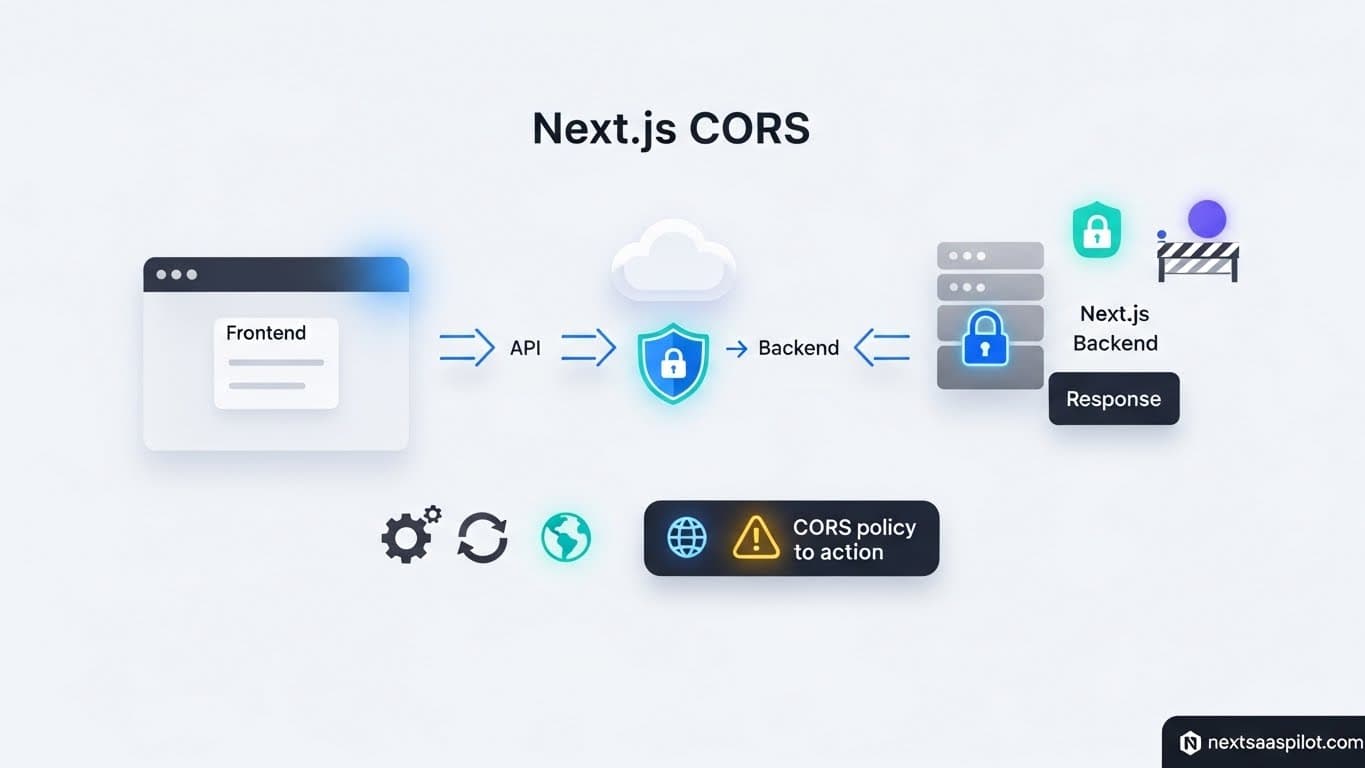
Dealing with NextJS CORS errors is a rite of passage for every full-stack developer. You build a perfect API endpoint, test it with Postman, where it works flawlessly, and then try to fetch it from your frontend only to see the dreaded red console message: “Access to XMLHttpRequest has been blocked by CORS policy.”
If you are building a SaaS platform, understanding Cross-Origin Resource Sharing (CORS) is not optional—it is critical infrastructure. Whether you are separating your marketing site from your app dashboard or exposing a public API to third-party developers, you must explicitly tell the browser who is allowed to talk to your server. This guide explains exactly how to configure, debug, and secure your application headers.
What Is CORS and Why Is It Blocking My API?
CORS is a security feature implemented by web browsers that restricts web pages from making requests to a different domain than the one that served the web page. It prevents malicious websites from reading sensitive data from another site where you might be logged in.
It is important to realize that CORS is a browser restriction, not a server restriction. When you see a CORS error, your server actually received the request and likely processed it. It sent the response back. The browser blocked your JavaScript code from seeing that response because the server didn’t include a specific “permission slip” (header) saying, “It’s okay, let domain-a.com read this data.”
In a nextjs framework or library context, this often happens when your frontend runs on localhost:3000 and your backend runs on localhost:4000, or when you host your API on a subdomain like api.myapp.com.
How Do You Enable CORS in Next.js App Router?
To enable CORS globally in Next.js, you should configure the headers function inside your next.config.js file to append the Access-Control-Allow-Origin header to your API routes. This method is the most robust way to handle standard CORS requirements because it applies the rules at the server build level.
Here is the specific configuration I use for most production SaaS apps. It allows you to define exactly which methods and headers are permitted.
JavaScript
// next.config.js
/** @type {import('next').NextConfig} */
const nextConfig = {
  async headers() {
    return [
      {
        // matching all API routes
        source: "/api/:path*",
        headers: [
          { key: "Access-Control-Allow-Credentials", value: "true" },
          { key: "Access-Control-Allow-Origin", value: "https://www.yoursite.com" }, // replace this your actual origin
          { key: "Access-Control-Allow-Methods", value: "GET,DELETE,PATCH,POST,PUT" },
          { key: "Access-Control-Allow-Headers", value: "X-CSRF-Token, X-Requested-With, Accept, Accept-Version, Content-Length, Content-MD5, Content-Type, Date, X-Api-Version" },
        ]
      }
    ]
  }
};

module.exports = nextConfig;
This setup covers 90% of use cases. However, notice that Access-Control-Allow-Origin is hardcoded. If you need multiple domains to access your API (e.g., a staging site and a production site), you need a dynamic solution using Middleware.
Can You Handle CORS in Middleware for Better Control?
Yes, utilizing Next.js Middleware allows you to dynamically set CORS headers based on the incoming request origin, making it the ideal solution for multi-tenant applications or APIs that serve multiple subdomains. Middleware runs before the request hits your API route, providing a low-latency gatekeeper.
I once managed a nextjs saas template that served whitelabeled dashboards for clients. Each client had their own domain. Hardcoding headers in next.config.js was impossible.
Here is the Middleware strategy:
TypeScript
// middleware.ts
import { NextResponse } from "next/server";

const allowedOrigins = ['https://app.yoursaas.com', 'https://partners.yoursaas.com'];

export function middleware(request: Request) {
  const origin = request.headers.get('origin');

  if (origin && allowedOrigins.includes(origin)) {
    const response = NextResponse.next();
    response.headers.set("Access-Control-Allow-Origin", origin);
    response.headers.set("Access-Control-Allow-Methods", "GET, POST, PUT, DELETE, OPTIONS");
    response.headers.set("Access-Control-Allow-Headers", "Content-Type, Authorization");
    response.headers.set("Access-Control-Max-Age", "86400");
    return response;
  }

  return NextResponse.next();
}

export const config = {
  matcher: '/api/:path*',
};
This script checks the incoming origin against a whitelist. If it matches, it dynamically sets the header to that specific origin. This is much safer than using the wildcard *.1
What Is the Difference Between Simple Requests and Preflight Requests?2
A “Simple Request” (like a standard GET) is sent immediately by the browser, whereas a “Preflight Request” is an automated OPTIONS request sent by the browser first to3 check if the server permits the actual request. If your API uses custom headers or methods like PUT or DELETE, the browser triggers a preflight.
This is where most developers get stuck. You might see two requests in your network tab: an OPTIONS request that fails (405 Method Not Allowed) and the actual request that never gets sent.
To fix this in Next.js Route Handlers (App Router), you must explicitly handle the OPTIONS method in your route file:
TypeScript
// app/api/route.ts
import { NextResponse } from 'next/server'

export async function OPTIONS(request: Request) {
  const allowedOrigin = request.headers.get("origin");
  const response = new NextResponse(null, {
    status: 204,
    headers: {
      "Access-Control-Allow-Origin": allowedOrigin || "*",
      "Access-Control-Allow-Methods": "GET, POST, PUT, DELETE, OPTIONS",
      "Access-Control-Allow-Headers": "Content-Type, Authorization",
    },
  });
  return response;
}
Without this OPTIONS handler, your server will reject the preflight check, and the browser will block the main request.
How Do Proxies Solve CORS Issues Locally?
Using the rewrites feature in Next.js allows you to proxy requests from your frontend to a backend server as if they were on the same domain, effectively bypassing CORS restrictions during development. This tricks the browser into thinking it is talking to the same origin.
If your frontend is on localhost:3000 and your backend is on api.remote-server.com, the browser will block direct requests. Instead of fighting CORS headers on a remote server you might not control, use a rewrite:4
JavaScript
// next.config.js
module.exports = {
  async rewrites() {
    return [
      {
        source: '/api/:path*',
        destination: 'https://api.remote-server.com/:path*',
      },
    ]
  },
}
Now, when your frontend fetches /api/users, Next.js takes that request and forwards it to https://api.remote-server.com/users on the server side. Server-to-server communication does not enforce CORS. The browser never knows the request went to a different domain.
Is Using Access-Control-Allow-Origin: * Dangerous?
Setting the allowed origin to a wildcard (*) permits any website on the internet to make requests to your API, which is a severe security risk if your API exposes sensitive user data or performs authenticated actions. It effectively disables the browser’s ability to protect your users from CSRF-like attacks.
The only time * is acceptable is for public, read-only APIs—like a weather service or a public dataset where no authentication is involved.
For a SaaS application handling user data, you must be specific. If you set * and also try to set Access-Control-Allow-Credentials: true (for cookies), the browser will reject the request anyway. The specification forbids combining wildcards with credentials.
How Do You Handle CORS with Authentication Cookies?
When using cookie-based authentication (like httpOnly cookies), you must set Access-Control-Allow-Credentials to true and ensure the Access-Control-Allow-Origin header exactly matches the requesting domain, not a wildcard.
This is crucial when integrating next js https workflows. If your API is secure (HTTPS) and you are setting cookies, the browser is extremely strict.
- Client Side: Your fetch request must include
{ credentials: 'include' }. - Server Side: You must echo back the exact origin.
If you fail to do this, the cookie will simply be ignored, and your API will return a 401 Unauthorized error even though the user just logged in. This is a common issue when using a next js provider for session management across subdomains.
Comparison: Headers vs. Middleware vs. Proxy
Choosing the right method depends on your architecture. The table below compares the three main strategies for handling CORS in Next.js.
| Method | Best Use Case | Performance | Complexity |
| next.config.js (Headers) | Simple, single-origin APIs | Fastest (Static) | Low |
| Middleware | Multi-tenant, dynamic origins | Fast (Edge) | Medium |
| Rewrites (Proxy) | Bypassing CORS in Dev / Wrapping 3rd party APIs | Slower (extra hop) | Low |
| Route Handler (OPTIONS) | Granular control per endpoint | Standard | High |
Does CORS Affect Mobile Apps?
Native mobile applications (built with Swift, Kotlin, or React Native) do not enforce CORS policies because they are not web browsers; however, if you wrap your Next.js app in a WebView (Capacitor), the WebView will enforce CORS just like Chrome or Safari.
If you are building a next js mobile app using a hybrid approach, you will hit the same CORS errors as you do on the web.
If you are building a true native app using next js react native, your API requests will bypass CORS checks entirely. However, you still need to secure your API. Just because CORS isn’t blocking requests doesn’t mean your API is safe. You should implement API keys or OAuth tokens to verify that the request is coming from your legitimate mobile app.
Troubleshooting Common CORS Errors
When debugging, the browser console is your best friend, but you must look at the “Network” tab to see the actual headers returned by the server; often the error message is generic, but the headers reveal the truth.
Checklist for debugging:
- Did the Preflight Fail? Look for the failed
OPTIONSrequest. If it’s red, your server isn’t handling the OPTIONS method. - Is the Header Missing? Check the response headers. Do you see
Access-Control-Allow-Origin? - Is the Origin Correct? Does the value match your frontend URL exactly? (Note:
httpvshttpsmatters, and trailing slashes matter). - Are Credentials involved? If you see “The value of the ‘Access-Control-Allow-Origin’ header in the response must not be the wildcard ‘*’ when the request’s credentials mode is ‘include'”, you need to specify the domain.
Conclusion
Handling nextjs cors correctly is about balancing security with functionality. It acts as the bouncer at the door of your API.
For most SaaS applications, the Middleware approach is the modern standard. It gives you the flexibility to handle multiple environments (localhost, staging, production) without changing your code logic.
Remember, Cross-Origin is not a bug; it is a feature. It exists to protect your users. Configure it explicitly, test it thoroughly using tools like Postman and your browser, and ensure your next js landing page can communicate securely with your backend services.