
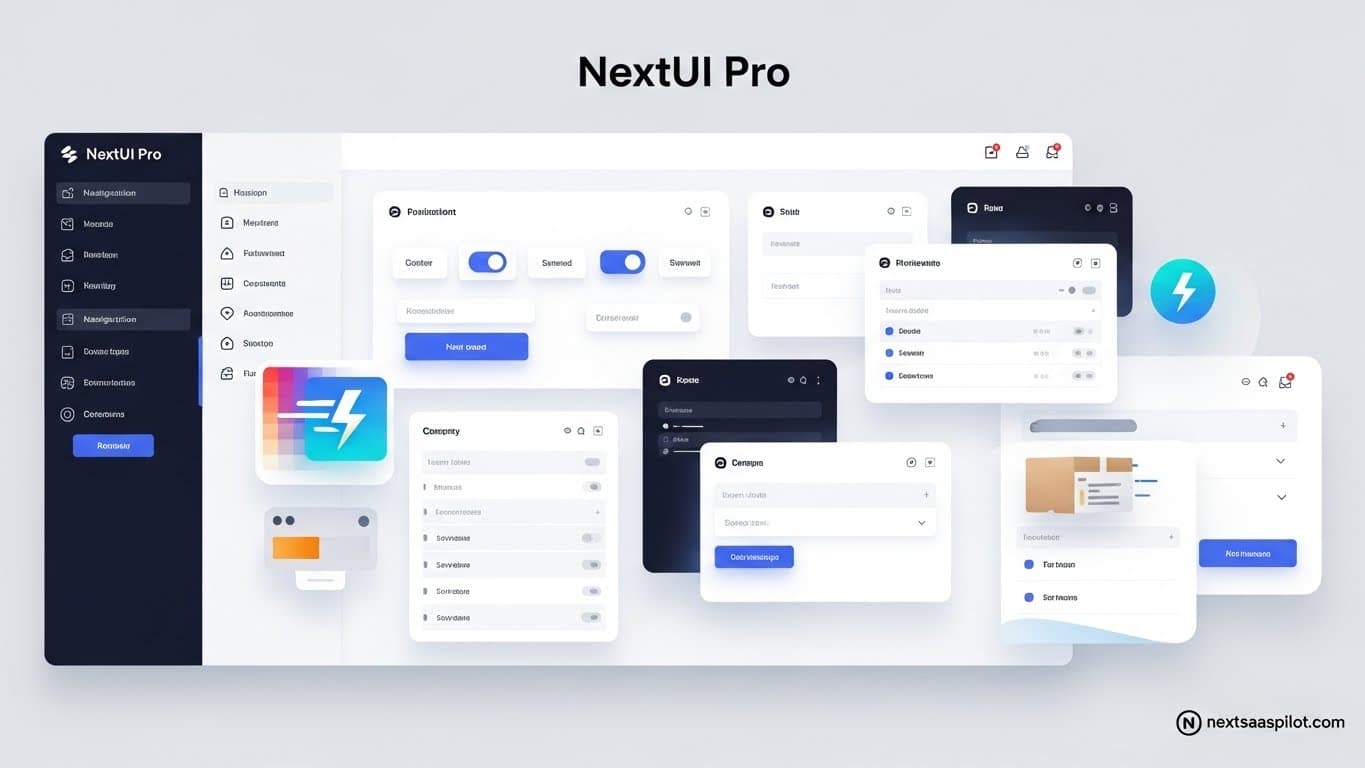
Integrating NextUI Pro (recently rebranded as HeroUI Pro) into your Next.js application is one of the most effective ways to bridge the gap between a “developer design” and a premium SaaS product. While the open-source NextUI library provides the atomic building blocks—buttons, inputs, and modals—the Pro version offers the complex, pre-assembled architectural patterns required for modern dashboards, AI interfaces, and e-commerce platforms.
I have audited dozens of SaaS codebases where the team wasted weeks rebuilding common UI patterns like multi-step sidebars or data-dense tables. In almost every case, using a premium component kit would have accelerated their MVP launch by at least a month. This guide explains the recent rebranding, the specific advantages for SaaS, and exactly how to implement it in the Next.js App Router.
Is NextUI Pro the Same as HeroUI?
Yes, NextUI has officially rebranded to HeroUI. If you are looking for “NextUI Pro,” you are now looking for HeroUI Pro. The team renamed the library to better reflect its independence from the Next.js framework (it now supports Vite, Remix, and Astro) and to avoid confusion with Vercel’s official products.
For the rest of this guide, I will use the new name HeroUI, but understand that the underlying architecture—Tailwind CSS + React Aria + Framer Motion—remains exactly the same. The migration is a simple “find and replace” of package names from @nextui-org to @heroui, so your existing knowledge transfers 1:1.
Why Choose HeroUI Pro for SaaS Development?
HeroUI Pro is a “copy-paste” library of over 220+ complex components designed specifically for B2B SaaS, AI tools, and marketing sites. Unlike the free version which gives you a Button, the Pro version gives you a UserSettingsForm, a CreditCardCheckout, or an AIChatInterface.
For a SaaS founder, the value proposition is speed and consistency.
- SaaS-Specific Patterns: It includes Sidebar navigations with nested items, top-bar search inputs, and user profile dropdowns pre-wired with accessibility features.
- AI-Ready Components: With the rise of AI wrappers, HeroUI Pro offers ready-made chat bubbles, prompt inputs, and data visualization cards that look like ChatGPT or Claude out of the box.
- Lifetime Access: Unlike some competitors with recurring subscriptions, HeroUI Pro typically offers a lifetime license, making it a capital asset for your business rather than an operational expense.
How Do You Set Up HeroUI in the Next.js App Router?
To use HeroUI effectively in the App Router, you must wrap your application in a client-side HeroUIProvider. Since Next.js 15+ uses Server Components by default, you cannot use context providers directly in your root layout.tsx. You must create a separate “Providers” component.
This is the “Gotcha” that trips up 90% of new users.
Step 1: Install the packages
Bash
npm install @heroui/react framer-motion
Step 2: Create the Providers Component
Create a file at app/providers.tsx:
TypeScript
// app/providers.tsx
'use client'

import { HeroUIProvider } from '@heroui/react'
import { useRouter } from 'next/navigation'

export function Providers({ children }: { children: React.ReactNode }) {
  const router = useRouter();

  // The navigate prop ensures HeroUI links use Next.js client-side routing
  return (

      {children}

  )
}
Step 3: Wrap your Root Layout
In app/layout.tsx:
TypeScript
import { Providers } from "./providers";

export default function RootLayout({ children }: { children: React.ReactNode }) {
  return (


          {children}


  );
}
Does HeroUI Support React Server Components (RSC)?
Yes, HeroUI components are fully compatible with React Server Components. The library authors have added the 'use client' directive to all interactive components (like Buttons, Dropdowns, and Inputs) internally. This means you can import them directly into your Server Components (like page.tsx) without making the whole page a client component.
However, the Pro components (the copy-paste templates) often contain state logic (like useState for opening a sidebar). When you paste a Pro component into your project, you will likely need to add 'use client' to the top of that specific file.
Performance Tip: Keep your “leaves” interactive. Don’t make your entire Dashboard layout a client component just because the Sidebar needs state. Isolate the Sidebar into its own file, mark it 'use client', and import it into your server-rendered Layout.
Implementing Dark Mode with Next-Themes
SaaS users expect Dark Mode. HeroUI has a built-in dark theme that activates when a parent element has the class dark. To automate this based on user system preference, integrate the next-themes library.
I use this exact setup in every nextjs saas template I build:
npm install next-themes- Update your
app/providers.tsx:
TypeScript
'use client'

import { HeroUIProvider } from '@heroui/react'
import { ThemeProvider as NextThemesProvider } from "next-themes";

export function Providers({ children }: { children: React.ReactNode }) {
  return (


        {children}


  )
}
Now, your HeroUI components will automatically switch tokens (colors, shadows) when the theme changes, without you writing a single line of CSS.
Comparison: HeroUI Pro vs. Shadcn/ui vs. Tailwind UI
The table below compares the top three contenders for Next.js SaaS UI libraries.
| Feature | HeroUI Pro | Shadcn/ui | Tailwind UI |
| Philosophy | Styled Component Library | Headless / Copy-Paste | Copy-Paste HTML/React |
| Design Style | Modern, Playful, “Vercel-like” | Minimal, Clean, Enterprise | Generic, Clean, Safe |
| Customization | Medium (Tailwind variants) | High (You own the code) | High (You own the code) |
| Animation | Framer Motion (Built-in) | Manual (add yourself) | Headless UI Transitions |
| Pricing | One-time (Lifetime) | Free (Open Source) | One-time (High cost) |
| Best For | AI Apps, B2C SaaS, Fast MVPs | Enterprise B2B, Complex Forms | Marketing Sites |
HeroUI shines because it sits in the middle. It is faster to implement than Shadcn because the styling is pre-packaged, but it looks significantly more “premium” out of the box than default Tailwind UI.
Can You Use HeroUI Pro for Marketing Pages?
Absolutely. While HeroUI is famous for its “Dashboard” aesthetic, the Pro kit includes a comprehensive set of marketing sections. You get Hero sections with 3D mockups, Pricing Tables with toggle switches (Monthly/Yearly), and Feature Grids that use complex CSS grid layouts.
For a themes next implementation, using HeroUI for both your landing page and your app ensures visual consistency. Your user doesn’t feel a “disconnect” when they click “Login” and move from the marketing site to the dashboard. The buttons, fonts, and border radii remain identical.
Conclusion
If you are a solo founder or a small team building a SaaS in 2025, HeroUI Pro is one of the highest-ROI investments you can make. It solves the “Empty State” problem. Instead of staring at a blank screen wondering how to design a settings page, you paste the SettingsLayout component and move on.
The rebranding to HeroUI signals a maturity in the project—it is no longer just a “Next.js plugin” but a standalone design system that competes with the giants. By adopting it now, you future-proof your UI stack.