
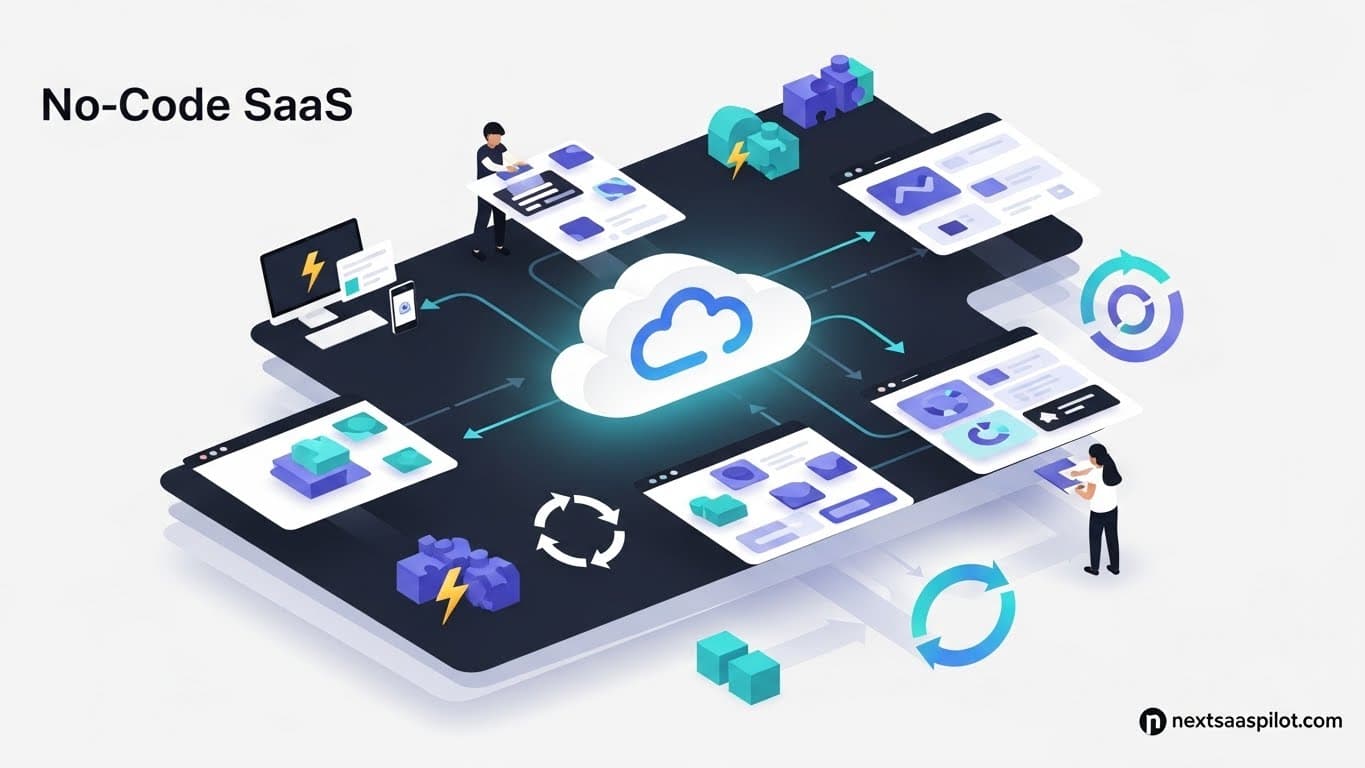
No code SaaS development has shattered the barrier to entry for aspiring software entrepreneurs. In 2026, you no longer need a technical co-founder or a six-figure budget to launch a scalable technology business; you simply need a problem to solve and the right visual development tools.
This revolution is not just about “dragging and dropping” buttons. It is about democratizing logic. It allows marketing experts, industry veterans, and designers to translate their domain expertise into functional software without getting bogged down in syntax errors.
As someone who has watched founders spend $50,000 on a developer only to fail, versus founders who built a no code SaaS for $50 a month and exited for millions, I can tell you: the code is not the product. The solution is the product. This guide covers how to build, stack, and scale your platform using the power of no-code.
What Is No-Code SaaS and Why Is It Exploding?
No-code SaaS is a software application built using visual development environments (VDEs) rather than traditional programming languages like Python or JavaScript. It is exploding because it reduces development time by up to 90%, dramatically lowers startup costs, and allows non-technical founders to iterate on their product in real-time based on user feedback.
The explosion is driven by a shift in the market: speed is now more valuable than perfection. In the traditional SaaS platform development lifecycle, changing a feature might take a week of engineering tickets. In a no-code environment, it takes five minutes.
The “Citizen Developer” Era:
Historically, software was a black box. If you wanted to change the color of a button or the logic of a workflow, you had to ask a developer. Now, the person who understands the business logic can build the business logic.
Key Drivers:
- Hyper-Agility: You can pivot your entire business model over a weekend.
- Cost Efficiency: Monthly subscriptions to tools like Bubble or FlutterFlow are a fraction of a developer’s salary.
- Visual Logic: It bridges the gap between design and functionality.
Can You Really Scale a SaaS Built on No-Code?
Yes, you can scale a no-code SaaS to thousands of users and millions in revenue, provided you architect the database correctly and use efficient workflows. While no-code has theoretical ceilings compared to custom code, modern platforms like Bubble and Xano can handle enterprise-grade data loads, often serving as the permanent infrastructure for Series A companies.
The myth that “no-code is just for prototypes” is dead.
Scaling Reality Check:
I worked with a logistics startup that processed 10,000 transactions a day entirely on no-code. The bottleneck wasn’t the “no-code” tool; it was how they structured their data. If you build it poorly, it will be slow, regardless of whether it is Python or Bubble.
When Scale Matters:
- Database Records: Most platforms handle up to millions of rows easily.
- Concurrent Users: If you expect 100,000 users hitting a button at the exact same second, you might need custom infrastructure. But for B2B SaaS, this is rarely the case.
- Exit Strategy: Investors no longer look down on no-code; they care about revenue. If the ship floats, they don’t care if it was built with steel or carbon fiber.
What Are the Best No-Code Tools for SaaS Founders?
The best no-code tools for SaaS founders are Bubble for full-stack web apps, FlutterFlow for native mobile apps, and Make (formerly Integromat) for backend automation. Choosing the right tool depends on your platform goals: Bubble offers an all-in-one solution, while a “modular stack” using Webflow, Wized, and Xano offers greater frontend control.
Choosing your tool is like choosing your religion. You need to commit.
1. The All-in-One Powerhouse: Bubble
Bubble is the undisputed king of web-based no code SaaS.
- Pros: You can build anything (Airbnb, Uber, LinkedIn clones). It handles the frontend, backend, and database.
- Cons: Steeper learning curve than others. The editor can feel overwhelming.
2. The Native Mobile Specialist: FlutterFlow
If you are building SaaS mobile apps, FlutterFlow is essential.
- Pros: Exports clean code (Flutter/Dart). You aren’t locked in forever.
- Cons: Requires a separate backend (like Firebase or Supabase).
3. The Frontend Beauty: Webflow + Wized
- Pros: Unmatched design freedom.
- Cons: Webflow is for static sites by default; you need middleware like Wized to make it a functional SaaS.
4. The Backend Brain: Xano
- Pros: An API-first backend that scales infinitely. It separates your data from your frontend.
- Cons: Overkill for simple apps.
Comparison Table: Top No-Code Platforms
| Platform | Best For | Learning Curve | Scalability |
| Bubble | Complex Web Apps | High | High |
| FlutterFlow | Mobile Apps (iOS/Android) | Medium | High |
| Softr | Simple Internal Tools | Low | Low |
| Make | Connecting Apps (Logic) | Medium | Infinite |
| Xano | Backend / Database | High | Enterprise |
How Do You Choose the Right No-Code Tech Stack?
Choose the right no-code tech stack by defining your specific requirements: if you need high design flexibility, separate your frontend (Webflow) from your backend (Xano); if you need rapid iteration and all-in-one management, use Bubble. Always prioritize data ownership and API openness to ensure you are not locked into a platform that cannot grow with you.
Your SaaS tech stack determines your future technical debt.
The “Monolith” vs. “Microservices” Decision:
- Monolith (Bubble): Everything is in one place. Fast to build, harder to migrate later.
- Microservices (Webflow + Xano + Stripe): Modular. If Webflow dies, your data is safe in Xano. If Xano dies, your frontend is safe. This is closer to traditional platform in software development.
My Recommendation:
For 90% of first-time founders, start with Bubble. The speed advantage outweighs the modular benefits of a complex stack.
Step-by-Step: How to Build Your No-Code MVP?
Build your no-code MVP by starting with the database schema design, then building the visual interface, and finally connecting the logic workflows. Focus strictly on the “Must-Have” features that solve the core user problem, utilizing templates and pre-built component libraries to accelerate development time from months to weeks.
Building a SaaS MVP (Minimum Viable Product) is an art form.
Phase 1: Database Design (The Skeleton)
Do not touch the UI design yet. Map out your data.
- Users: Name, Email, Role.
- Listings: Title, Price, Image, Creator (User).
- Transactions: Amount, Date, Payer, Receiver.If your data structure is wrong, your app will be slow.
Phase 2: UI/UX Construction (The Skin)
Use a UI kit. Do not design from scratch.
- Tip: Look at SaaS website inspiration to copy standard navigation patterns. Users expect a sidebar on the left and a profile icon on the top right. Don’t reinvent the wheel.
Phase 3: Workflow Logic (The Muscle)
This is where “programming” happens visually.
- Example: “When Button A is clicked -> Create a new Thing -> Send Email to User -> Navigate to Home.”
Phase 4: Integration
Connect Stripe for payments and SendGrid for emails. This is where you learn about APIs.
What Are the Hidden Risks of No-Code Development?
The hidden risks of no-code development include “platform lock-in,” where you are dependent on the vendor’s pricing and stability, and potential performance latency if the app is not optimized. Additionally, while you own your data, you typically do not own the underlying source code, making it difficult to export the application to a self-hosted environment later.
Risk Mitigation Strategies:
- Platform Lock-In: Choose platforms that allow data export (CSV/JSON). This ensures that if Bubble shuts down, you walk away with your customer data.
- Security: Just because it’s no-code doesn’t mean it’s secure. You must set up “Privacy Rules” (in Bubble) or “RLS” (Row Level Security in Supabase). If you don’t, a savvy user can view your entire database.
- IP Ownership: Understand that you own the logic and the design, but the runtime engine belongs to the platform. This is usually fine for investors, but verify terms of service.
For a deeper understanding of how this fits into broader software definitions, No-code development platform provides excellent context on the industry’s evolution.
How Much Does It Cost to Build a No-Code SaaS?
It costs between $100 and $5,000 to build a no-code SaaS, depending on whether you build it yourself or hire a no-code agency. Monthly running costs are typically low ($50-$200) for hosting and plugin subscriptions, compared to the tens of thousands required for traditional development teams and server infrastructure.
The Cost Breakdown:
- DIY Route:
- Bubble Subscription: $32/mo.
- Domain Name: $12/yr.
- Stripe Fees: Pay as you earn.
- Total: ~$50/mo.
- Agency Route:
- Hiring a no-code expert to build it for you: $3,000 – $15,000.
- Compared to a traditional SaaS development company ($50k – $150k), this is a steal.
When Should You Migrate from No-Code to Custom Code?
You should migrate from no-code to custom code only when you hit hard technical ceilings, such as extreme performance requirements, regulatory compliance needs (like HIPAA) that the platform cannot support, or when high-volume usage costs on the no-code platform exceed the cost of maintaining a custom server.
Do not optimize for a problem you don’t have yet.
The “Good Problem” to Have:
If your Bubble bill is $2,000/mo because you have so many users, you have enough revenue to hire a developer. Until then, stay on no-code.
Migration Path:
- Export Data: Move user records to a SQL database.
- Rebuild Logic: Write the backend in Python/Node.
- Swap Frontend: Replace the UI last.
This is part of the natural SaaS lifecycle. No-code gets you from 0 to 1. Code gets you from 1 to 10.
How Do You Launch and Market a No-Code SaaS?
Launch and market a no-code SaaS by leveraging the “Building in Public” community on X (Twitter) and LinkedIn to generate early traction. Since development is fast, use a “Launch Early, Launch Often” strategy, releasing features weekly to engage users and gather feedback, while focusing your marketing on the problem solved rather than the technology used.
Your users do not care that you used Bubble. They care that it works.
Go-to-Market Strategy:
- Speed: Use your development speed as a marketing tool. “You asked for this feature yesterday, it’s live today.” Traditional competitors can’t do that.
- Niche Down: No-code is perfect for Micro-SaaS. Target hyper-specific niches (e.g., “CRM for Window Cleaners”) where big competitors ignore the market.
Read our guide on how to launch SaaS for a detailed checklist on finding your first 100 customers.
What Is the Role of AI in No-Code?
The role of AI in no-code is transformative, acting as a “co-pilot” that generates database schemas, writes complex logic formulas, and designs UI layouts based on simple text prompts. This further lowers the barrier to entry, allowing founders to build sophisticated applications by simply describing what they want the software to do.
Generative Building:
- Bubble: Has AI features to generate page layouts.
- FlutterFlow: Can generate code snippets from text.
- Make: AI assistants help troubleshoot automation errors.
This convergence means that learning how to start a software company is becoming less about engineering and more about prompt engineering and product management.
Final Thoughts
Building a no code SaaS is the highest leverage activity an entrepreneur can undertake in 2026. It separates the business logic from the syntax.
If you have domain expertise—if you know exactly how a supply chain works, or how dentists manage patients—you can now build the tool that solves that problem. The only thing standing between you and a scalable software business is your willingness to learn the tool.