
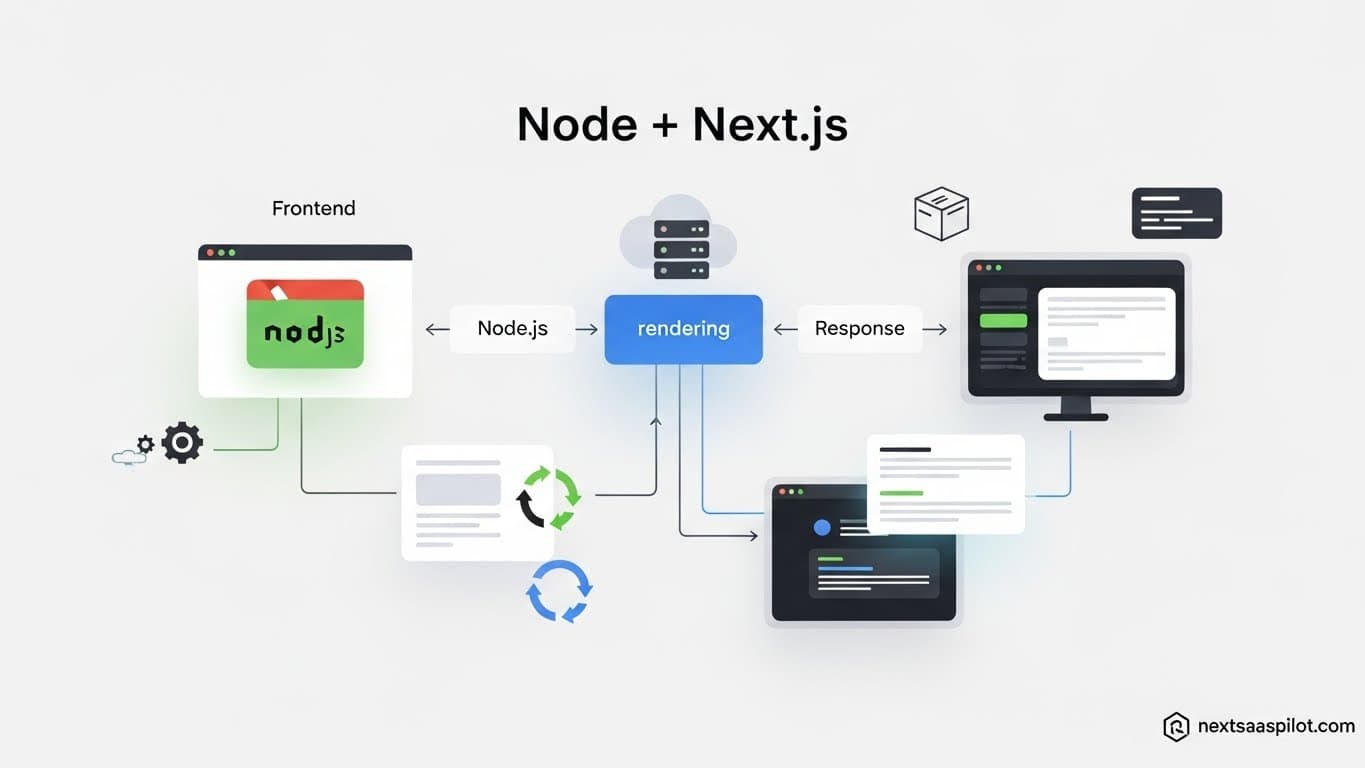
Understanding how to properly integrate node next technologies is the single most critical architectural decision you will make when building a SaaS platform. For years, the standard was to run a separate Express.js backend alongside a React frontend. Today, Next.js has blurred those lines, offering a “backend-for-frontend” layer that runs directly on the Node.js runtime.
I have consulted for startups that burned months of engineering time maintaining two separate repositories—one for the Next.js frontend and one for a Node.js API—when they could have shipped faster with a unified monolith. However, there are specific edge cases where separating them is still the right move. This guide dissects exactly when to use the internal Next.js server, when to spin up a dedicated Node.js service, and how to configure your runtime for maximum performance.
Do You Need a Separate Node.js Server with Next.js?
For 95% of SaaS applications, you do not need a separate Node.js server because Next.js API Routes and Server Actions run on the Node.js runtime by default, allowing you to connect to databases, handle authentication, and process payments within the same codebase.
The “Modular Monolith” architecture is the current gold standard for SaaS. By keeping your backend logic inside app/api or server/actions, you share TypeScript types between your frontend and backend instantly.
When you do need a separate Node.js server:
- WebSockets: Next.js is serverless-first and does not handle long-lived connections well. If you are building a real-time chat app (like Discord), you need a separate Node.js server for
socket.io. - Heavy Compute: Video processing or massive data aggregation can time out serverless functions.
- Legacy Code: If you have an existing Express backend with 50,000 lines of code, don’t rewrite it.
How to Force the Node.js Runtime in Next.js
To ensure your API routes have access to all standard Node.js APIs (like fs for file systems or specific database drivers), you should explicitly define the runtime in your route segment config. Next.js sometimes attempts to default to the “Edge” runtime for speed, which lacks full Node.js compatibility.
This is a common “gotcha” when using libraries like puppeteer or legacy database drivers.
Implementation:
TypeScript
// app/api/generate-report/route.ts
import { NextResponse } from 'next/server';

// Force the Node.js runtime (prevents Edge limitations)
export const runtime = 'nodejs';

export async function POST(req: Request) {
  // Now you can use fs, child_process, etc.
  return NextResponse.json({ success: true });
}
By explicitly setting runtime = 'nodejs', you guarantee that Vercel or your host will deploy this function to a standard Lambda environment (or Node container) rather than a restrictive Edge network.
The “Custom Server” Pattern: Should You Use It?
A “Custom Server” in Next.js allows you to wrap your Next.js app inside an Express or Fastify server to control the request lifecycle, but this is generally discouraged because it disables critical performance optimizations like Automatic Static Optimization and complicates deployment to serverless platforms.
I often see developers reach for this because they miss the comfortable syntax of Express middleware.
The Trap:
JavaScript
// server.js (The Custom Server Anti-Pattern)
const express = require('express');
const next = require('next');
const app = next({ dev: true });
const handle = app.getRequestHandler();

app.prepare().then(() => {
  const server = express();
  // Developers do this to add middleware
  server.use('/api', myMiddleware);

  server.all('*', (req, res) => handle(req, res));
  server.listen(3000);
});
The Solution: Instead of a custom server, use Next.js Middleware (middleware.ts) for request interception and Route Handlers for your API. It keeps your deployment standard and fast.
Comparison: Next.js Internal API vs. External Node.js Backend
Deciding where your logic lives impacts your velocity. The table below breaks down the trade-offs between keeping code in Next.js versus splitting it out.
| Feature | Next.js Internal API (Monolith) | Separate Node.js Backend (Microservice) |
| Type Safety | End-to-End (Shared Types) | Manual (Duplicate Types) |
| Deployment | Single Commit/Deploy | Multi-Repo Orchestration |
| Latency | Zero (Same Server/Region) | Network Hop Required |
| WebSockets | Poor Support | Native Support |
| Cron Jobs | Vercel Cron (Limited) | Full Control (Node-Cron) |
| Best For | CRUD SaaS, Dashboards, MVPs | Streaming, Real-time Games, AI Training |
How to Execute Long-Running Node.js Tasks in Next.js
Since Next.js API routes often have timeout limits (e.g., 10-60 seconds on Vercel), you should offload long-running Node.js tasks to a background queue system like Inngest, Trigger.dev, or BullMQ rather than trying to keep the HTTP connection open.
If you try to generate a PDF report that takes 45 seconds inside a generic API route, the request will likely fail.
The Asynchronous Pattern:
- Frontend: User clicks “Generate Report”.
- Next.js API: Pushes a job to the queue and returns “Processing” immediately.
- Worker: A separate Node.js process (or background function) picks up the job and runs the heavy logic.
- Frontend: Polls for the result or receives a webhook.
This allows you to use the robust capabilities of js development without being constrained by the ephemeral nature of HTTP requests.
Sharing Code Between Frontend and Backend
In a Next.js environment, you can import your database logic directly into your Server Components, effectively removing the API layer entirely for data fetching; this is the “Server Actions” paradigm that makes node next integration so powerful.
Traditional Way:
Frontend -> fetch(‘/api/user’) -> Node.js API -> DB
Modern Next.js Way:
Frontend (Server Component) -> db.user.findMany() -> DB
You write standard Node.js code right inside your React component file.
TypeScript
// app/dashboard/page.tsx
import db from '@/lib/db'; // Standard Node.js DB client

export default async function Dashboard() {
  // This runs on the server (Node.js runtime)
  const users = await db.user.findMany();

  return (

      {users.map(user => {user.name})}

  );
}
This pattern reduces latency and eliminates the need to serialize JSON back and forth.
Integrating a Legacy Express App with Next.js
If you must keep a legacy Express backend, you can use Next.js “Rewrites” to proxy API requests from your Next.js frontend to your existing Node.js server, avoiding CORS issues and making the two services appear as one to the user.
This is a vital migration strategy.
next.config.js:
JavaScript
module.exports = {
  async rewrites() {
    return [
      {
        source: '/api/:path*',
        destination: 'https://my-legacy-node-api.com/:path*',
      },
    ]
  },
}
Now, when your Next.js app calls /api/users, the browser thinks it’s talking to Next.js, but Next.js silently tunnels the request to your Express server. This is often used in nextjs saas template architectures that need to support older enterprise backends.
Scaling Your Node.js Logic
When your SaaS scales, the Next.js “Serverless” model scales automatically by spinning up more isolated Node.js instances to handle traffic spikes; however, you must ensure your database connection handling is efficient by using connection pooling.
A standard Node.js app uses a persistent connection. A Next.js app opens and closes connections rapidly. If you don’t use a pooler (like PgBouncer or Supabase Transaction Mode), your next api routes will exhaust the database limit during a traffic spike.
Always configure your ORM (Prisma/Drizzle) to treat the environment as “serverless” to handle these connection lifecycles correctly.
Conclusion
Integrating node next is no longer about stitching two technologies together; it is about accepting that Node.js is a Node.js framework. By embracing the internal API routes and Server Components, you reduce architectural complexity and increase feature velocity.
Use the internal Node.js runtime for everything you can. Only break out into a separate backend when physics (compute time) or protocols (WebSockets) demand it.