
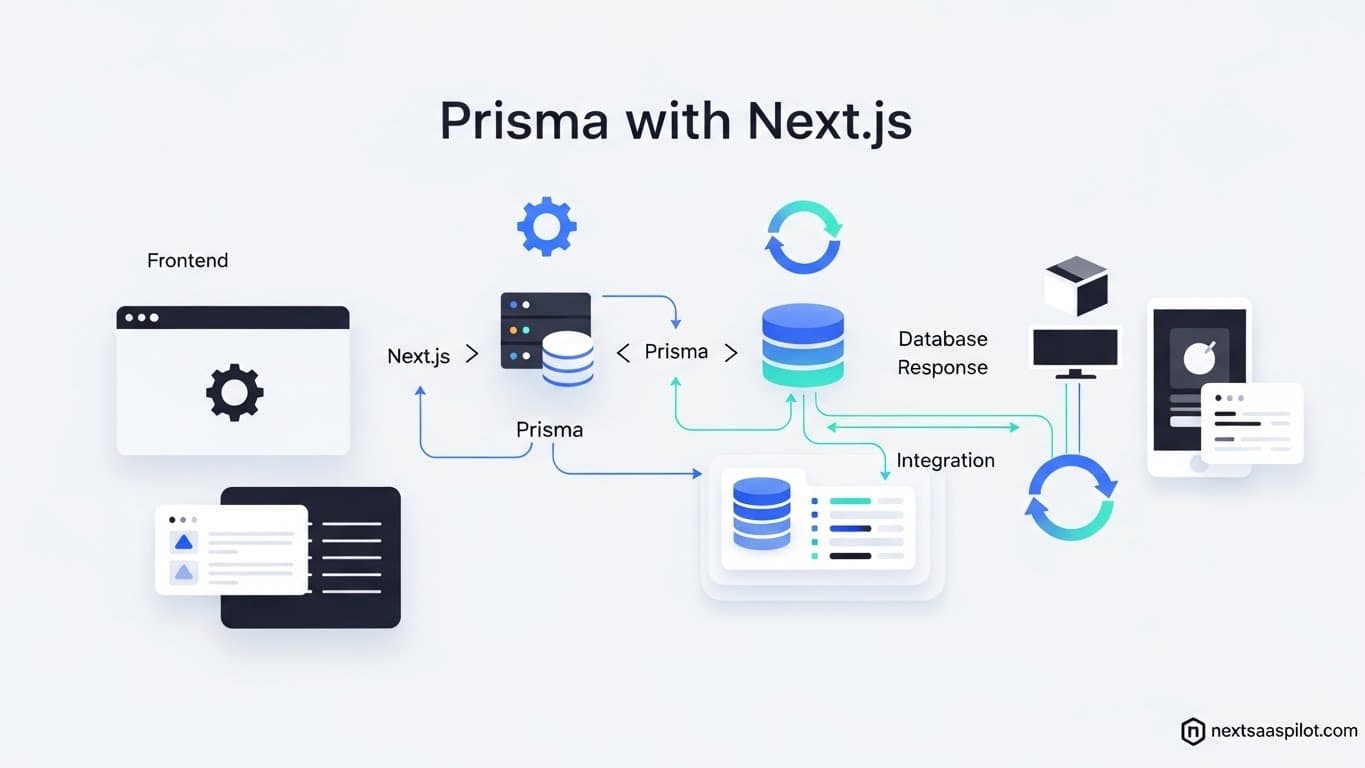
Mastering the prisma nextjs workflow is the single most effective way to bring type safety and development velocity to your SaaS backend. If you are building a modern application with the App Router, you can no longer afford to write raw SQL queries or deal with loosely typed database responses. Prisma acts as the bridge between your database and your TypeScript code, ensuring that if your schema changes, your frontend knows about it instantly.
I have architected dozens of SaaS platforms, and the number one cause of runtime errors in production is a mismatch between what the code thinks the database returns and what it actually returns. Prisma eliminates this entire class of bugs. This guide details how to architect your database layer, handle serverless connection limits, and optimize queries for a scalable SaaS product.
Why Is Prisma the Go-To ORM for Next.js SaaS?
Prisma provides an autogenerated, type-safe query builder that aligns perfectly with TypeScript, allowing you to catch database errors at build time rather than runtime. Its intuitive schema definition language (PSL) serves as a single source of truth for your entire application’s data structure.
In the chaotic world of startup development, data structures change rapidly. You add a “Team” feature one week and a “Subscription” tier the next. With raw SQL or older ORMs, a schema change requires you to manually update types across your entire frontend.
With Prisma, you change the schema.prisma file, run a command, and your entire VS Code editor updates. The autocomplete knows that User.subscription is now a nullable field. This “IntelliSense” capability is why most developers choose Prisma when using a nextjs saas template. It drastically reduces the cognitive load required to manage complex relational data.
How Do You Set Up Prisma in a Next.js Project?
To set up Prisma, you must install the Prisma CLI as a development dependency, initialize your project to create a schema file, and then install the Prisma Client to interact with your database at runtime. This process creates the necessary infrastructure to map your database tables to TypeScript objects.
The setup flow is standardized for almost any create next app project.
Step-by-Step Implementation:
- Install Dependencies:Bash
npm install prisma --save-dev npm install @prisma/client - Initialize Prisma:Bash
npx prisma initThis command creates aprismafolder containing yourschema.prismaand an.envfile for your database URL. - Configure the Schema: You connect it to your provider (PostgreSQL, MySQL, or SQLite). For SaaS, Postgres is the industry standard.Code snippet
// prisma/schema.prisma datasource db { provider = "postgresql" url = env("DATABASE_URL") } generator client { provider = "prisma-client-js" }
Once configured, you are ready to define the data models that define your business logic.
What Is the “Serverless Connection Limit” Problem?
Serverless environments like Vercel spin up a new instance of your application for every request during traffic spikes, which can cause Prisma to open too many connections and crash your database. You must implement a “Singleton Pattern” to ensure only one instance of the Prisma Client exists during development and execution.
This is the most common crash reason for new SaaS apps. You deploy to production, you get 100 simultaneous users, and suddenly your logs scream FATAL: remaining connection slots are reserved.
Because Next.js (especially in dev mode) hot-reloads your code, it initializes a new Prisma Client every time you save a file. Eventually, you hit the database connection limit.
The Solution: lib/db.ts
Create a dedicated file to export your Prisma client.
TypeScript
import { PrismaClient } from '@prisma/client'

const globalForPrisma = globalThis as unknown as {
  prisma: PrismaClient | undefined
}

export const prisma = globalForPrisma.prisma ?? new PrismaClient()

if (process.env.NODE_ENV !== 'production') globalForPrisma.prisma = prisma
By importing prisma from this file instead of new PrismaClient(), you reuse the existing connection. This is a critical step before you even define your boilerplate meaning or business logic.
How Do You Model a SaaS Database Schema?
A robust SaaS schema requires relational models that link Users to Accounts (Teams) and Subscriptions, utilizing foreign keys to ensure data integrity across the platform. Prisma uses the @relation attribute to define these connections explicitly, making complex joins easy to query.

Designing your schema is the foundational step of backend engineering. In a SaaS, you rarely have a standalone user. You have a User who belongs to an Organization, which has many Projects, which have many Tasks.
Example SaaS Schema:
Code snippet
model User {
  id            String    @id @default(cuid())
  email         String    @unique
  name          String?
  organizationId String?
  organization   Organization? @relation(fields: [organizationId], references: [id])
  subscription   Subscription?
}

model Organization {
  id      String @id @default(cuid())
  name    String
  users   User[]
}

model Subscription {
  id     String @id @default(cuid())
  userId String @unique
  user   User   @relation(fields: [userId], references: [id])
  status String
  plan   String
}
This structure allows you to fetch a user and their subscription in a single line of code: prisma.user.findUnique({ include: { subscription: true } }). This capability is essential for building a responsive dashboard next js template.
Fetching Data: Server Components vs. API Routes
With the Next.js App Router, you should fetch data directly inside Server Components using Prisma, eliminating the need for an internal API layer or client-side fetching libraries like Axios. This reduces latency by executing the query on the server and sending only the rendered HTML to the client.
In the past, we had to build an API route (/api/user) and then fetch it from the client. This resulted in a “Waterfall” effect where the browser loads JS, then requests data, then renders.
The Modern Way (Server Components):
TypeScript
// app/dashboard/page.tsx
import { prisma } from '@/lib/db';

export default async function Dashboard() {
  // Direct DB access - secure because it runs on the server
  const user = await prisma.user.findFirst({
    where: { email: 'user@example.com' }
  });

  return (

      Welcome, {user?.name}

  );
}
This pattern is faster and more secure. No API keys are exposed. No JSON serialization overhead. It is perfect for populating a next js landing page with dynamic data (like “10,000 users joined today”) without hydration delays.
How to Handle Database Mutations with Server Actions?
Server Actions allow you to call asynchronous functions that execute Prisma write operations (create, update, delete) directly from your frontend forms or event handlers. This unifies the data mutation logic with the UI that triggers it, removing the need for separate POST endpoints.
Instead of creating a pages/api/create-post.ts file, you define a function.
Example Action:
TypeScript
// app/actions.ts
'use server'
import { prisma } from '@/lib/db';
import { revalidatePath } from 'next/cache';

export async function createPost(formData: FormData) {
  const title = formData.get('title') as String;

  await prisma.post.create({
    data: { title }
  });

  revalidatePath('/posts'); // Refreshes the UI instantly
}
You then pass this action to your . Next.js handles the communication. This seamless integration is why Prisma fits so well into the next js provider ecosystem, allowing for global state updates triggered by server-side mutations.
Comparison: Prisma vs. Drizzle ORM
Prisma excels in developer experience, documentation, and tooling (Prisma Studio), while Drizzle ORM offers a lighter runtime footprint and faster “cold starts” by being closer to raw SQL.
The debate between Prisma and Drizzle is hot right now. Here is the breakdown for a SaaS architect:
| Feature | Prisma | Drizzle |
| Syntax | Object-based (Abstraction) | SQL-like (Builder) |
| Type Safety | Excellent (Auto-generated) | Excellent (Inferred) |
| Cold Starts | Slower (Rust binary) | Faster (Lightweight) |
| Migrations | Prisma Migrate (Robust) | Drizzle Kit (Flexible) |
| Ecosystem | Massive Community | Growing Rapidly |
For a new team optimizing for velocity, Prisma usually wins because the abstraction layer is easier to learn. For a team optimizing for milliseconds of latency on Edge networks, Drizzle might be preferred. However, Prisma’s recent “Driver Adapters” have significantly narrowed the performance gap.
Migrations and Seeding: Keeping Data in Sync
Database migrations are version-controlled history files that describe how your database schema has evolved over time; you run them to keep your production database in sync with your local schema changes without losing data.
When you change your schema, you run npx prisma migrate dev --name add_subscription. This generates a SQL file.
Why Seeding Matters:
You cannot build a next-js-mobile-app or dashboard without test data. Prisma provides a seeding tool.
- Create a
prisma/seed.tsfile. - Write logic to create dummy users and posts.
- Run
npx prisma db seed.
This ensures that every developer on your team pulls the repo and has a fully populated database instantly.
Advanced: Using Prisma with Next.js Middleware
You should avoid using the standard Prisma Client inside Next.js Middleware because Middleware runs on the Edge runtime, which does not support the Node.js APIs required by the standard Prisma binary.
This is a major implementation detail. If you try to check a user’s subscription status in middleware.ts using prisma.user.find(), it will likely fail.
Workarounds:
- Edge Client: Use Prisma Accelerate (a paid proxy service) or the new Driver Adapters that support Edge.
- Logic Move: Move the database check to the Layout or Page level (Server Components) instead of the Middleware.
- Lightweight Fetch: Use a simple
fetchto a specialized API route if you absolutely must check DB in middleware.
Optimizing Prisma Queries for Speed
To optimize performance, use the select keyword to fetch only the specific fields your UI requires, rather than pulling the entire object; this reduces memory usage and network bandwidth, which is critical for mobile users.
This concept is called “Over-fetching.”
Bad (Fetches everything, including huge bios or blobs):
TypeScript
const users = await prisma.user.findMany();
Good (Fetches only what is needed):
TypeScript
const users = await prisma.user.findMany({
  select: {
    id: true,
    name: true,
    avatarUrl: true
  }
});
This practice is essential when using complex next js ui library components like data grids that might try to render thousands of rows. The lighter the payload, the faster the UI renders.
Conclusion
Using the prisma nextjs stack provides a level of confidence that raw SQL cannot match. It acts as a guardrail, preventing you from shipping broken code.
While there are performance considerations regarding serverless connections and bundle sizes, the developer experience (DX) gains—autocomplete, type safety, and easy migrations—far outweigh the costs for 99% of SaaS applications. It allows you to focus on your product’s value, not the plumbing of your database.