
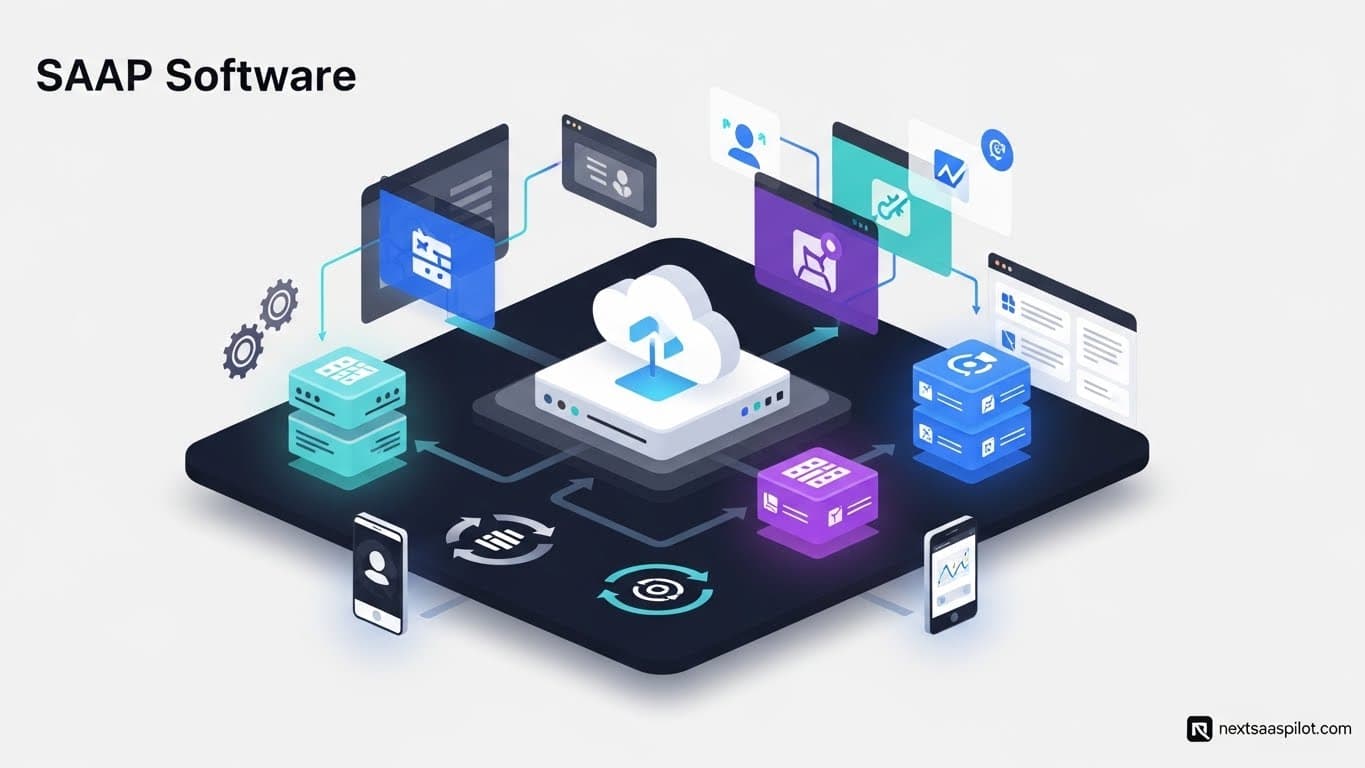
SAAP software (Software as a Product) represents the traditional model of software ownership where a user purchases a perpetual license for a one-time fee. Unlike SaaS (Software as a Service), which functions as a rental subscription, SAAP grants you full ownership of the code, which you typically host on your own local servers or private cloud.
In the rush to the cloud over the last decade, many businesses forgot that “renting” isn’t the only option. But as subscription fatigue sets in and data privacy laws tighten, SAAP is making a calculated comeback. In 2025, savvy CTOs are revisiting this model to regain control over their data and eliminate unpredictable monthly billing.
This guide analyzes the technical, financial, and operational differences between owning your software (SAAP) and renting it (SaaS).
What Exactly Is SAAP Software?
SAAP software (Software as a Product) is a licensing model where the customer buys the software code outright, usually through a perpetual license. Once purchased, the software is installed on the client’s own hardware (on-premise) or private cloud. The buyer owns the instance forever but is responsible for maintenance, security, and updates.
Think of SAAP like buying a house. You pay a large sum upfront (the mortgage or cash price), but once you own it, you can paint the walls, knock down partitions, and no one can evict you. You are also responsible for fixing the roof when it leaks.
Key Characteristics of SAAP:
- Perpetual License: You pay once, you use it forever.
- Self-Hosting: You control the infrastructure (servers, privacy).
- Data Sovereignty: Your data never leaves your premises.
- Offline Capability: It often works without an internet connection.
For decades, this was the only way to buy software. Microsoft Office 2010, Adobe CS6, and legacy ERP systems are classic examples. Today, modern movements like 37signals’ ONCE products are rebranding this concept for the 2020s, proving that “old” models can be innovative.
How Is SAAP Different from SaaS?
The primary difference is ownership versus service. SaaS (Software as a Service) is a subscription model where you pay a recurring fee to access software hosted by a vendor. SAAP (Software as a Product) is an asset model where you pay a one-time fee to own the software and host it yourself.
The distinction impacts everything from your balance sheet to your IT team’s daily workload.
Comparison Table: SAAP vs. SaaS
| Feature | SAAP (Software as a Product) | SaaS (Software as a Service) |
| Payment Model | CapEx (One-time upfront cost) | OpEx (Recurring monthly/annual fee) |
| Hosting | Self-hosted (On-premise or Private Cloud) | Vendor-hosted (Public Cloud) |
| Ownership | You own the license perpetuity. | You rent access; stop paying, lose access. |
| Maintenance | Your IT team handles updates & patches. | The vendor handles all maintenance. |
| Customization | High (You have code access). | Low (Limited to vendor settings). |
| Data Privacy | Maximum (Data stays with you). | Variable (Data lives on vendor servers). |
While SaaS examples like Salesforce or Zoom are ubiquitous, they represent a “black box” approach. You don’t know exactly how the code works, and you can’t change it. SAAP offers transparency.
Why Is SAAP Making a Comeback in 2025?
SAAP is making a comeback due to “Cloud Repatriation,” a trend where companies move workloads off public clouds to reduce costs and improve control. As SaaS subscription fees rise and data governance laws (like GDPR) become stricter, businesses are realizing that owning core software assets is often cheaper and safer than renting them indefinitely.
The “SaaS sprawl” of the 2010s has led to a hangover in the 2020s. Companies woke up to find they were paying for 50 different subscriptions, many of which had overlapping features and rising prices.
Drivers of the SAAP Resurgence:
- Cost Certainty: A one-time fee of $10,000 is easier to budget for than a subscription that starts at $500/month but balloons to $5,000/month as you add users.
- Privacy & Compliance: For industries like healthcare and finance, keeping data physically on-site (not in a shared cloud) is often a legal necessity.
- Vendor Lock-in: If a SaaS provider changes their terms or shuts down, you are stranded. With SAAP, even if the vendor goes bust, your software keeps running.
This shift is highlighted in recent SaaS industry reports, which show a growing segment of “hybrid” IT strategies that mix SaaS convenience with SAAP security.
What Are the Financial Implications of SAAP vs. SaaS?
SAAP requires a high upfront capital expenditure (CapEx), whereas SaaS operates on a lower, recurring operating expense (OpEx). While SaaS is cheaper to start, SAAP is often cheaper in the long run—typically reaching a “break-even” point after 3 to 5 years, after which the software is effectively free to use.
The “Rent vs. Buy” Math:
- SaaS Scenario: You pay $50/user/month. For 100 users, that is $60,000 per year. Over 5 years, you pay $300,000.
- SAAP Scenario: You pay a flat license fee of $75,000 plus $5,000/year for server maintenance. Over 5 years, you pay $100,000.
In this example, the SAAP model saves the company $200,000 over five years. This is why CFOs are taking a closer look at SaaS finance courses to better understand Total Cost of Ownership (TCO).
What Are the Risks of Choosing SAAP?
The main risks of SAAP are the burden of maintenance and the lack of automatic innovation. Because you host the software, you must handle security patches, server upgrades, and backups. Additionally, SAAP software does not automatically receive new features like SaaS tools do; you often have to pay for major version upgrades.
Implementation Challenges:
- IT Talent: You need a skilled team to manage the server environment.
- Security Vulnerabilities: If your team misses a security patch, you are liable for the breach, not a vendor.
- Slow Deployment: SaaS implementation can happen in minutes. SAAP deployment can take weeks of configuration.
I once worked with a logistics firm that insisted on a SAAP ERP system. It saved them money for two years, but when their server hardware failed overnight, they were offline for three days because they hadn’t tested their backups. With SaaS, that redundancy is the vendor’s problem.
Can You Use SAAP for Mobile Apps?
Yes, you can use SAAP for mobile apps, but it usually involves “sideloading” or using private enterprise app stores. While most consumer mobile apps are SaaS-based, enterprise SAAP mobile apps are often distributed directly to employee devices via Mobile Device Management (MDM) profiles to ensure security and offline access.
In the field service industry, SaaS mobile apps rely on connectivity. But if you have workers on oil rigs or in mines, a SAAP app that lives locally on the device and syncs later is superior.
How Does the “Experience” Differ for Users?
The user experience (UX) in SAAP is often faster and more consistent because it runs on a local network (LAN) rather than over the open internet. However, SaaS typically offers a more modern, polished interface that is updated frequently. SAAP interfaces can feel “frozen in time” unless the organization actively prioritizes upgrades.
SaaS experience meaning is usually defined by continuous improvement—log in one day, and there’s a new dashboard. SAAP experience is defined by stability—the buttons never move, which power users often prefer for muscle memory.
Is There a Hybrid Model?
Yes, the hybrid model involves “Self-Hosted SaaS,” where you buy a subscription for the support and updates but host the application instance on your own private infrastructure. This gives you the data privacy of SAAP with the feature velocity of SaaS.
Many SaaS partner programs now offer this “On-Premise container” option for enterprise clients. It allows companies to use modern tools like Docker and Kubernetes to run vendor code in their own secure environments.
Final Thoughts
The debate between SaaS and SAAP isn’t about which is “better”—it’s about where you place your value. If you value speed and convenience, SaaS wins. If you value control, privacy, and long-term savings, SAAP is the superior choice.
As we move further into 2025, expect to see more companies auditing their subscriptions and asking the hard question: “Why are we renting this when we could own it?”
For a deeper historical perspective on the software giants that defined these models, SAP offers excellent context on how enterprise software evolved from products to services.