
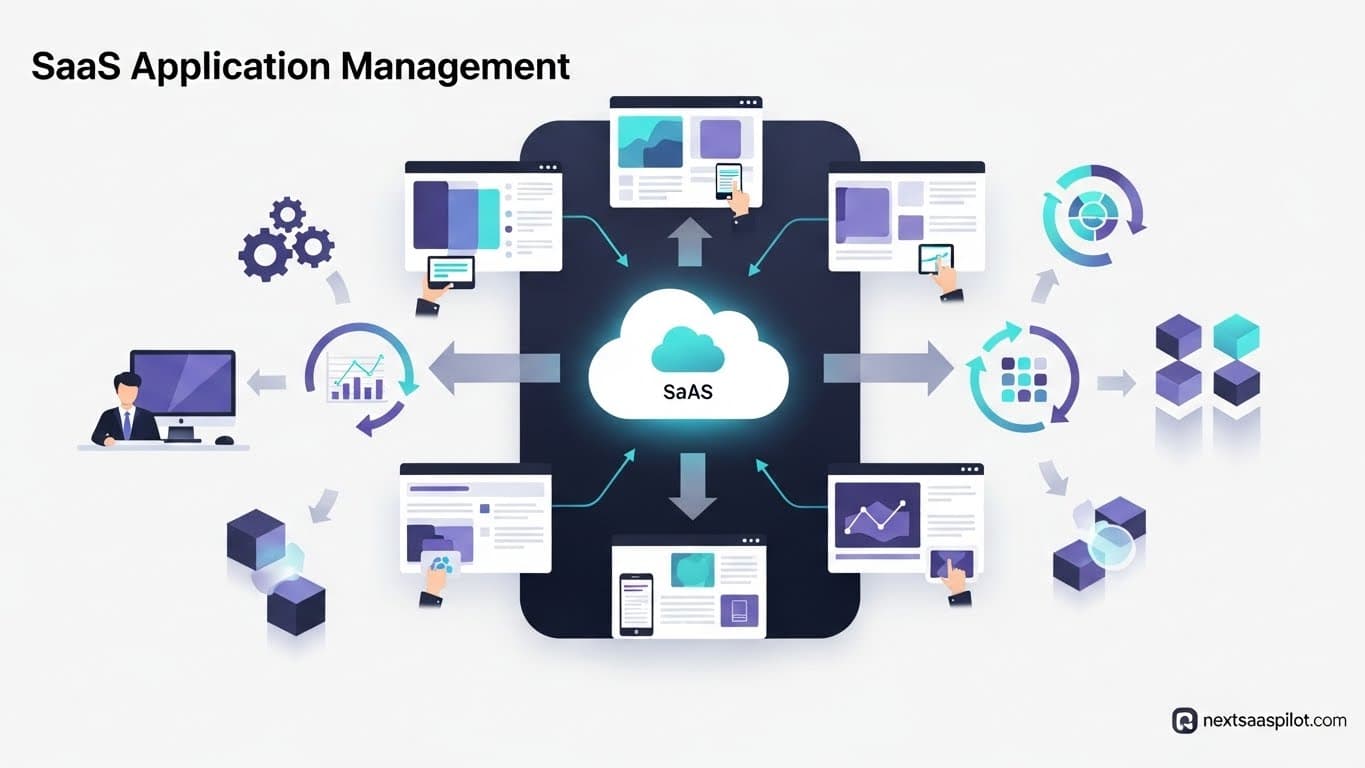
SaaS application management involves the comprehensive process of discovering, purchasing, onboarding, securing, and optimizing software-as-a-service (SaaS) applications within an organization. It moves IT from a reactive posture—constantly fighting fires caused by “Shadow IT”—to a proactive strategy that saves money and secures data.
In 2025, the average enterprise uses over 100 different SaaS applications. Without a management strategy, you are likely overpaying by 30% and leaving wide-open security gaps. This guide covers the operational, financial, and security best practices to tame the SaaS chaos.
What Is SaaS Application Management and Why Is It Critical?
SaaS application management (SAM) is the business practice of monitoring and managing the purchasing, onboarding, licensing, renewals, and offboarding of all software-as-a-service applications within a company. It is critical because it prevents “SaaS sprawl,” ensures data security compliance, and significantly reduces wasted IT spend.
For modern IT leaders, SAM is no longer optional. In the early days of the cloud, software purchasing was centralized. Today, a marketing manager with a credit card can buy a subscription to an AI writing tool in seconds. This decentralization leads to Shadow IT—software used without IT’s knowledge or approval.
The Core Pillars of SAM:
- Visibility: Knowing exactly what is running on your network.
- Governance: Controlling who has access to what data.
- Cost Control: eliminating unused licenses and auto-renewals.
- Security: Ensuring every app meets compliance standards (SOC2, GDPR).
I once worked with a mid-sized fintech company that believed they had about 40 SaaS subscriptions. After running a discovery audit, we found 142. They were paying for three different project management tools (Asana, Trello, and Monday.com) because different departments refused to talk to each other. That is the reality of unmanaged SaaS.
How Do You Discover “Shadow IT” in Your Organization?
To discover Shadow IT, you must audit financial records for software expensing, utilize single sign-on (SSO) logs to track authorized access, and deploy a Cloud Access Security Broker (CASB) to monitor network traffic. This triangulation method reveals unauthorized apps that employees are using on company devices.
Shadow IT is not malicious; it’s usually a symptom of employees trying to be efficient. However, it breaks your security perimeter.
Steps to Uncover Hidden Apps:
- Follow the Money: Work with your finance team to export a report of all credit card transactions tagged as “software,” “subscription,” or “digital service.” You will likely find dozens of tools expensed by individuals.
- Check the “Sign up with Google/Microsoft” Logs: If you use Google Workspace or Microsoft 365, check the Oauth tokens. Employees often click “Sign in with Google” for new tools, leaving a digital trail even if they use a personal card.
- Browser Extensions: Some SaaS application management platforms offer browser extensions that report back (anonymized) usage data, showing you exactly which web apps are being visited daily.
Table: Common Shadow IT Risks
| Risk Type | Description | Potential Impact |
| Data Exfiltration | Uploading sensitive customer lists to unvetted AI tools. | GDPR/CCPA fines, loss of IP. |
| Compliance Violation | Storing financial data in non-compliant storage apps. | Failed audits, legal penalties. |
| Wasted Spend | Duplicate licenses (e.g., paying for Dropbox and Box). | inflated OpEx budget. |
What Are the Best Practices for SaaS Cost Optimization?
Best practices for SaaS cost optimization include consolidating redundant applications, implementing automated de-provisioning for unused licenses, and negotiating contracts based on actual usage data rather than projected headcount. You should also set up alerts for auto-renewals to prevent accidental spend.
Cost optimization isn’t just about cutting tools; it’s about “right-sizing” them.
Strategies to Reduce Spend:
- The “Use It or Lose It” Policy: Implement a policy where if a user hasn’t logged into an app in 90 days, their license is automatically revoked. Most users won’t even notice, and if they do, they can request access again.
- Tier Down-Grading: Review usage features. Are you paying for the “Enterprise” tier of Zoom for 500 employees when only 10 of them use the webinar feature? Downgrade the other 490 to “Pro” or “Business.”
- Consolidation: Look for functional overlap. If you have Slack, Microsoft Teams, and Zoom, you have three tools that can do video conferencing. Standardizing on one can save thousands.
- Reference data from various SaaS examples shows that companies often waste up to 30% of their SaaS budget on “zombie” licenses—seats paid for former employees or inactive users.
How Can You Secure Your SaaS Stack Effectively?
Securing your SaaS stack requires enforcing Single Sign-On (SSO) for all supported applications, enabling Multi-Factor Authentication (MFA) everywhere, and conducting regular vendor risk assessments. You must also manage “offboarding” strictly to ensure former employees lose access immediately upon termination.
Security in a SaaS-first world is different. You don’t have a firewall around your building anymore; your identity provider (IdP) is the new firewall.
The Security Checklist:
- SSO enforcement: Connect everything to Okta, Azure AD, or OneLogin. If an app doesn’t support SSO, it shouldn’t be in your enterprise stack.
- Role-Based Access Control (RBAC): Ensure a junior marketing associate doesn’t have “Admin” privileges in your CRM. Follow the Principle of Least Privilege.
- API Review: Check which third-party apps have API access to your core systems. That innocent-looking “Calendar Scheduler” might have read/write access to your entire email database.
For a deeper dive into the different cloud models that impact security, understand the differences in PaaS vs IaaS vs SaaS vs CaaS.
What Is the Role of Automation in SaaS Management?
Automation in SaaS management streamlines repetitive tasks like user onboarding, license reclamation, and renewal alerts. By using workflows to automatically provision apps for new hires and de-provision them for departing staff, IT teams reduce manual errors and close security gaps instantly.
Manual management involves spreadsheets, and spreadsheets break. Automation scales.
Top Automation Workflows:
- Onboarding: When HR marks a new hire as “hired” in Workday, your workflow automatically creates their email, adds them to Slack channels, and provisions a license for Salesforce based on their department.
- Offboarding: The “Kill Switch.” When an employee leaves, a single workflow should revoke access to all 50+ apps they used. Manual offboarding misses things; automation doesn’t.
- Renewal Reminders: Set automated alerts 90, 60, and 30 days before a contract renews. This gives you leverage to negotiate or cancel.
Many SaaS agencies leverage these automations to manage hundreds of clients simultaneously.
How Do You Choose the Right SaaS Management Platform (SMP)?
To choose the right SaaS Management Platform (SMP), evaluate tools based on their discovery methods (API vs. financial integration), their ability to automate workflows, and their pricing model. Look for platforms that integrate natively with your existing identity provider and ERP system for the most accurate data.
Not all SMPs are created equal. Some are just glorified spreadsheets; others are powerful automation engines.
Key Features to Look For:
- Discovery: Does it find apps via browser extensions, financial audits, and email parsing?
- Benchmarking: Does it tell you if you are paying more than other companies for the same tool?
- Compliance: Does it automatically flag apps that aren’t SOC2 compliant?
Leading platforms in this space often help manage horizontal SaaS stacks that cover every department from HR to Engineering.
What Are the Lifecycle Stages of a SaaS Application?
The lifecycle stages of a SaaS application are Procurement, Onboarding, Adoption, Optimization, Renewal, and Sunset (Offboarding). Managing each stage effectively ensures that the application delivers value throughout its tenure and doesn’t become a drain on resources.
Managing the lifecycle is a loop, not a line.
- Procurement: Vetting the vendor for security and negotiating the price.
- Onboarding: Setting up SSO and training users.
- Adoption: Monitoring usage. Are people actually using it?
- Optimization: Reclaiming unused licenses mid-contract.
- Renewal: Deciding to keep, cut, or renegotiate.
- Sunset: Extracting data and closing the account securely.
Understanding this lifecycle is a key part of any SaaS certification, as it covers the business logic behind the software.
How Does SaaS Management Differ from IaaS Management?
SaaS management focuses on user access, license utilization, and software features, whereas IaaS management focuses on infrastructure metrics like server uptime, storage capacity, and compute power. SaaS is about managing “seats,” while IaaS is about managing “resources.”
It is easy to confuse the two, but the skill sets differ. IaaS management (like AWS or Azure) requires DevOps skills. SaaS management requires IT operations and procurement skills.
Comparison Table:
| Feature | SaaS Management | IaaS Management |
| Primary Unit | User Licenses / Seats | Virtual Machines / Storage |
| Key Metric | Daily Active Users (DAU) | CPU Utilization / Latency |
| Responsibility | Application Admin / IT | DevOps / Cloud Architect |
| Security Focus | Identity & Access (IAM) | Network & Firewall |
For a broader look at the infrastructure side, review top IaaS cloud service providers.
Why Is Renewal Management the “Low Hanging Fruit” of ROI?
Renewal management is considered “low hanging fruit” because simply cancelling unwanted auto-renewals can instantly save 10-20% of the IT budget. By strictly tracking contract end dates, organizations regain negotiation leverage and avoid getting locked into unwanted annual contracts.
I recall a scenario where a client missed a renewal notification email for a marketing tool they no longer used. The contract had an “auto-renew for 12 months” clause. That one missed email cost them $45,000.
Renewal Best Practices:
- Central Calendar: Have a single “Renewal Calendar” visible to IT and Finance.
- 60-Day Rule: Start reviewing a tool 60 days before renewal. Survey the users: “Do we still need this?”
- Negotiation Script: Always ask, “If we sign for 2 years, can we get a 15% discount?” or “Can we remove these 10 unused seats?”
Final Thoughts
SaaS Application Management is the discipline of the future for IT professionals. As the world moves away from on-premise software and even SAAP software (purchased assets), the ability to manage subscriptions becomes a core business competency.
By implementing visibility, automation, and strict governance, you turn your SaaS stack from a chaotic expense into a strategic advantage.