
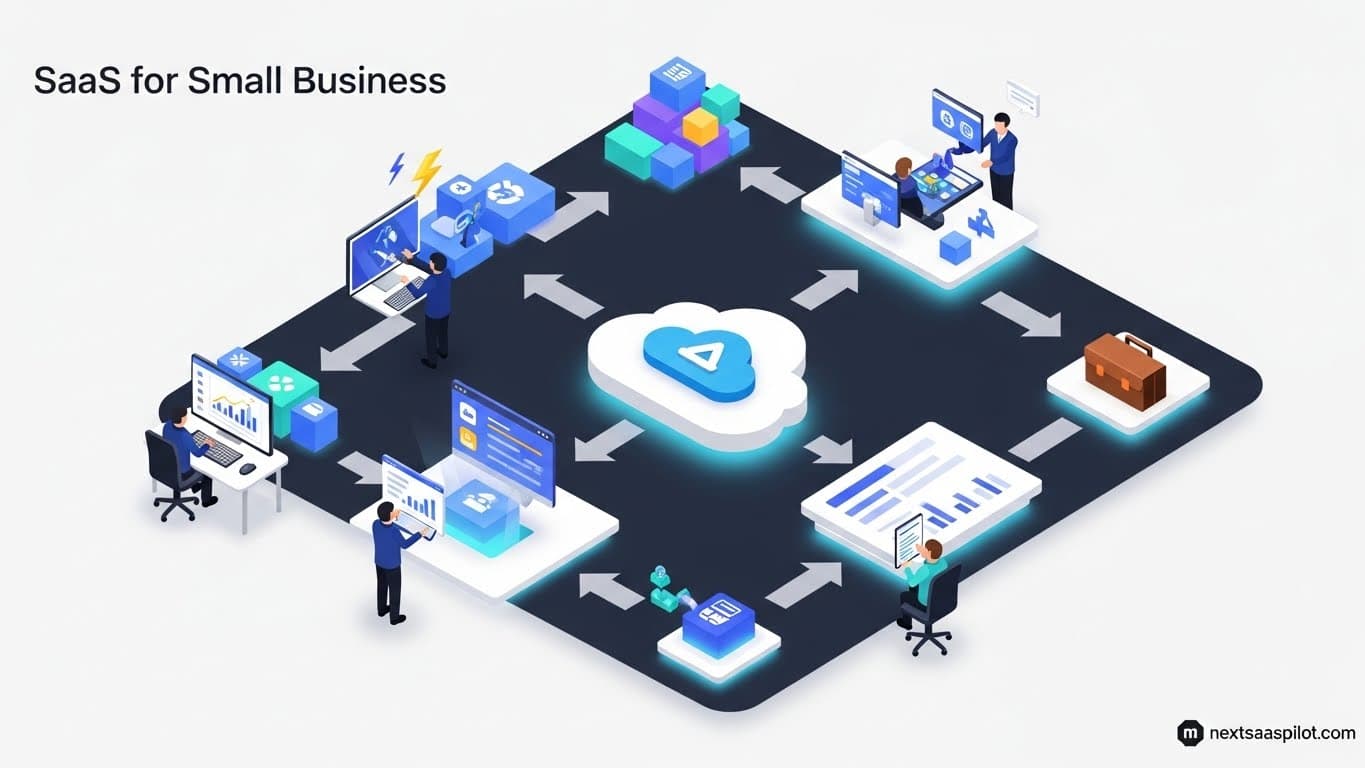
SaaS for small business success is no longer a luxury; it is the mandatory engine of modern growth. In 2025, the right software stack allows a three-person team to compete with a three-hundred-person corporation by automating grunt work and amplifying productivity. This guide cuts through the noise to identify the essential, high-ROI tools that actually move the needle for small enterprises.
Why Is SaaS for Small Business Essential in 2025?
SaaS for small business is essential because it democratizes access to enterprise-grade technology at a fraction of the cost. It allows small teams to automate marketing, reconcile finances, and manage customer relationships from anywhere without investing in expensive hardware or IT staff. This levels the playing field against larger competitors.
Ten years ago, if you wanted a powerful Customer Relationship Management (CRM) system, you needed a server room and a $50,000 license. Today, you need a credit card and $20 a month.
The shift to the cloud has fundamentally changed the economics of entrepreneurship. By leveraging the benefits of SaaS, small business owners can convert heavy capital expenses (CapEx) into manageable operating expenses (OpEx).
The “Force Multiplier” Effect:
I once consulted for a boutique architectural firm that was drowning in admin work. They had great designers but terrible processes. By implementing just three SaaS tools—one for project management, one for billing, and one for file sharing—they recovered 15 billable hours per week. That is the power of the right stack; it buys you time.
What Are the Must-Have SaaS Categories for SMBs?
The must-have SaaS categories for SMBs are Accounting (financial health), CRM (sales growth), Project Management (operational delivery), and Communication (team alignment). Additionally, Marketing Automation and HR software become critical as the business scales beyond the initial founding team.
You cannot build a house without a foundation. In the digital world, your “stack” is that foundation.
The Essential Small Business Stack:
- The Wallet: Cloud Accounting (QuickBooks, Xero).
- The Rolodex: CRM (HubSpot, Pipedrive).
- The Whiteboard: Project Management (Trello, Monday.com).
- The Office: Communication (Slack, Microsoft Teams).
While niche tools exist, these four pillars support 90% of daily operations.
Which All-in-One Suites Offer the Best Value?
All-in-one suites like Zoho One, Google Workspace, and Microsoft 365 offer the best value for small businesses by bundling email, documents, CRM, and collaboration tools into a single subscription. These suites eliminate “subscription fatigue” and ensure seamless data integration between applications without complex setups.
For a solopreneur or a micro-team, managing 20 different logins is a nightmare. Consolidation is key.
Top Contenders:
- Google Workspace: The standard for creatives and startups. It’s collaborative, fast, and integrates with almost everything.
- Microsoft 365: The standard for professional services. If your clients use Excel and Word, you need this to ensure file compatibility.
- Zoho One: The dark horse. For a remarkably low price per user, Zoho gives you an “Operating System for Business” that includes CRM, Books, Mail, and 40+ other apps.
When looking at public SaaS companies, you will notice these giants are fighting hard for the SMB market, which drives prices down and features up for you.
What Are the Best Accounting Tools for Small Teams?
The best accounting tools for small teams are QuickBooks Online for comprehensive features and Xero for user experience. For freelancers and solopreneurs, Wave or FreshBooks provide simpler, invoice-focused solutions that automate expense tracking and tax preparation without the complexity of double-entry enterprise ledgers.
Accounting software is the one tool you cannot afford to skip. It is not just about taxes; it is about cash flow visibility.
Feature Comparison:
| Feature | QuickBooks Online | Xero | FreshBooks |
| Best For | Growing Small Businesses | Design/Creative Agencies | Freelancers/Solopreneurs |
| Bank Feeds | Excellent | Excellent | Good |
| Inventory | Robust | Good | Basic |
| Payroll | Native Add-on | Gusto Integration | Basic |
| Learning Curve | Medium | Low | Very Low |
Real-World Application:
Modern accounting SaaS connects directly to your bank account. I remember the days of manual data entry—typing in every receipt. Now, tools like Xero use OCR (Optical Character Recognition) to scan receipts via SaaS mobile apps, matching them to transactions automatically. This feature alone saves hours of bookkeeping every month.
How Can CRM Software Automate Small Business Growth?
CRM software automates small business growth by tracking every customer interaction, ensuring no lead falls through the cracks. Tools like HubSpot and Pipedrive allow you to set up automated email sequences, task reminders, and sales pipelines that nurture prospects 24/7, effectively acting as a 24-hour sales representative.
The “Rolodex” is dead. If your customer data lives in a spreadsheet, you are losing money.
Top SMB Picks:
- HubSpot CRM: It has a robust free tier that is perfect for starting out. It scales with you, but be warned: the paid tiers get expensive quickly.
- Pipedrive: Built by salespeople for salespeople. It forces you to focus on the actions that close deals.
- Close: An aggressive CRM for teams that do high-volume calling and emailing.
Effective CRM usage is a prime example of leveraging SaaS examples where automation replaces manual labor. You can set up a workflow where a new website lead automatically gets a welcome email, a task is created for you to call them, and they are added to your newsletter—all without you lifting a finger.
Which Project Management Apps Streamline Remote Work?
Project management apps like Trello, Asana, and Monday.com streamline remote work by providing a shared visual dashboard of tasks, deadlines, and responsibilities. These tools replace endless email chains and status meetings, giving business owners instant visibility into who is doing what and when it will be done.
Chaos is the enemy of profit. Project management (PM) software brings order.
1. Trello (Kanban Style)
- Best For: Visual thinkers and simple linear processes.
- Concept: Moving cards from “To Do” to “Doing” to “Done.” It is digital sticky notes.
2. Monday.com (The Work OS)
- Best For: Teams that need to manage complex data or operations.
- Concept: Highly colorful, customizable rows and columns that can track anything from inventory to hiring pipelines.
3. Asana (Task Lists)
- Best For: Teams that are deadline-driven.
- Concept: Robust task dependencies (e.g., “You can’t start Task B until Task A is finished”).
For businesses involving custom development or distinct workflows, sometimes utilizing PaaS services to build a custom internal tool is an option, but for 99% of SMBs, these off-the-shelf SaaS tools are the superior choice.
How Do You Manage SaaS Costs on a Small Budget?
You manage SaaS costs on a small budget by auditing subscriptions quarterly, utilizing annual discounts, and strictly avoiding “feature bloat.” Small businesses should prioritize “all-in-one” tools over specialized niche products and should aggressively cancel free trials before they convert to paid auto-renewals.
“Death by a thousand cuts” is real in the subscription economy. A $10 tool here and a $29 tool there can quickly add up to $1,000/month in overhead.
Cost Control Strategies:
- The Audit: Check your credit card statement. If you haven’t logged into a tool in 30 days, cancel it.
- The Annual Flip: If you rely on a tool daily (like email or accounting), pay annually. It usually saves 20%.
- The Seat Count: Do all 5 employees need a paid Zoom license? Probably not. Share licenses where legal and practical.
SaaS vs. SAAP: Which Model Fits Small Business?
SaaS (Software as a Service) generally fits small businesses better than SAAP (Software as a Product) because it lowers upfront costs and eliminates maintenance burdens. While SAAP offers ownership and data control, the high capital expenditure and IT requirement to manage local servers make it impractical for agile, cash-conscious small teams.
The Comparison:
- SaaS: You rent the software. It is an operating expense. The vendor handles security and updates.
- SAAP: You buy the software. It is a capital expense. You handle the installation and backups.
For a deeper dive into the traditional model, understanding SAAP software helps clarify why the market has shifted so heavily toward cloud subscriptions. For an SMB, the flexibility to cancel a SaaS subscription if the business pivots is invaluable.
How to Implement New Software Without Disrupting Operations?
To implement new software without disrupting operations, use a phased rollout strategy where you test the tool with a small “pilot” group before rolling it out to the whole company. Ensure data migration is backed up, provide dedicated training sessions, and run the new system parallel to the old system for a short period to catch errors.
Buying the software is the easy part. Getting your team to use it is the hard part.
The “Golden Rule” of Implementation:
Do not change everything at once. If you switch your CRM, Accounting, and Email system in the same week, your business will grind to a halt.
Steps for Success:
- Clean Your Data: Don’t import messy data into a new clean tool.
- Appoint a Champion: Pick one employee who loves the new tool to teach the others.
- Cut the Cord: Set a hard date when the old system will be turned off to force adoption.
For more complex deployments, following a structured SaaS implementation guide is critical to avoid downtime.
What Trends Are Shaping Future SaaS for SMBs?
Trends shaping future SaaS for SMBs include the integration of Generative AI for automated content creation, the rise of “vertical SaaS” tailored to specific industries, and mobile-first design. As reported in the latest SaaS industry report, SMBs are increasingly adopting AI agents to perform tasks like customer support and bookkeeping autonomously.
The future is automated. We are moving from tools that help you work to tools that do the work.
- AI Assistants: Tools like Microsoft Copilot embedded in Word and Excel.
- Vertical Solutions: Instead of a generic CRM, you might buy a “CRM for Plumbers” that comes pre-loaded with parts lists and pricing.
- Mobile Dominance: The ability to run the business entirely from a smartphone is becoming a standard requirement.
Final Thoughts on Building Your Stack
Building the best SaaS for small business stack is not about finding the “coolest” tools; it is about finding the tools that give you your life back.
Focus on the “Core Four” (Accounting, CRM, PM, Comm), keep your costs lean, and never stop optimizing your processes. In 2025, the technology is available to make your small business operate with the efficiency of a global enterprise—if you choose wisely.
For a broader context on how this delivery model functions, Software as a Service provides a foundational overview of the cloud computing landscape.