
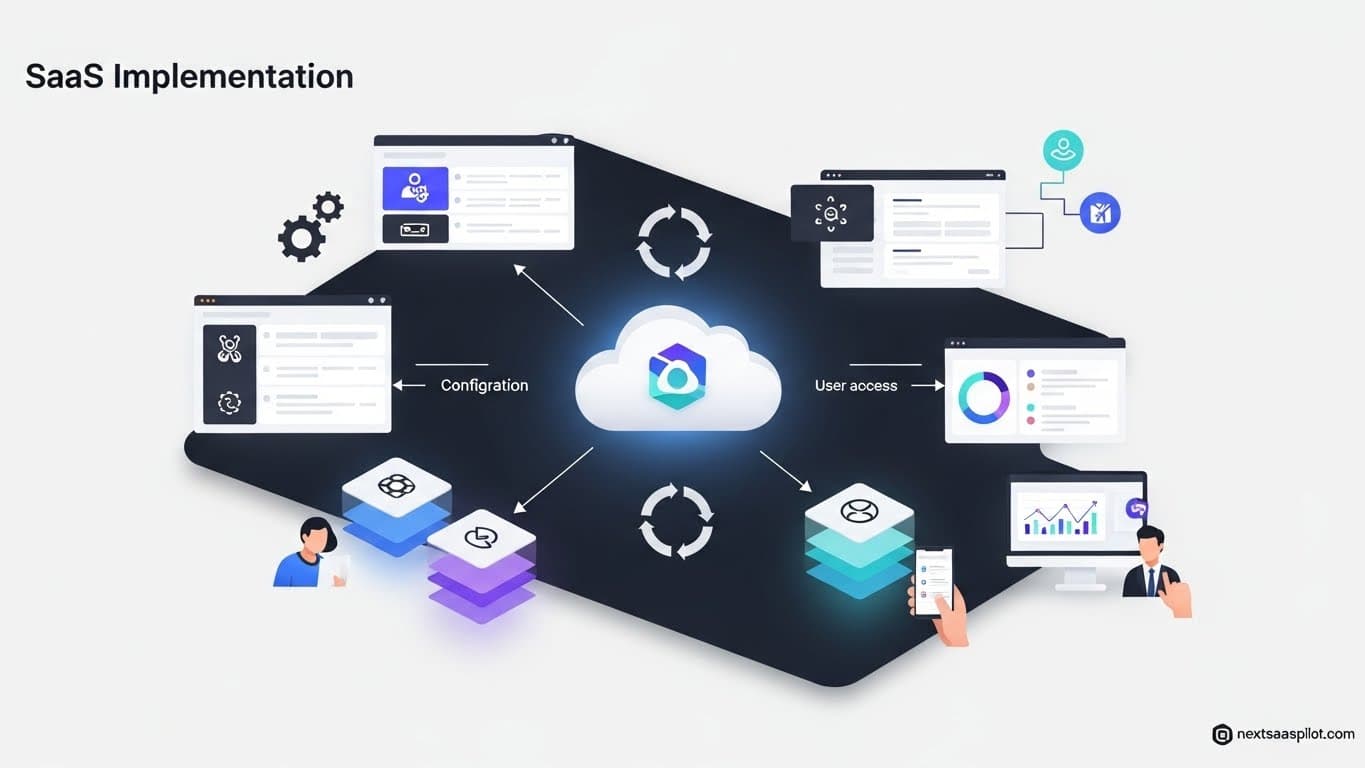
SaaS implementation is the strategic process of integrating cloud-based software into an organization’s workflow, data structures, and culture. It moves beyond simple “installation” to encompass data migration, user training, and process re-engineering to ensure the software delivers actual business value.
For modern businesses, a failed implementation is costly—not just in license fees, but in lost productivity and damaged employee morale. This guide provides a definitive roadmap to navigating the complexities of deploying Software as a Service (SaaS) effectively.
What Is SaaS Implementation?
SaaS implementation is the end-to-end process of configuring, testing, and deploying a cloud-based software application within a business. Unlike on-premise software, which focuses on hardware installation, SaaS implementation prioritizes data integration, user access controls, and change management to ensure the tool is adopted across the organization.
Many leaders mistakenly believe that because SaaS is “plug-and-play,” implementation is instant. This is a dangerous myth. While you don’t need to rack servers, you do need to map business logic to the new tool.
For example, when I led a CRM migration for a mid-sized logistics firm, the software itself was live in five minutes. However, the implementation took four months. We had to redefine what a “Lead” was versus an “Opportunity” because the sales and marketing teams had different definitions. If we had just turned it on, the data would have been garbage.
Why Do Most SaaS Implementations Fail?
Most SaaS implementations fail due to “scope creep,” poor data quality, and a lack of user adoption strategies. When organizations treat implementation as purely an IT project rather than a business transformation project, they neglect the human element—training and buy-in—resulting in “shelfware” that employees refuse to use.
Top Failure Points:
- The “Big Bang” Approach: Trying to launch all features to all users at once.
- Dirty Data: Migrating old, duplicate, or incomplete records into a new system.
- Lack of Executive Sponsorship: If the C-suite doesn’t use the tool, no one else will.
What Are the Key Stages of the SaaS Implementation Lifecycle?
The key stages of the SaaS implementation lifecycle are Discovery, Planning, Data Migration, Configuration, Training, and Go-Live. Each phase builds on the previous one; skipping Discovery to rush to Go-Live almost guarantees that the configured workflows will not match the actual daily needs of the team.
The lifecycle is a loop, not a straight line. You will often revisit configuration based on feedback during training.
Stage 1: Discovery & Requirements Gathering
This is the foundation of the entire SaaS implementation lifecycle.
At this point, you are not choosing software — you are diagnosing the real business problems.
Core Objectives:
- Understand current workflows, bottlenecks, and pain points
- Document business rules
- Identify cross-department dependencies
- Define the “success criteria” for the new software
How to Run Discovery Effectively:
- Interview department heads and frontline users
- Map the current process end-to-end
- Identify what should be automated, removed, or improved
- Ask questions like:
- “What is the one thing you hate about our current process?”
- “What takes the most manual time in your daily workflow?”
Outcome:
A clear, prioritized requirement list.
Skipping this step leads to mismatched workflows during configuration — the #1 cause of SaaS failure.
Stage 2: Selection & Procurement
Once you know the problem, now you evaluate which SaaS tool fits best.
This phase is about comparing real capabilities, not marketing promises.
What Happens in This Stage:
- Evaluate multiple SaaS vendors against your requirements
- Request demos focused on your workflows
- Run trials or ask for a sandbox environment
- Assess pricing models, usage limits, and long-term scalability
- Review integrations and API capabilities
- Validate the vendor’s support quality and implementation resources
Important Tip:
Don’t just read the feature list.
Ask to test the tool with real data in a sandbox environment.
This reveals limitations you’ll never see in a demo.
Selection Checklist:
- Does the tool match at least 80% of your must-have requirements?
- Is the pricing predictable as your team scales?
- Are there hidden costs (API calls, storage, user seats, field limits)?
- Does the vendor provide onboarding support?
Outcome:
You choose the right SaaS platform, negotiate the contract, and prepare for implementation.
This is the blueprint for how the SaaS rollout will happen.
You turn the discovery requirements into a structured project plan with clear owners, timelines, risks, and success metrics.
What Happens in This Stage:
- Define milestones (data migration window, UAT week, go-live date).
- Map dependencies (e.g., CRM migration must finish before automations can be configured).
- Assign responsibilities across IT, business units, and the vendor.
- Document integration requirements (API limits, authentication method, webhooks, etc.).
- Create a communication plan so teams know what’s changing and when.
Why This Matters:
A weak implementation plan is the #1 cause of scope creep and failed rollouts.
Without this plan, teams waste hours redoing work or getting blindsided by new system behaviors.
Stage 4: Configuration & Customization
This is where the SaaS product is shaped around your workflows—not the other way around.
Key Work Activities:
- Configure user roles, permissions, and access levels
- Set up custom fields, workflows, automations, and pipelines
- Integrate third-party systems (CRM, ERP, billing software)
- Define security policies (SSO, MFA, user provisioning)
- Build dashboards and reporting templates
Pro Tip:
During configuration, always document every decision and why it was made. Teams forget, staff changes, and without documentation you cannot scale or audit later.
The Loop Effect:
This is the stage you will revisit the most — especially after training feedback.
Stage 5: Data Migration
Often the most underestimated stage.
What You Do Here:
- Clean and normalize legacy data
- Remove duplicates
- Map old fields to new fields
- Test migration with small batches
- Perform a final full migration
Critical Rule:
Bad data in = bad data out.
A perfect SaaS tool cannot fix dirty, inconsistent, or incomplete data.
Risk Checklist:
- Did you map all required fields?
- Did you test imports under real load?
- Did you set data backup procedures in case rollback is needed?
Stage 6: Testing & UAT (User Acceptance Testing)
Before going live, real users validate real scenarios.
Testing Includes:
- Functional testing (features behave correctly)
- Integration testing (data flows between systems as expected)
- Role-based testing (permissions enforced)
- Workflow validation (does the process match the real job?)
Success Indicator:
When users say: “This matches how we actually work.”
Not: “This is close enough.”
“Close enough” always becomes painful later.
Stage 7: Training & Change Management
Even the best SaaS software will fail if users don’t adopt it.
Training Workflows:
- Role-specific training sessions
- Short 10–15 minute micro-tutorials for daily tasks
- Internal documentation, SOPs, and cheat sheets
- A helpdesk or Slack channel for first-week support
Change Management Focus:
You’re not just teaching a new tool — you’re reshaping habits and processes.
Communicate why the change is happening, not just how the tool works.
Stage 8: Go-Live & Hypercare
This is the launch moment, followed by a support-intensive period.
Go-Live Steps:
- Enable user access
- Switch off legacy systems
- Monitor integrations in real time
- Validate that key workflows (sales pipeline, billing, ticketing) are functioning
Hypercare (first 2–4 weeks):
- Daily check-ins with user teams
- Vendor on standby
- Rapid bug fixing
- Adjustments based on user feedback
This phase determines user confidence and whether adoption will stick.
Stage 9: Post-Implementation Review & Optimization
The SaaS lifecycle doesn’t end at go-live—this is where continuous improvement begins.
Review Questions:
- Did we meet the success criteria from the Implementation Plan?
- Are teams using the tool correctly and consistently?
- What workflows need optimization after real-world usage?
- What metrics improved (speed, accuracy, cost savings, productivity)?
Optimization Activities:
- Add new automations
- Refine dashboards
- Improve integrations
- Expand to more teams
Long-Term Goal:
Transform the SaaS tool from a system-of-record into a system-of-automation and decision-making.
How Do You Handle Data Migration Safely?
Handling data migration safely requires a strict “Extract, Transform, Load” (ETL) process where legacy data is audited for accuracy before entering the new system. You must map old fields to new fields, scrub duplicates, and run a test migration on a small data subset to verify integrity before the full transfer.
Data migration is the most underestimated phase. I once saw a company migrate to Salesforce without cleaning their data first. They ended up with 40,000 “John Smiths” because their old system didn’t enforce unique email addresses. It took six months to clean up the mess.
The Migration Checklist:
- Audit: How far back do you need data? (Do you really need emails from 2015?)
- Cleanse: De-duplicate and standardize formats (e.g., ensuring all phone numbers are +1-555-…).
- Map: Create a document showing “Old Field A” = “New Field B.”
- Test: Migrate 1% of the records and check them manually.
- Freeze: Stop users from adding data to the old system 24 hours before the final move.
What Implementation Methodologies Work Best?
The implementation methodologies that work best are Agile (iterative) for complex, evolving projects and Phased Rollout for large enterprise deployments. Agile allows for continuous feedback and adjustment, while Phased Rollouts reduce risk by deploying the software to one department or region at a time.
- Agile: Good for startups or teams that need to move fast and break things. You launch a “Minimum Viable Product” (MVP) configuration and add features weekly.
- Phased: Essential for global companies. You might launch in the UK office first, learn from the bugs, and then launch in the US office a month later.
How Does Hybrid SaaS Implementation Differ?
Hybrid SaaS implementation differs by combining cloud-based software with on-premise components, requiring complex networking to ensure secure data transfer between the two environments. This approach is often mandated by regulatory compliance or latency requirements, where sensitive data stays local while the application logic runs in the cloud.
In a Hybrid SaaS model, the implementation team needs network engineers, not just application admins. You are effectively building a bridge between your private server room and the public cloud.
Key Differences:
- Connectivity: You need robust VPNs or direct connect lines.
- Latency: You must test how fast the on-premise data syncs with the cloud dashboard.
- Maintenance: You are responsible for patching the on-premise “agent” software.
What Are the Common Challenges in Enterprise SaaS Rollouts?
Common challenges in enterprise SaaS rollouts include navigating rigid procurement bureaucracies, integrating with legacy mainframe systems, and managing “Shadow IT” where departments buy their own tools. Success requires a strong governance framework that balances central IT control with departmental agility.
Enterprise implementation is less about technology and more about politics.
The “Shadow IT” Problem:
In large organizations, it’s common to find that the Marketing team bought a tool that the IT team knows nothing about. During implementation, you often discover these “rogue” apps that need to be integrated or retired.
- Resource: See our guide on SaaS enterprise software for handling these large-scale governance issues.
Integration Fatigue:
Enterprises might have 500+ applications. Connecting a new SaaS tool isn’t just a 1:1 connection; it might break a downstream report in a data warehouse three steps removed.
Why Is User Training the “Make or Break” Factor?
User training is the “make or break” factor because the best software in the world is useless if employees do not know how to use it to do their jobs. Effective training goes beyond technical “how-to” videos and focuses on workflow contextualization—showing users exactly how the tool makes their specific daily tasks easier.
Do not just send a PDF manual.
- Gamification: Create a leaderboard for who logs in the most during the first week.
- Lunch and Learns: Host casual sessions where users can ask “dumb questions” without management watching.
- Champions: Identify one person in every team who loves the software. Train them deeply, and let them train their peers.
How Do You Measure Implementation Success?
You measure implementation success by tracking Adoption Rates (logins), Utilization Rates (feature usage), and Time-to-Value (speed to ROI). Quantitative metrics should be paired with qualitative feedback, such as Net Promoter Scores (NPS) from internal teams, to gauge the cultural impact of the new tool.
The Success Dashboard:
| Metric | Definition | Target Goal |
| Login Rate | % of users logging in daily/weekly. | > 80% by Week 4 |
| Data Integrity | % of records with complete data. | > 95% |
| Ticket Volume | Number of support tickets regarding the new tool. | High at launch, rapid drop-off by Month 2 |
| Process Speed | Time saved performing the core task. | Improvement vs. Old System |
Final Thoughts
SaaS implementation is a journey, not a destination. The “Go-Live” party is actually just the starting line. The real work begins the next day: listening to users, fixing workflows, and ensuring the tool evolves with the business.
By following a structured path—Discovery, Planning, Migration, and Training—you turn a software purchase into a competitive advantage.
For practical inspiration on how others have navigated this, look at real-world SaaS examples to see what a mature implementation looks like.