
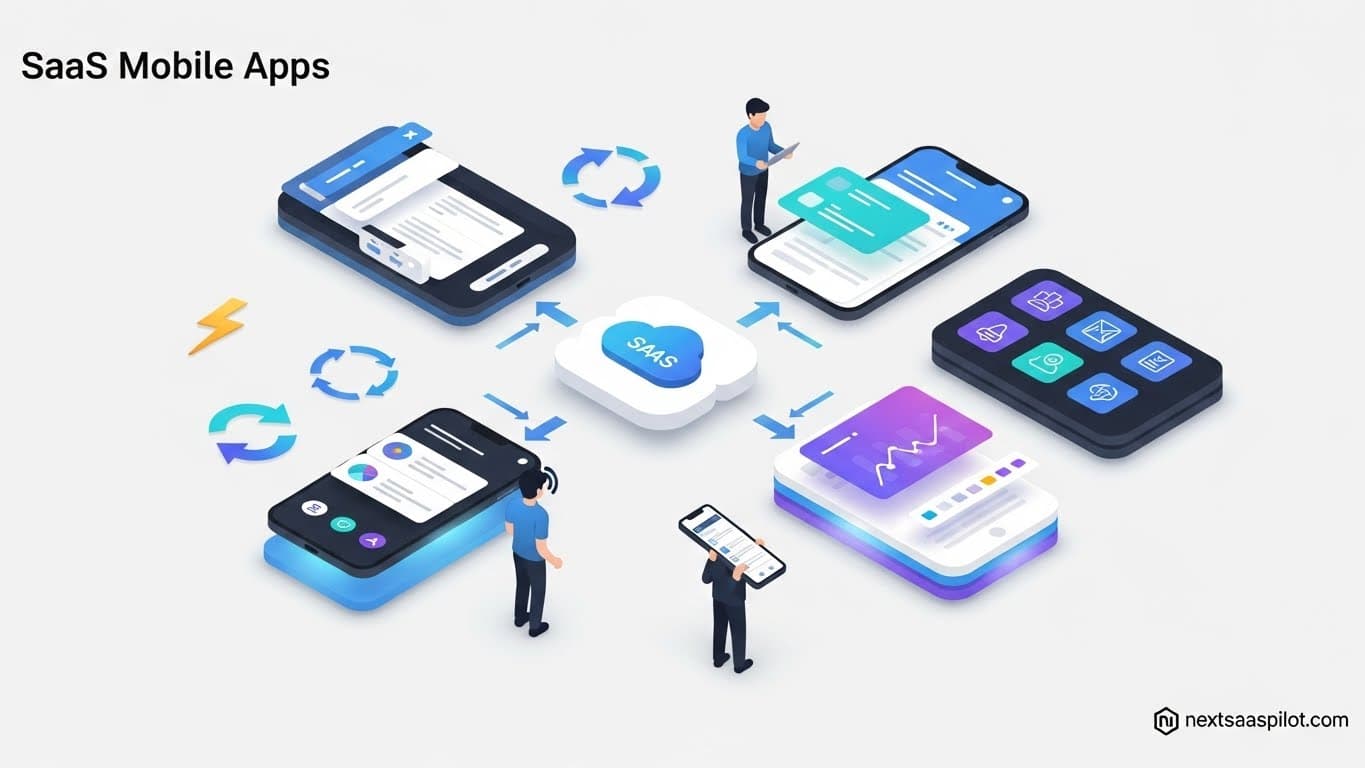
SaaS mobile apps have evolved from “lite” versions of desktop software into powerful, autonomous command centers that drive business efficiency from anywhere. In 2026, the best apps don’t just display data; they use on-device AI to draft responses, sync complex databases offline, and secure enterprise secrets with military-grade encryption.
For modern teams, the smartphone is no longer a secondary screen—it is the primary instrument of work for field sales, logistics, and executive management. This guide ranks the top mobile SaaS tools based on technical performance, offline reliability, and real-world user capability.
Which Mobile Project Management Apps Actually Work Offline?
The best mobile project management apps for offline work are Asana and Trello, as they utilize “local-first” database architectures that allow users to create, edit, and move tasks without an internet connection. Unlike competitors that rely on “caching” (read-only), these apps queue changes and automatically resolve conflicts once connectivity is restored.
I have managed remote teams across three continents, and I learned the hard way: do not trust an app that requires a constant signal. I once lost two hours of detailed project notes in a different app because I walked into an elevator before hitting “save.”
1. Asana (The Offline King)
Asana is unique because it treats your phone’s local storage as the source of truth when offline.
- The Experience: When you are in “Airplane Mode,” you can still create tasks, assign due dates, and leave comments. You will see a small grey cloud icon next to unsynced items.
- Technical Edge: Asana uses a conflict resolution model where the “last write wins” for simple field updates, but it preserves comment streams linearly so no discussion is lost.
- Best For: Field managers who need to assign work while traveling or on-site in low-signal areas.
2. Trello (Visual & Fast)
Trello’s architecture allows the entire board to live on your device.
- Why It Works: It downloads the board state to a local JSON-like database. Moving cards feels instant because it happens on your processor, not the server.
- limitation: You cannot create new boards offline, but you can fully manage existing ones.
3. ClickUp (A Warning on Performance)
While powerful on desktop, the ClickUp mobile app has faced consistent criticism for latency.
- User Reality: Reddit threads and user forums in 2024/2025 frequently cite “laggy” input and “aggressive caching” that can sometimes show outdated task statuses. It is feature-rich, but better suited for tablets or stable Wi-Fi environments than quick, on-the-go updates.
How Do Mobile CRMs Empower Field Sales Teams?
Mobile CRMs empower field sales teams by offering features like business card scanning, geo-fencing, and voice-to-text logging, turning a smartphone into a data entry assistant. HubSpot and Salesforce lead this category by allowing reps to log calls and meeting notes immediately after hanging up, ensuring data accuracy that desktop-only workflows miss.
The “Parking Lot Rule” applies here: If a sales rep can’t log the deal in the 2 minutes sitting in their car after a meeting, that data is gone forever.
1. HubSpot CRM (Best for Speed)
HubSpot’s mobile app is designed for the “Road Warrior.”
- The Feature: It automatically detects when a call ends and pops up a “Log Call” prompt. You can dictate your notes using voice-to-text.
- Anecdote: A sales director I worked with set up an automation where, if a rep marked a lead as “Hot” on mobile, it instantly routed a Slack notification to the closing team. This reduced their “time-to-quote” from 4 hours to 15 minutes.
- Technical Note: The offline mode is “Read-Only” for some advanced relationships. You can view contacts but cannot edit complex deal stages without a signal.
2. Salesforce (Best for Customization)
Salesforce offers a “platform” in your pocket, not just an app.
- Agentforce Integration: New in 2026, Salesforce’s AI agents can surface “Next Best Actions” on your mobile dashboard. It might say, “John Doe just opened your email; call him now.”
- Security: It supports “Transaction Security Policies” that can block a user from downloading a sensitive report if they are on an unsecured public Wi-Fi, even if they have the correct login credentials.
For a deeper look at how these massive platforms operate, check our guide to public SaaS companies.
What Communication Apps Replace the Desktop?
Communication apps like Slack and Microsoft Teams replace the desktop by integrating “Mobile Device Management” (MDM) policies that allow secure access to corporate data on personal devices. They have evolved into “Digital HQs” where users can approve expenses, merge code, and join video calls without ever touching a laptop.
1. Slack (The Digital HQ)
Slack’s mobile app is often faster than its desktop counterpart.
- Haptic Menu: A “long press” on the mobile icon brings up a shortcut menu to “Snooze Notifications” or “Set Status.” This is vital for work-life balance.
- MDM Support: Slack integrates with tools like Microsoft Intune. This means your IT team can remotely wipe only the Slack corporate data from your phone if you leave the company, without touching your personal photos.
2. Microsoft Teams (The Video Standard)
Teams is the heavyweight champion of mobile video.
- Transfer Feature: You can start a meeting on your laptop and “transfer” it to your phone seamlessly when you need to leave the desk. The audio handoff is nearly invisible.
- Data Protection: It enforces “App Protection Policies” that prevent you from copying text from a secure work chat and pasting it into a personal Note app.
Are There Specialized Mobile SaaS Tools for Niche Needs?
Yes, specialized mobile SaaS tools like Canva (Design) and QuickBooks (Finance) dominate niche needs by utilizing hardware-specific features like the camera and touch screen. These apps allow users to perform complex tasks—like creating social media assets or reconciling expenses—using gestures and hardware integration that desktop browsers cannot emulate.
Generalist tools are great, but sometimes you need a scalpel, not a Swiss Army knife.
1. QuickBooks Online (Finance on the Go)
- The Hardware Hack: It uses your phone’s camera to scan receipts. The OCR (Optical Character Recognition) extracts the vendor, date, and amount, matching it to a bank transaction automatically.
- Use Case: A contractor can create and email an invoice standing in a client’s driveway before driving away.
2. Canva (Marketing in Your Pocket)
- Touch optimization: Unlike Photoshop, which is miserable on mobile, Canva was built for touch. You can resize, drag, and drop assets with your thumb.
- AI Magic: The mobile app includes “Magic Eraser” features, letting social media managers snap a photo of a product, remove the background, and post it to Instagram in under 60 seconds.
See more examples of niche excellence in our SaaS examples list.
How Does Mobile Data Sync and Security Work?
Mobile data sync works through “conflict resolution” algorithms that queue offline edits and merge them when a connection is restored, often prioritizing the most recent timestamp. Security is handled via Mobile Application Management (MAM) containers, which isolate corporate app data from personal data on the same device, ensuring GDPR and SOC2 compliance.
This is the technical backbone that makes mobile SaaS viable for enterprise.
The Sync Challenge: When two users edit the same task offline, who wins?
- Last Write Wins: Most apps (like Trello) simply accept the latest timestamp.
- Field-Level Locking: Sophisticated apps (like Salesforce) lock the specific field you are editing so no one else can touch it.
Security Architecture:
- Containerization: Your company softwares live in an encrypted bubble.
- Biometrics: almost all enterprise SaaS apps now support FaceID/TouchID native integration, adding a second layer of authentication beyond just the password.
For a broader understanding of these security risks, review our breakdown of SaaS security risks.
How to Choose the Right Mobile Stack?
To choose the right mobile stack, audit your team’s “field reality” by testing apps in “Airplane Mode” to verify offline capabilities. Prioritize apps with native OS gestures (swipes, haptics) over “web wrappers” (websites disguised as apps), as native apps offer significantly better battery life and performance.
The Selection Checklist:
- The “Thumb Test”: Can you perform the core action (e.g., “Create Task”) with one hand while walking?
- Offline Audit: Turn off Wi-Fi. Does the app crash, or does it let you work?
- Notification Granularity: Can you set “Quiet Hours” specifically for the mobile app so it doesn’t buzz at 2 AM?
Final Thoughts
The gap between “desktop power” and “mobile convenience” has closed. The best SaaS mobile apps of 2026 are not just companions; they are capable of running the entire business.
Whether you are a startup founder managing cash flow on QuickBooks or a developer merging code on GitHub Mobile, the freedom to work from anywhere is now a standard feature, not a luxury.
For further reading on the definitions and history of mobile software, Mobile Apps offers excellent context on the shift from native code to cloud-connected applications.