
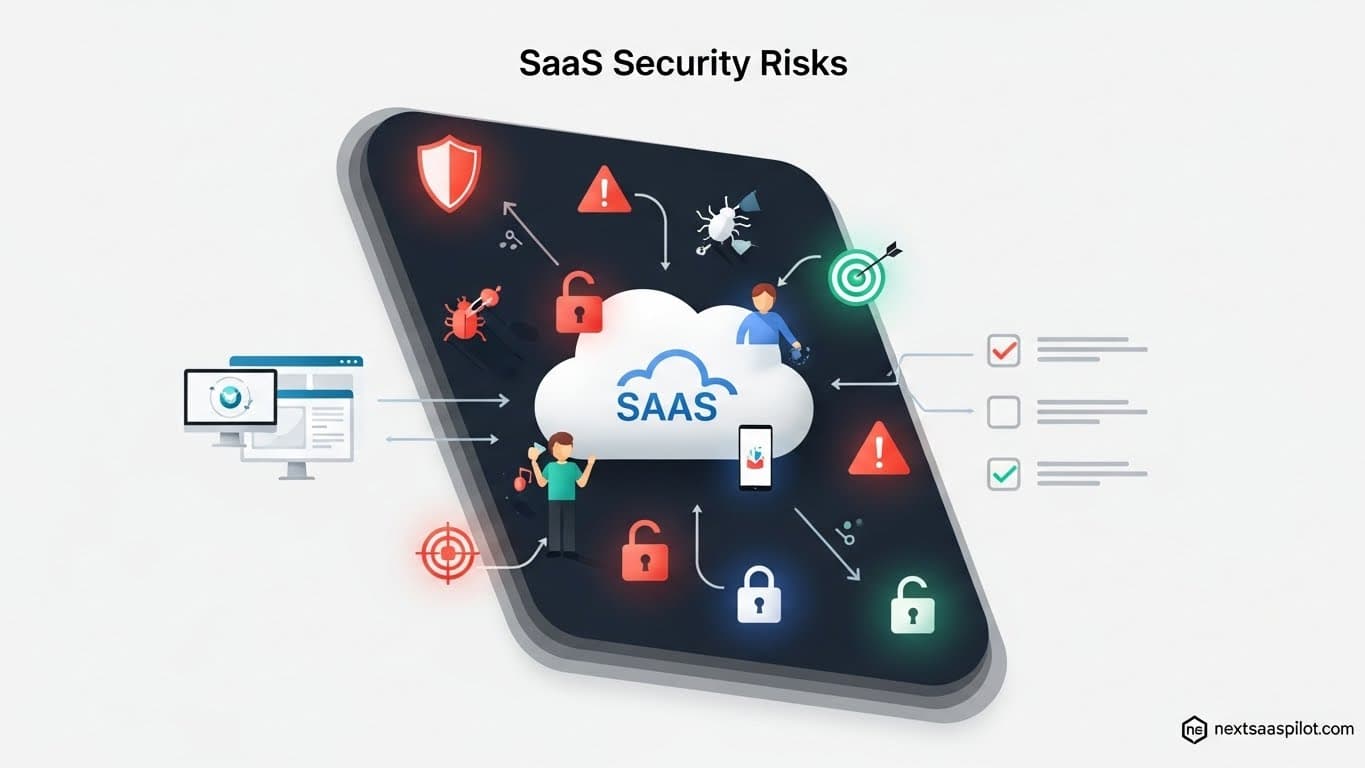
SaaS security risks stem from the decentralized nature of cloud software, where data lives outside your firewall and access is often governed by users rather than IT. In 2025, the primary threats have shifted from simple password theft to complex identity-based attacks, misconfigured permissions, and “shadow” AI usage.
As a security strategist who has navigated the fallout of “shadow IT” and witnessed the chaos of OAuth token abuse firsthand, I can tell you that the perimeter is dead. Your security now relies entirely on identity and configuration. Below is a comprehensive analysis of the top risks facing modern organizations and the definitive strategies to neutralize them.
What Are the Most Critical SaaS Security Risks in 2025?
The most critical SaaS security risks in 2025 include SaaS misconfigurations (permission drift), identity-based attacks (credential stuffing and OAuth abuse), Shadow IT (unsanctioned apps), and insecure third-party integrations (supply chain vulnerabilities). The rise of “Shadow AI”—employees feeding sensitive data into public LLMs—has also emerged as a top-tier data leakage threat.

1. SaaS Misconfigurations and Permission Drift
Misconfiguration is the “silent killer” of cloud security. It’s not a hacker breaking in; it’s a door left unlocked by a well-meaning administrator.
- The Reality: A marketing manager grants “Public Read/Write” access to a Google Drive folder containing customer lists to share it with a contractor. The contractor leaves, but the link remains public forever.
- The Stat: Recent audits show that over 85% of SaaS users have more privileges than necessary for their role. This “permission drift” happens when users change roles but keep their old access rights, creating a massive attack surface.
2. Identity and Access Management (IAM) Failures
With the firewall gone, Identity is the new perimeter. Attackers rarely “hack” in anymore; they log in.
- OAuth Token Abuse: This is the modern version of password theft. Instead of stealing a password, attackers trick a user into authorizing a malicious third-party app (e.g., a fake “PDF Converter”) that requests access to their Office 365 email. Once granted, the attacker has a persistent “session token” to read emails without ever needing a password or MFA.
- MFA Fatigue: Attackers spam a user’s phone with MFA push notifications at 2 AM until the exhausted user hits “Approve” just to make it stop.
3. Shadow IT and “Shadow AI”
Shadow IT has evolved. It used to be an employee using Dropbox instead of the company server. Now, it is an employee pasting proprietary code or financial data into a public AI model like ChatGPT or Claude to “summarize” it.
- The Risk: Once that data enters the public model’s training set, it effectively leaves your control and could theoretically be surfaced to competitors.
- Visibility Gap: Most IT teams are unaware of 40-50% of the SaaS apps running on their network because they are expensed on personal credit cards or have “freemium” tiers.
4. Supply Chain Attacks via Integrations
Your SaaS stack is an interconnected web. If you use Slack, and Slack integrates with Jira, and Jira integrates with a third-party plugin, a vulnerability in that plugin can compromise your entire chain.
- Case in Point: The 2024/2025 Cloudflare-Atlassian breach demonstrated how attackers can leverage tokens from one compromised environment to pivot laterally into another. You are only as secure as the least secure app you connect to.
How Can You Prevent SaaS Misconfigurations?
You can prevent SaaS misconfigurations by implementing a SaaS Security Posture Management (SSPM) tool to continuously monitor settings against security baselines. Additionally, enforce “Least Privilege” principles by conducting quarterly access reviews and automating the revocation of permissions for dormant accounts or external collaborators.
Manual audits are impossible at scale. You cannot manually check the sharing settings of 10,000 SharePoint files.
Actionable Steps:
- Deploy SSPM: Tools like Vanta, Drata, or specialized SSPM solutions automatically scan your SaaS stack (Salesforce, Slack, GitHub, etc.) 24/7. They alert you instantly if a global setting changes—for example, if “MFA enforcement” is accidentally toggled off.
- Automated Offboarding: When an employee leaves, use an Identity Provider (IdP) like Okta or Entra ID (formerly Azure AD) to trigger an immediate “kill switch.” This must revoke access to all apps, not just the main email account.
- External Share Audits: Set a policy that auto-expires external links after 30 days. If a vendor needs access longer, they must request it again.
What Are the Best Practices for Securing SaaS Identity?
Best practices for securing SaaS identity include enforcing Phishing-Resistant Multi-Factor Authentication (MFA) using hardware keys or biometrics, disabling legacy authentication protocols (like IMAP/POP), and strictly governing OAuth permissions. You must also treat “Service Accounts” (non-human identities) with the same rigor as human admins.

Identity defense requires layers. A password is not a defense; it is a formality.
The “Zero Trust” Identity Checklist:
- Go Passwordless: Where possible, move to FIDO2 keys (YubiKey) or platform biometrics (TouchID/Windows Hello). These cannot be phished because the physical token must be present.
- Restrict OAuth Scopes: Block users from “Consenting” to third-party apps on their own. Set a policy where any app requesting “Read Mail” or “Write Files” requires Admin approval.
- Conditional Access Policies: Configure your IdP to block logins that are “impossible.” For example, if a user logs in from New York at 9:00 AM and London at 9:15 AM, the second login should be auto-blocked.
How Do You Manage Shadow IT and SaaS Sprawl?
You manage Shadow IT by utilizing a Cloud Access Security Broker (CASB) to analyze network traffic for unauthorized app usage and by analyzing financial data for unsanctioned software expenses. Rather than simply banning all Shadow IT, establish a “fast-track” vetting process that allows employees to request new tools safely.
Shadow IT is often a symptom of employees trying to be productive. If you just block everything, they will find a workaround.
Discovery Strategy:
- Follow the Money: Work with your finance team to scan expense reports for keywords like “software,” “subscription,” or known vendor names. This often reveals apps that never touched the IT network review.
- CASB Deployment: A CASB sits between your users and the internet. It can see if a user is uploading 5GB of data to “WeTransfer” or “Personal Google Drive” and block that specific action while allowing them to browse the web.
- Build a “Sanctioned” Store: Create an internal portal of approved apps. If an employee needs a PDF editor, they should easily find the approved one so they don’t go looking for a risky free version.
How Can You Mitigate Supply Chain Risks in SaaS?
Mitigate supply chain risks by maintaining a dynamic inventory of all third-party integrations (Fourth-Party Risk) and enforcing a rigorous vendor risk assessment process before onboarding. Monitor the security bulletins of your critical vendors and have an “Incident Response Plan” ready that assumes a vendor breach will eventually happen.
You cannot fix a vendor’s security, but you can limit the blast radius.
Vendor Risk Management (VRM) Tactics:
- The “Least Privilege” Integration Rule: When connecting App A to App B, checking the requested permissions is vital. Does that calendar scheduling app really need “Delete all emails” permission? If yes, deny it.
- Regular Token Rotation: Just like passwords, API tokens and OAuth secrets should be rotated. Don’t let a token sit active for 5 years.
- Continuous Monitoring: Use tools that rate the security posture of your vendors (e.g., SecurityScorecard or UpGuard). If a vendor’s score drops, investigate immediately.
Summary of Mitigation Strategies
| Risk Category | Primary Mitigation Tool | Key Action Item |
| Misconfiguration | SSPM (SaaS Security Posture Management) | Automate “configuration drift” alerts to catch unauthorized setting changes instantly. |
| Identity / Access | IdP + MFA (Okta/Entra ID) | Enforce FIDO2/Biometric MFA and block legacy authentication protocols. |
| Shadow IT | CASB (Cloud Access Security Broker) | Monitor network traffic for data exfiltration to unsanctioned apps. |
| Supply Chain | VRM (Vendor Risk Management) | Audit all third-party OAuth grants quarterly and revoke unused tokens. |
| Shadow AI | DLP (Data Loss Prevention) | Block pasting of sensitive data (PII, Code) into public GenAI chat interfaces. |
Final Thoughts
SaaS security is a moving target. In 2025, the question isn’t “Is my cloud secure?” but rather “Is my identity secure?” By shifting your focus from perimeter defense to identity governance and continuous configuration monitoring, you can embrace the speed of SaaS without exposing your organization to ruin. The goal is not to stop employees from using tools, but to ensure they use them with guardrails that are invisible yet unbreakable.