
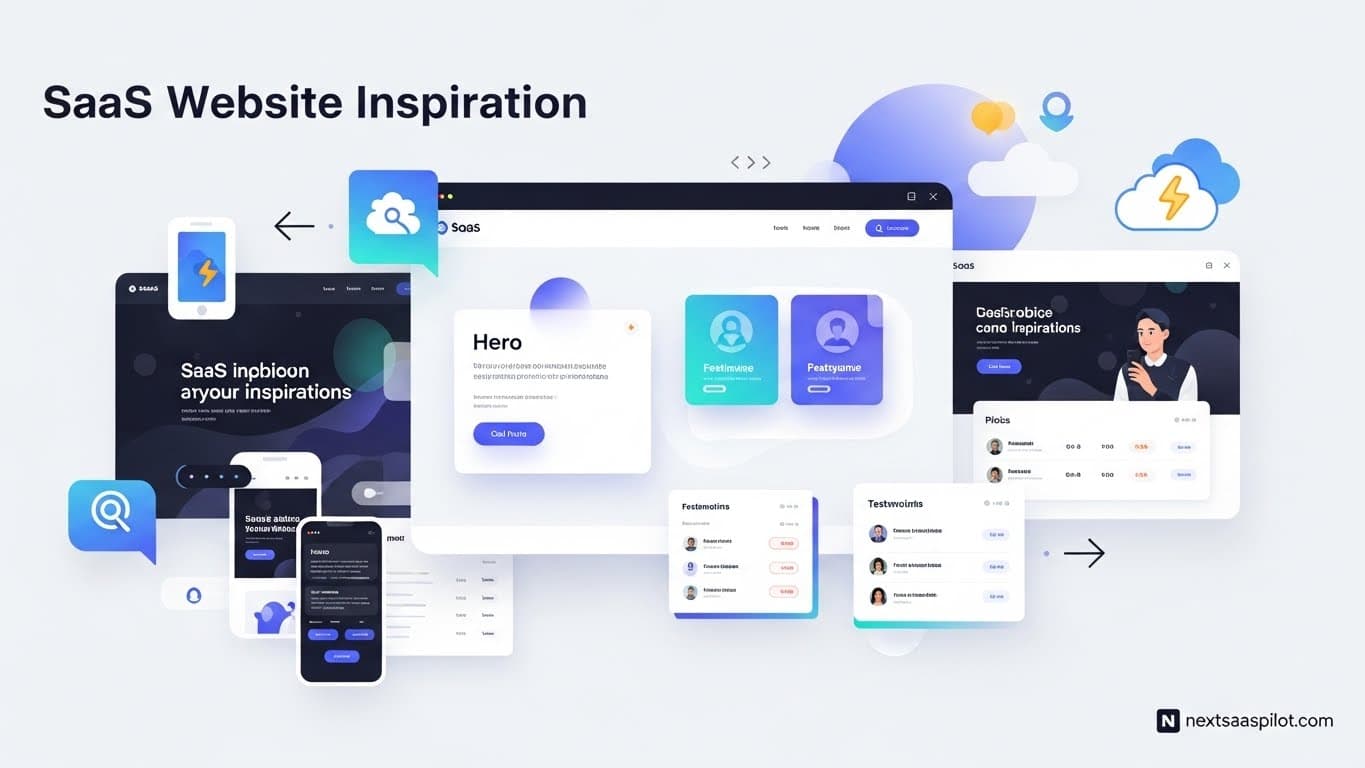
SaaS website inspiration is not just about finding pretty layouts; it is about reverse-engineering the revenue engines of the world’s most successful software companies. In 2025, a SaaS website is your primary salesperson, working 24/7 to convert cold traffic into recurring revenue. The best designs prioritize clarity, speed, and “Time to Value” over artistic flair, using psychological triggers to guide users effortlessly from the landing page to the checkout.
For founders and product designers, analyzing top-tier examples provides a blueprint for what works. It helps you avoid “reinventing the wheel” and focus on the unique value proposition of your product. This guide deconstructs the best SaaS websites of the year, explaining the why behind the wow.
What Makes a SaaS Website Design Effective?
A SaaS website design is effective when it achieves the “5-Second Rule”—communicating exactly what the product does, who it is for, and why it matters within five seconds of loading. Effective designs utilize clear value propositions, minimal friction in sign-up flows, and social proof to build immediate trust with skeptical visitors.
Design is not art; it is problem-solving. When I audit SaaS websites for clients, I often see founders obsessing over the wrong things, like complex animations or abstract copy. They forget that the user is selfish. The user wants to know, “Can this solve my problem right now?”
The Core Pillars of High-Converting Design:
- Clarity: No jargon. Use plain language.
- Hierarchy: Guide the eye to the “Sign Up” button.
- Performance: It must load instantly. A slow site suggests a slow app.
- Trust: Logos, testimonials, and security badges must be visible “above the fold.”
When you are in the early stages of building a SaaS MVP, your website doesn’t need to be a masterpiece, but it must be clear. A confusing website will kill a great product faster than bugs will.
Which Homepage Examples Define 2025 Trends?
Homepage examples defining 2025 trends include Linear for its “Bento Grid” minimalism, Loom for its video-first storytelling, and Stripe for its developer-centric interactive visuals. These sites have moved away from generic stock illustrations, embracing product-led visuals that show the software interface immediately rather than hiding it behind abstract graphics.
1. Linear: The Bento Grid Aesthetic Linear (a project management tool) single-handedly popularized the “Bento Grid” layout—a modular, grid-based design that organizes information into clean, distinct boxes.
- Why it works: It makes dense information scannable. It feels engineered, precise, and fast—exactly what you want from a project management tool.
- Takeaway: If your product is technical, a clean, grid-based layout signals precision.
2. Loom: Show, Don’t Tell Loom’s homepage doesn’t just talk about video messaging; it uses video messaging.
- Why it works: It reduces cognitive load. Instead of reading a paragraph about how easy it is to record a video, you watch a 5-second loop of someone doing it.
- Takeaway: If your product is visual, use GIFs or looping videos (WebM format for speed) as your hero image.
3. Stripe: The Developer Standard Stripe remains the gold standard for SaaS platform development websites.
- Why it works: They put actual code snippets on the homepage. For their target audience (developers), code is more persuasive than marketing copy.
- Takeaway: Know your audience. If you sell to engineers, show the API. If you sell to marketers, show the dashboard.
How Can Pricing Pages Maximize Revenue?
Pricing pages maximize revenue by using psychological anchoring (highlighting a “Recommended” tier), simplifying complex feature lists into comparable tables, and offering transparent toggle switches for monthly versus annual billing. The best examples, like HubSpot or Slack, reduce decision paralysis by clearly guiding the user to the plan that fits their size.
The pricing page is where the sale happens. It is the moment of truth.
Psychological Triggers:
- Anchoring: Place your most expensive plan on the right to make the middle plan look reasonable.
- Scarcity/Urgency: “Limited time offer” (use sparingly).
- Defaulting: Default the toggle to “Annual” pricing to show the lower number, increasing cash flow for the business.
Design Best Practice: Don’t hide the price. “Contact Sales” is fine for enterprise tiers, but hiding pricing for basic tiers frustrates users and increases bounce rates. In the SaaS lifecycle, pricing transparency becomes a competitive advantage against legacy incumbents who hide their fees.
What Is the “Product-Led” Design Approach?
The “Product-Led” design approach involves putting the software interface front and center on the website, often using interactive “sandboxes” or clickable demos that allow users to experience the product without signing up. This transparency builds massive trust and qualifies leads faster, as users self-select based on the actual utility of the tool.
In 2025, users are tired of “Gatekeeping.” They don’t want to book a demo to see what the software looks like.
Interactive Demos: Tools like Navattic or Arcade allow you to embed a clickable version of your product directly on the landing page.
- Benefit: It increases time-on-site and engagement.
- Risk: If your UX is bad, it exposes it immediately. Ensure your platform in software development focuses on intuitive UI before you expose it this publicly.
Case Study: Figma Figma’s website acts exactly like the tool. You can drag and drop elements on the landing page itself. This proves the technology works instantly (in the browser) without a single word of copy.
How Does “No-Code” Influence Modern Web Design?
No-code influences modern web design by allowing marketing teams to build and update high-fidelity SaaS websites without relying on engineering resources. Platforms like Webflow and Framer enable complex animations, interactions, and responsive layouts that previously required custom coding, accelerating the speed of marketing iteration.
The rise of no-code SaaS tools means that your marketing site doesn’t have to be held hostage by your product roadmap.
The “Marketing Velocity” Advantage:
- Old Way: Marketing designs a page -> Engineering builds it 3 weeks later.
- New Way: Marketing designs and publishes the page in Webflow in 2 days.
This agility is critical for testing headlines and value props. You can run A/B tests on your landing page weekly.
What Are the Best Examples of Onboarding Flows?
The best examples of onboarding flows, found in tools like Canva and Duolingo, use “progressive profiling” to gather user data in bite-sized steps while simultaneously teaching the user how to use the product. They avoid “empty states” by asking users for their goals upfront and populating the dashboard with relevant templates immediately.
Onboarding isn’t just inside the app; it starts on the website.
The “Welcome” Survey: When you sign up for Canva, it asks: “What will you be designing?” (Social Media, Presentations, etc.).
- Result: The first thing you see is a template relevant to you.
- Lesson: Personalization reduces churn.
Friction vs. Qualification:
- Low Friction: “Enter Email to Start.” (Good for PLG).
- High Friction: “Enter Company Size, Role, Phone Number.” (Good for Enterprise Sales).
- Deciding which to use depends on your software project management strategy and sales capacity.
How Important Is Mobile Responsiveness for SaaS Sites?
Mobile responsiveness is critical for SaaS sites because over 50% of B2B decision-makers conduct initial research on their phones, even if they eventually use the desktop app for work. A broken mobile site signals a lack of technical competence, causing potential buyers to abandon the evaluation process before they even reach the desktop.
Founders often forget this because they build on desktops. But your buyer is reading your email on their iPhone while commuting.
The “Thumb Zone”: Ensure your CTAs (Call to Action) are reachable with a thumb. Ensure your screenshots are legible on a small screen (or replaced with mobile-specific simplified versions). This is especially vital if you offer companion SaaS mobile apps. The website must seamlessly link to the App Store.
What Trends Are Emerging in SaaS Typography and Color?
Emerging trends in SaaS typography and color include “Neo-Grotesque” fonts for readability and high-contrast, dark-mode-first aesthetics that convey a premium, developer-friendly feel. Brands are moving away from “Corporate Blue” toward bold, acidic accent colors (neon greens, purples) to stand out in a crowded market.
Typography:
- Inter: The default font of SaaS. Clean, legible, invisible.
- Serifs: Making a comeback for brands that want to feel “editorial” and trustworthy (e.g., Notion-style).
Dark Mode: Dark mode is no longer a toggle; for many dev-tools (like Vercel or Supabase), it is the default. It signals “we are building for power users.”
How Do You Hire the Right Designer?
To hire the right designer, look for portfolios that demonstrate systematic thinking and conversion optimization rather than just graphic art. You need a “Product Designer” or a specialized SaaS web designer who understands component libraries, responsiveness, and the business goals of reducing churn and increasing sign-ups.
Do not hire a print designer for a SaaS website. They are different disciplines.
The Agency Route: For high-stakes launches, many founders hire a dedicated SaaS development company that has a design arm. This ensures the design isn’t just pretty, but technically feasible to build.
Key Portfolio Check: Ask the designer: “How did your design impact the conversion rate of this page?” If they don’t know, they are artists, not SaaS designers.
How to Audit Your Own Website Design?
Audit your own website design by conducting “User Testing” sessions where you watch strangers try to figure out what your product does without your help. Use heatmaps (like Hotjar) to see where users click and scroll, and check your Google Lighthouse score to ensure technical performance isn’t hurting your SEO rankings.
The 3-Point Audit:
- The “Fold” Test: Is the value prop and CTA visible without scrolling on a 13-inch laptop?
- The “Jargon” Test: Show the site to a non-tech friend. Do they understand it?
- The “Speed” Test: Does it load in under 2 seconds?
Final Thoughts on Inspiration
SaaS website inspiration is everywhere, but the best inspiration comes from your own metrics. Use the examples from Linear, Stripe, and Loom as a starting point, but always test against your own users.
The goal of your website is not to win a design award. It is to get someone to trust you enough to give you their email address. Keep it simple, keep it fast, and keep it focused on the user’s problem.
Before you start your redesign, ensure you have a solid foundation. Read our guide on how to start a software company to align your design with your business fundamentals.