
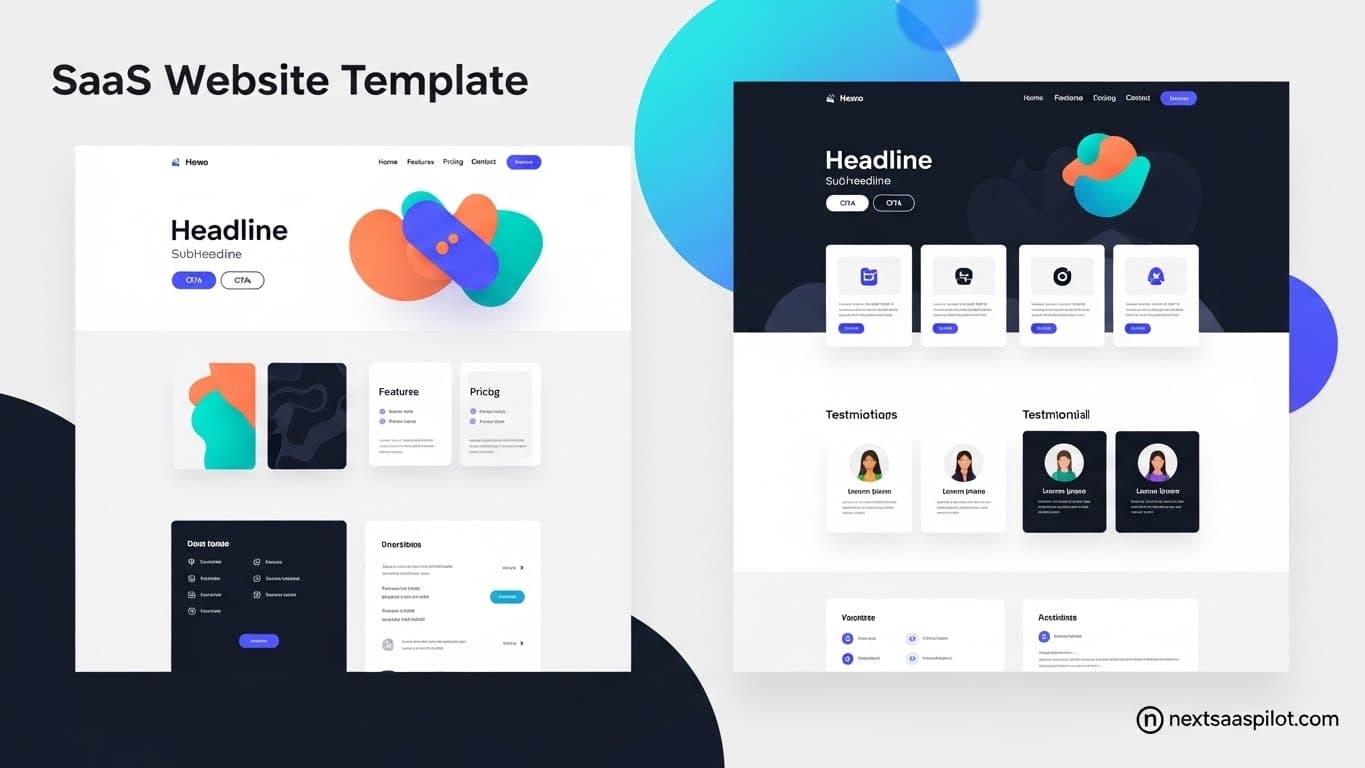
Choosing the right saas website template is the single most efficient lever a founder can pull to accelerate their launch timeline. In the hyper-competitive software market, your website is your primary salesperson, working 24/7 to convert visitors into recurring revenue.
I have audited hundreds of startup launches, and a clear pattern emerges: successful founders rarely build their marketing sites from scratch. They leverage high-quality templates to handle the visual heavy lifting, allowing them to focus entirely on product-market fit. Whether you are bootstrapping an MVP or scaling a Series A platform, understanding the anatomy of a high-converting template is critical to your success.
Why Should You Start with a SaaS Website Template?
Starting with a specialized SaaS template drastically reduces development time by providing pre-built, conversion-optimized sections like pricing tables and testimonial grids, allowing you to launch in days rather than months. It eliminates the “blank canvas paralysis” that stalls many projects before they even begin.
In my experience, custom design agencies charge upwards of $15,000 for a marketing site that might take eight weeks to deliver. A premium template costs a fraction of that and allows you to deploy immediately. This speed is a competitive advantage.
Think of a template as a furnished model home. You get the structure, the layout, and the foundational aesthetics immediately. You simply need to move in your furniture (content) and paint the walls (branding). This approach allows you to validate your idea with real traffic before investing heavily in bespoke design.
What Features Define a High-Converting SaaS Template?
A high-converting template must include clear value proposition headers, interactive pricing toggles (monthly/yearly), social proof sections, and seamless integration with analytics and email capture tools. These elements are the non-negotiable infrastructure of modern software marketing.
If you browse top-performing SaaS sites, you will notice they all share a similar DNA. This isn’t a coincidence; it’s a proven user experience pattern.
Essential Template Components:
- Hero Section: Needs a clear H1, subheadline, and high-contrast CTA buttons.
- Feature Grid: Usually a “Bento Box” style or alternating layout to explain benefits.
- Social Proof: Logos of current clients or user testimonials.
- Pricing Table: Must handle tier differentiation and feature comparison.
- FAQ Section: To address objections before the user bounces.
When evaluating ui libraries or template marketplaces, ensure these specific components are included and look professional out of the box.
React vs. HTML5: Which Technology Stack is Best?
React-based templates are superior for dynamic applications and dashboards requiring state management, while html5 basic template solutions are often faster and cheaper for simple, static marketing landing pages. The choice depends entirely on whether your site needs to “do” something or just “say” something.
For a long time, simple HTML templates were the gold standard for landing pages. They are lightweight and easy to host anywhere. However, as SaaS marketing sites become more interactive (e.g., interactive ROI calculators, dynamic pricing sliders), the industry is shifting toward modern react frameworks like Next.js.
Comparison: HTML5 vs. React Templates
| Feature | HTML5 Template | React / Next.js Template |
| Setup Difficulty | Low (Unzip and upload) | Medium (Requires Node.js) |
| Interactivity | Low (Basic JS) | High (Full State Management) |
| Code Reusability | Poor (Copy-paste code) | Excellent (Components) |
| Hosting | Any static host | Vercel / Netlify / VPS |
| Long-term Scale | Difficult | Seamless |
If you plan to share code between your marketing site and your actual product dashboard, choosing a react js library based template is the smarter architectural decision.
How Do You Customize a Template to Fit Your Brand?
To customize a template effectively, you should utilize modern CSS variables or Tailwind configuration files to update your global color palette and typography before attempting to restructure the layout. This “Theme First” approach ensures consistency across the entire site without breaking the underlying code structure.
Many developers make the mistake of diving into the HTML/JSX and rewriting sections immediately. This often breaks the mobile responsiveness provided by the template.
Instead, identify the css framework for react the template uses (usually Tailwind CSS in 2025).
- Update
tailwind.config.js: Change theprimaryandsecondarycolors to match your brand. - Update Fonts: Switch the font family in your global CSS.
- Replace Assets: Swap out the placeholder SVGs and images with your product screenshots.
By following this order, you retain the professional spacing and rhythm of the template while making it uniquely yours.
Free vs. Premium Templates: Is the Upgrade Worth It?
Premium templates are almost always worth the investment for serious businesses because they offer cleaner code, regular dependency updates, comprehensive documentation, and access to developer support. Free templates often serve as “abandonware,” lacking the security updates and polish required for a production SaaS.
While it is tempting to grab a free starter, the hidden costs are high. You might save $50 upfront, but you will spend 20 hours fixing broken mobile views or wrestling with outdated dependencies.
Benefits of Premium SaaS Templates:
- Design Consistency: A unified design language across 20+ pages.
- Accessibility (a11y): Paid templates often ensure keyboard navigation and screen reader support.
- SEO Optimization: Proper semantic HTML tags (
,) are usually better implemented. - Integrations: Many come pre-wired with Stripe or CMS connections.
How to Optimize Your Template for SEO and Performance?
You must ensure your template achieves high Core Web Vitals scores by optimizing images, using next-gen formats like WebP, and ensuring that metadata is dynamically generated for every page. A pretty template that loads in 4 seconds will kill your conversion rate and search rankings.
Google’s ranking algorithms prioritize user experience. Even the most beautiful saas website template is useless if it fails to load quickly on a 4G mobile connection.
Optimization Checklist:
- Image Optimization: Does the template use
- Semantic Structure: Check H1, H2, and H3 hierarchy.
- Mobile Responsiveness: Test the template on an actual phone, not just the browser resizer.
- Meta Tags: Ensure you can easily edit Title, Description, and Open Graph (social) tags.
Where Can You Find the Best SaaS Templates?
The best sources for high-quality SaaS templates are specialized UI marketplaces like Tailwind UI, Vercel’s template directory, and independent creator platforms that focus specifically on the React and Next.js ecosystem. Avoid generic “mega-marketplaces” where code quality varies wildly.
- Tailwind UI / Refactoring UI: The gold standard for clean, modern aesthetics.
- Vercel Templates: Best for Next.js specific implementations.
- ThemeForest: Good for legacy HTML/WordPress, but requires careful vetting.
- Independent Studios: Many developers sell high-end “SaaS Starter Kits” that function as full application boilerplates.
Top Design Patterns Included in Modern Templates
Modern SaaS templates currently favor “Bento Grid” layouts, dark mode toggles, sticky headers with blur effects, and micro-interactions that provide feedback on user clicks. These patterns signal to the user that the software is modern, maintained, and high-quality.
Trending Patterns:
- Bento Grids: Modular, boxy layouts inspired by Apple’s promotional materials. They allow you to showcase disparate features in a cohesive way.
- Glassmorphism: Subtle transparency and blur effects in navigation bars and cards.
- Linear Gradients: Using subtle gradients on text headers to guide the eye.
- Interactive Pricing: Sliders that let users estimate their costs based on usage (e.g., “How many seats do you need?”).
Conclusion
A saas website template is a tool, not a magic wand. Its value comes from how quickly it allows you to test your hypothesis in the real world.
Don’t get stuck in “pixel pushing” mode. Select a template that aligns 80% with your vision, customize the remaining 20%, and ship it. In the SaaS world, the winner isn’t the one with the most custom code; it’s the one who solves the customer’s problem first. For more historical context on web design structures, see Web template systems.