
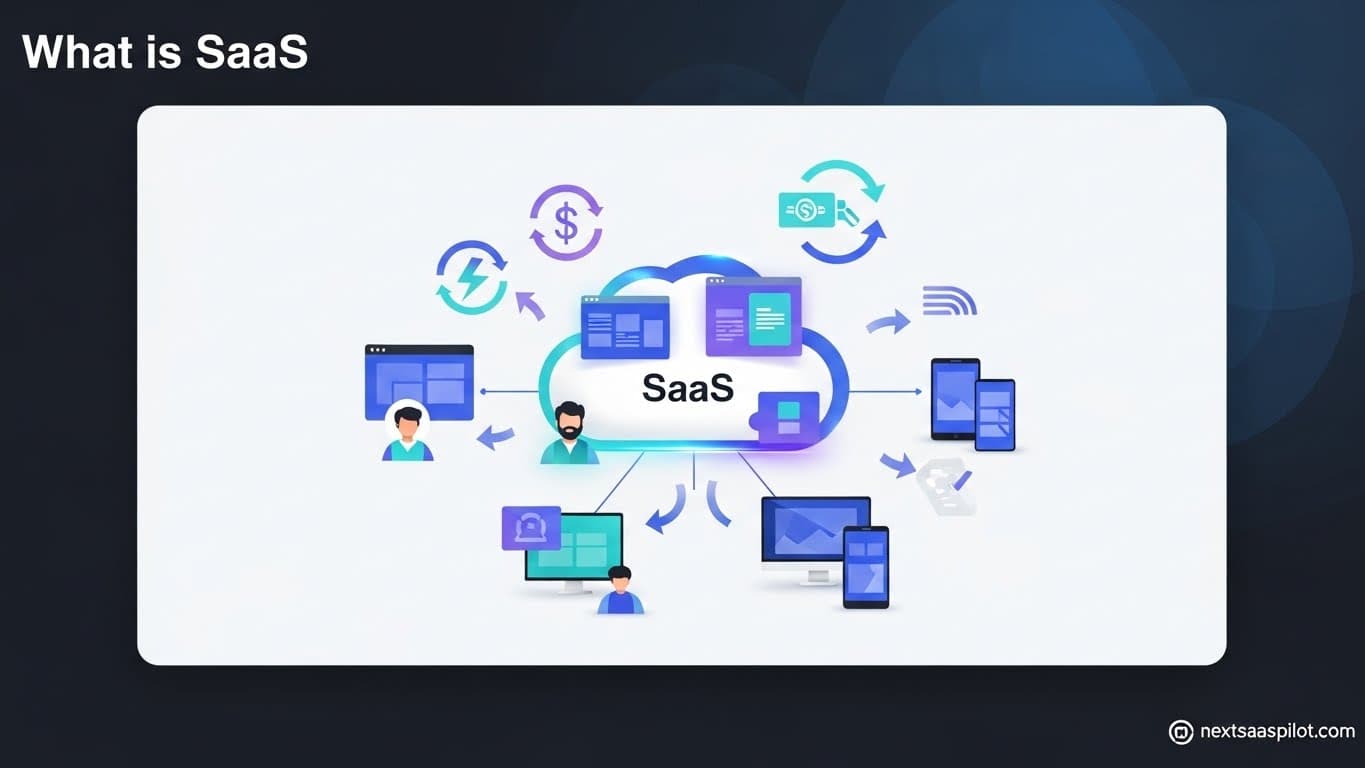
Understanding what is saas (Software as a Service) is the first step to mastering the modern digital economy. It represents a complete paradigm shift from buying software to renting it. In the past, businesses purchased physical disks, installed them on servers, and managed complex updates manually. Today, SaaS allows users to access applications over the internet via a web browser, eliminating the need for expensive hardware and maintenance.
I have consulted for Fortune 500 companies transitioning from legacy on-premise systems to the cloud. The difference is night and day. They move from six-month update cycles to instant feature releases. This guide is not just a dictionary definition; it is a deep dive into the mechanics, economics, and future of the SaaS industry.
What Is the Definition of SaaS?
SaaS (Software as a Service) is a cloud computing model where a third-party provider hosts applications and makes them available to customers over the internet. Instead of installing and maintaining software, you simply access it via the Internet, freeing yourself from complex software and hardware management.
Think of it like a utility. You don’t build your own water treatment plant to drink water; you pay a utility company to pipe it to your house. Similarly, with SaaS, you don’t build a data center to use email or a CRM; you pay a provider (like Gmail or Salesforce) to deliver it to your browser.
This model is one of three main categories of cloud computing, alongside Infrastructure as a Service (IaaS) and Platform as a Service (PaaS). However, SaaS is the most visible to end-users because it is the finished product.
How Does SaaS Work Under the Hood?
SaaS works through a cloud delivery model where a software provider manages the application and data in their own servers, databases, and computing resources. Users access the application through a web browser or a lightweight client app, while the heavy lifting—security, updates, and storage—happens remotely.

When you log into a SaaS platform:
- The Request: Your browser sends a request over the internet.
- The Processing: The provider’s server processes the logic.
- The Database: User data is retrieved from a multi-tenant database.
- The Response: The application interface is rendered on your screen.
This architecture allows for “Multi-tenancy,” where a single instance of the software serves multiple customers (tenants). This is crucial for cost efficiency. It means when the vendor updates the code once, all customers get the new features instantly.
What Are the Key Characteristics of SaaS?
The defining characteristics of SaaS include a subscription-based billing model, centralized hosting, automatic updates, and accessibility from any device with an internet connection. These features distinguish it clearly from traditional on-premise software.
- Subscription Model: You pay monthly or annually (OpEx) rather than a large upfront fee (CapEx).
- Multi-Tenancy: Everyone uses the same infrastructure, logic, and database schema, though data is logically separated.
- Scalability: You can add 10 or 10,000 users instantly without buying new servers.
- Security: The vendor is responsible for physical security and data encryption.
This model drives the significant benefits of saas, such as lower upfront costs and rapid deployment.
SaaS vs. On-Premise: What Is the Difference?
The main difference between SaaS and on-premise software is that SaaS is hosted and managed by the vendor in the cloud, while on-premise software is installed locally on a company’s own servers and managed by their internal IT staff.
This comparison usually comes down to Control vs. Convenience.
| Feature | On-Premise | SaaS |
| Cost | High Upfront (License + Hardware) | Low Upfront (Subscription) |
| Maintenance | You manage updates/patches | Vendor manages updates |
| Customization | High (Modify code) | Moderate (Configuration) |
| Implementation | Months | Minutes/Days |
| Access | Office Network / VPN | Anywhere / Internet |
For a detailed breakdown of the security and cost implications, read our guide on saas vs on premise.
What Are the Most Popular SaaS Examples?
Top SaaS examples include Salesforce (CRM), Slack (Communication), Zoom (Video Conferencing), and Dropbox (Storage). These platforms demonstrate how cloud software can replace traditional tools like rolodexes, internal emails, and physical file cabinets.
To truly understand the scope of the industry, look at these categories:
- Horizontal SaaS: Tools used by everyone regardless of industry (e.g., Slack, Microsoft 365).
- Vertical SaaS: Tools built for a specific niche (e.g., Toast for restaurants).
- B2B SaaS: Software sold to other businesses.
- B2C SaaS: Software sold directly to consumers (e.g., Netflix, Spotify).
Check out our curated list of saas examples to see how these platforms structure their business models.
Understanding Horizontal vs. Vertical SaaS
Horizontal SaaS targets a wide range of industries with general business solutions (like accounting or marketing), while Vertical SaaS targets a specific industry niche (like construction or healthcare) with specialized features.
- Horizontal SaaS: HubSpot. Whether you are a bakery or a tech startup, you need marketing. HubSpot serves both.
- Vertical SaaS: Procore. This is construction management software. A bakery has no use for it, but construction firms literally run their business on it.
The trend is currently shifting toward vertical solutions. As general markets saturate, founders are finding success by going deep into specific industries. Read more about horizontal saas to understand the strategic differences.
Is SaaS the Same as Cloud Computing?
No, SaaS is a subset of cloud computing; specifically, it is the top layer of the cloud pyramid, sitting above IaaS (Infrastructure as a Service) and PaaS (Platform as a Service). While all SaaS is cloud computing, not all cloud computing is SaaS.
Think of the “Pizza as a Service” analogy:
- IaaS (Infrastructure): You rent the kitchen and the oven, but you bring the dough and toppings (e.g., AWS EC2).
- PaaS (Platform): You buy a pre-made pizza crust, but you add your own toppings and bake it (e.g., Heroku).
- SaaS (Software): You order a fully cooked pizza delivered to your door (e.g., Salesforce).
SaaS is the finished product consumed by the end-user.
What Are the Security Risks of SaaS?
The primary security risks of SaaS include data breaches at the vendor level, insecure APIs, and “Shadow IT,” where employees sign up for unauthorized apps without IT approval. While vendors invest heavily in security, the “shared responsibility model” means customers must still manage user access and strong passwords.
Trusting a third party with your data is the biggest hurdle for enterprise adoption.
- Data Sovereignty: Where is the data physically stored? (GDPR concerns).
- Access Control: If an employee leaves, do you revoke their access instantly?
- Vendor Viability: What happens if the SaaS company goes bankrupt?
To mitigate this, companies must perform due diligence. Review our deep dive into saas security risks to learn how to audit potential vendors.
How Does the SaaS Business Model Work?
The SaaS business model relies on recurring revenue (MRR/ARR) generated through subscriptions, focusing heavily on customer retention (churn reduction) and lifetime value (LTV) rather than one-time sales.
This model changes the economics of software.
- Acquire: Spend money on marketing (CAC) to get a user.
- Retain: Keep the user happy so they keep paying.
- Expand: Upsell the user to higher tiers or add seats.
Because the customer can cancel at any time, the vendor is incentivized to provide continuous value. This alignment is why b2b saas products often have dedicated Customer Success teams.
What Is the Difference Between SaaS and SAS?
SaaS refers to “Software as a Service” (the delivery model), while SAS usually refers to the “Statistical Analysis System,” a specific legacy software suite used for advanced analytics and business intelligence.
This confusion happens often in search queries.
- SaaS: A delivery method (e.g., Google Docs).
- SAS: A specific company and software language used by data scientists.
If you are looking for data analytics consulting, you might be looking for sas consulting. For a detailed comparison, read saas vs sas.
The Rise of SaaS in Small Business
SaaS has democratized technology for small businesses, allowing them to access enterprise-grade tools like CRMs, accounting automation, and HR platforms for a small monthly fee, leveling the playing field with larger competitors.
Twenty years ago, a small coffee shop couldn’t afford an ERP system. Today, they can use Square or Toast for pennies on the dollar.
- Accounting: QuickBooks Online / Xero.
- Marketing: Mailchimp / Canva.
- Communication: Slack / Zoom.
Explore saas for small business to see the essential toolkit for modern entrepreneurs.
What Are SaaS Aggregators and Marketplaces?
SaaS marketplaces (like the AWS Marketplace or Salesforce AppExchange) allow users to discover, buy, and manage multiple SaaS applications from a single platform, often simplifying billing and integration.
As the number of apps grows, “SaaS Sprawl” becomes a problem. Companies end up with 100+ subscriptions.
Aggregators help manage this. Furthermore, many companies build integrations to list on these marketplaces as a growth strategy. This is known as market through partners saas.
Implementing SaaS in an Enterprise
Implementing SaaS in a large organization requires a structured approach involving security vetting, data migration, user training, and integration with existing legacy systems (Hybrid Cloud).
You don’t just “sign up” for an Enterprise SaaS.
- Discovery: Identifying the need.
- Vetting: Security and compliance checks (SOC 2).
- Migration: Moving data from the old system (or spreadsheet).
- Training: Teaching employees how to use it.
Successful saas implementation is a project management discipline in itself.
The Future: AI and Micro-SaaS
The future of SaaS lies in Artificial Intelligence (AI) integration, where software doesn’t just facilitate work but does the work for you, and Micro-SaaS, where niche tools solve very specific problems for small audiences.
- AI SaaS: Tools that write emails (Jasper), generate code (GitHub Copilot), or analyze data automatically.
- Micro-SaaS: Small tools built by solo founders that solve one tiny problem extremely well (e.g., a Shopify plugin for invoice printing).
If you are looking for saas product ideas, look at workflows that are currently manual and repetitive—AI is likely the key to automating them.
Conclusion
What is SaaS? It is the default setting for modern software. It has won the war against on-premise installations because it aligns costs with usage, democratizes access to power, and accelerates innovation.
Whether you are a user looking to streamline your workflow or a founder looking to build the next unicorn, understanding SaaS is the price of admission to the digital economy.
For a look at mixed hosting environments, Hybrid SaaS.